All CA practice menus
- Getting started
- Clients and onboarding
- Bookkeeping
- Bank reconciliation
- GST returns
- TDS
- Month-end and statements
- Your practice: calendar, fees and time
- The client app
Bank reconciliation
For: Accountants
Bank statements are imported, matched to the receipts and payments in the books, and what the bank shows but the books do not (charges, interest, unknown receipts) is booked from the statement itself.
New here? Start with Getting started.
Videos
Bank reconciliation 1:10
Import the statement, match each line, see what's still open.
Transcript
Hi, I'm Zuzu. Let's reconcile a client's bank account for the quarter.
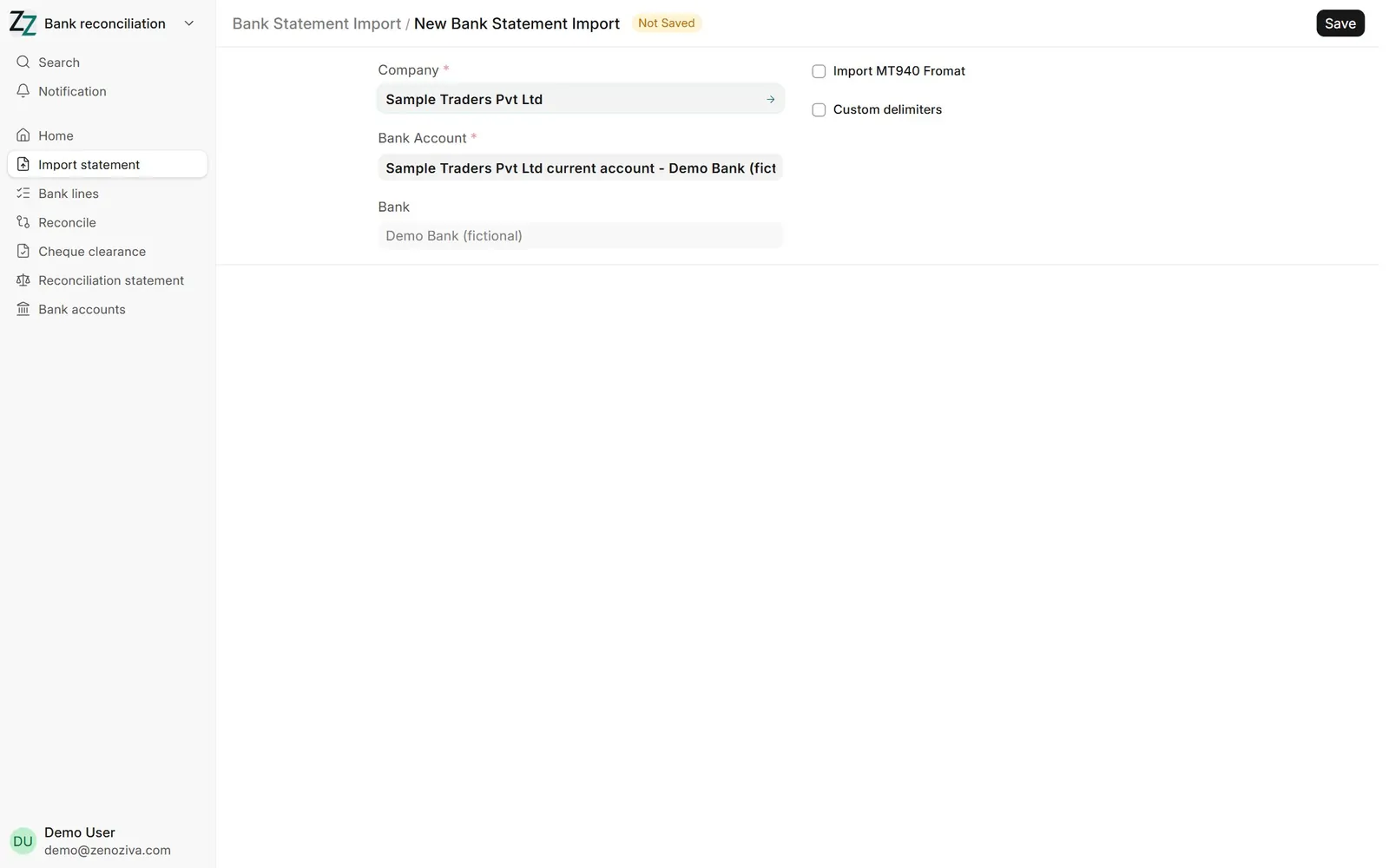
In Bank reconciliation, Import statement takes the bank's Excel or CSV file. Choose the company and bank account, upload, and map the columns once.
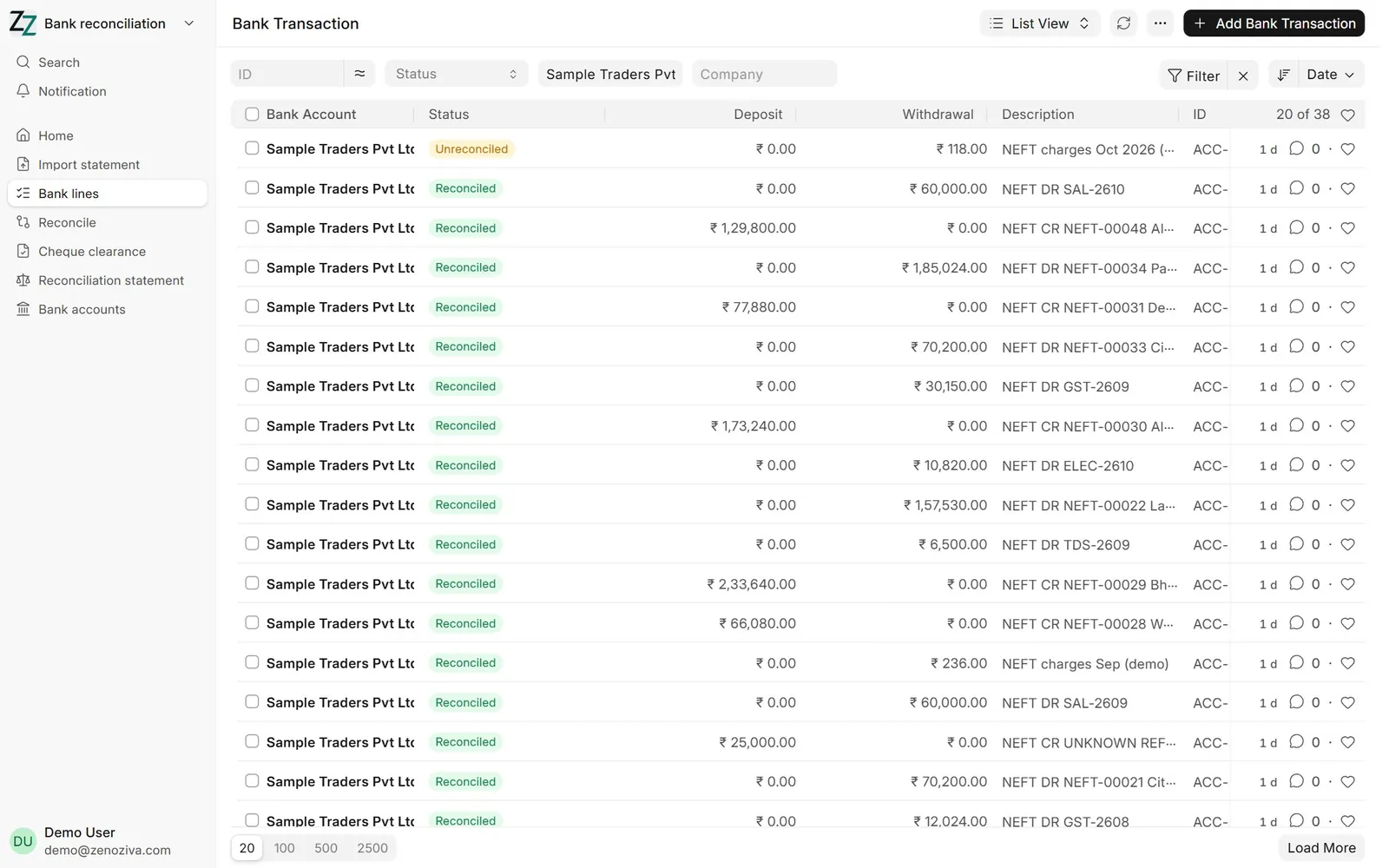
Each statement line becomes a bank line, marked reconciled, or unreconciled.
In Reconcile, choose the company, bank account, dates and the closing balance from the statement. Then Get Unreconciled Entries.
The difference shows what's still open. Match each line to its receipt or payment, or create a voucher for bank charges and interest. Auto Reconcile matches the easy ones in one go.
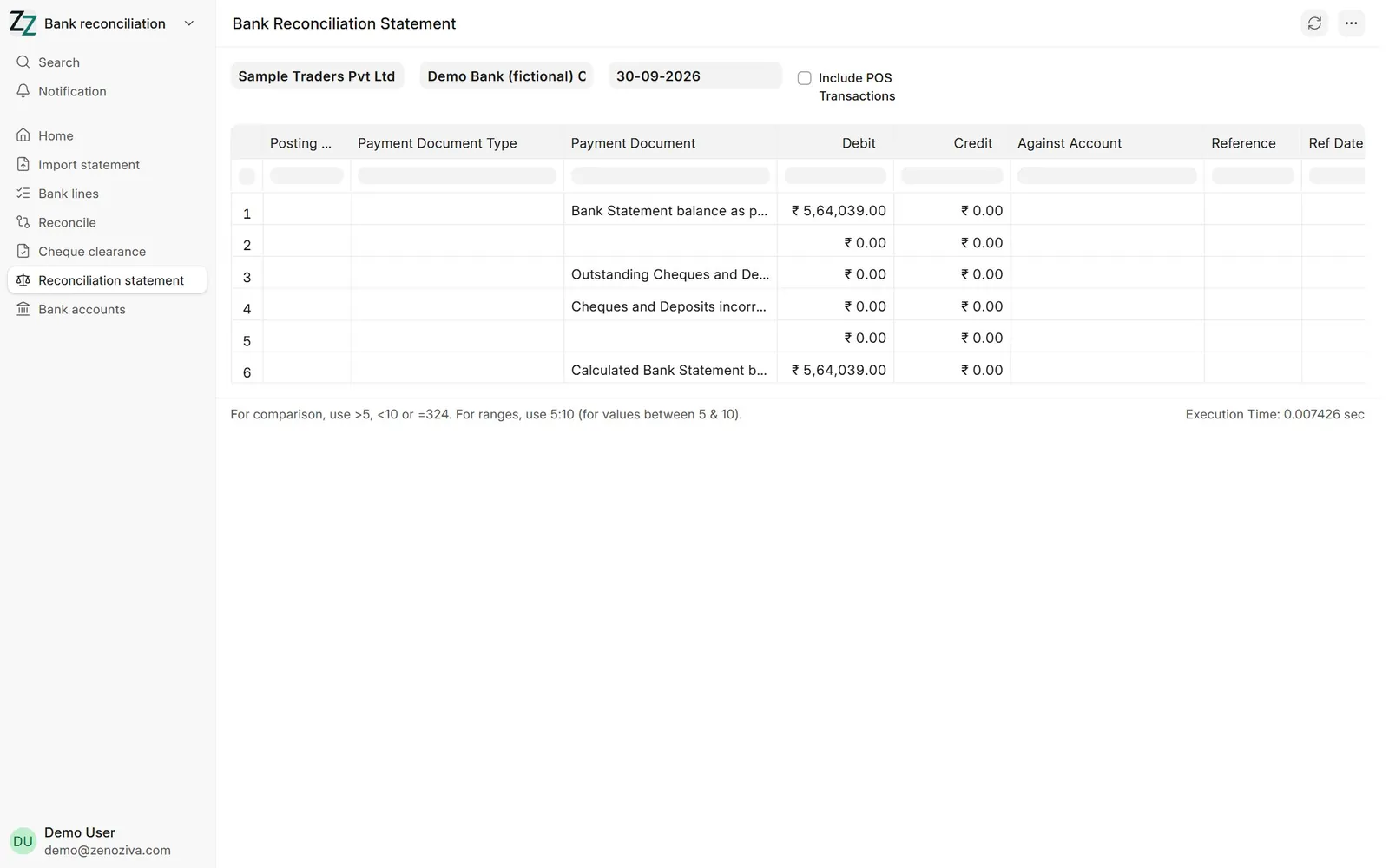
The bank reconciliation statement agrees the books with the bank, as on a date.
That's it! Need a hand? Visit zenoziva.com
Step by step
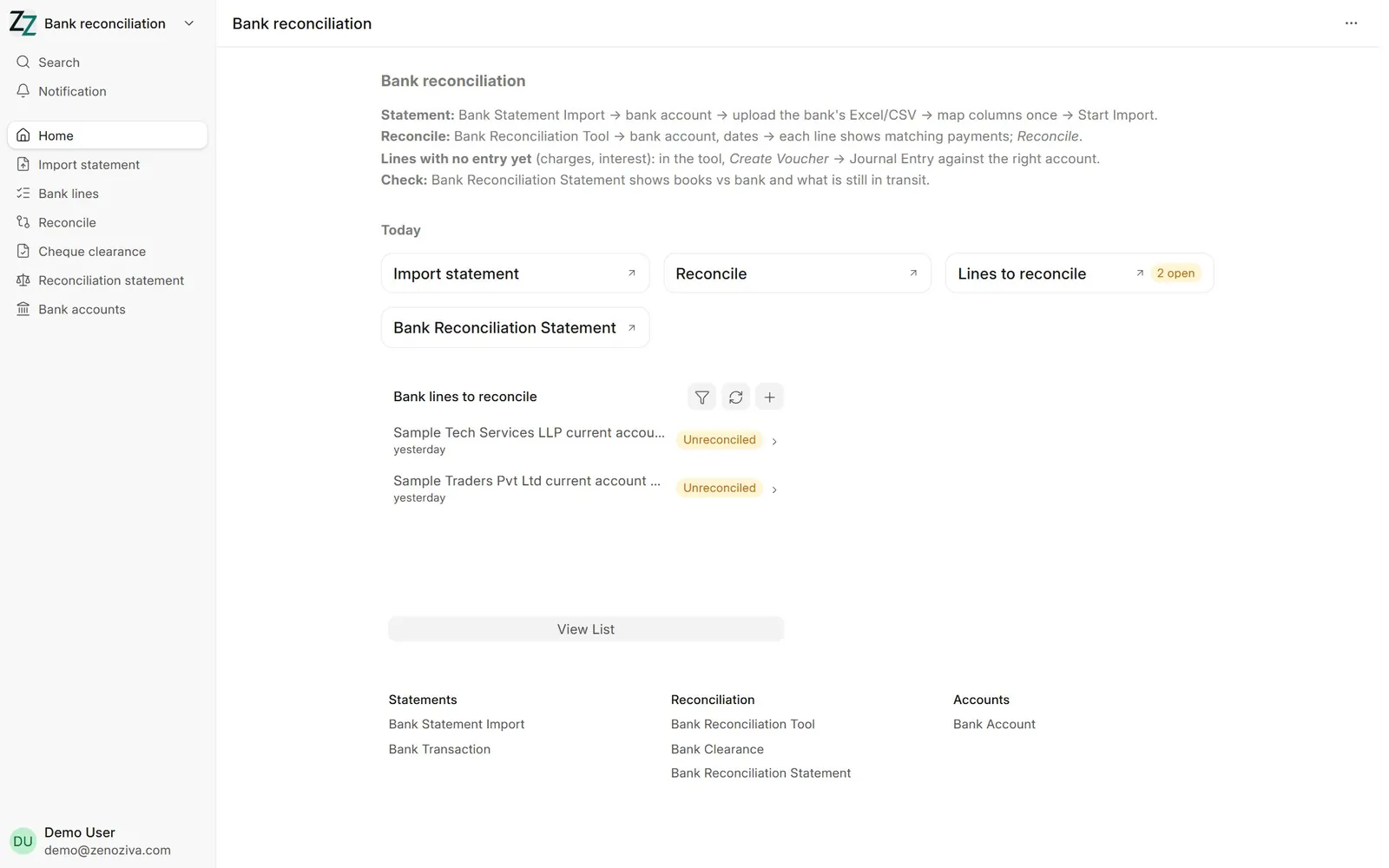
1The Bank reconciliation menu#
Statement import, the lines still to reconcile, the reconciliation tool and the reconciliation statement.
2Import a statement#
Bank Statement Import: choose the company and bank account, upload the bank's Excel or CSV, map its columns once, then start the import.
3Bank lines#
Each statement line becomes a bank transaction, Reconciled or Unreconciled.
4Reconcile#
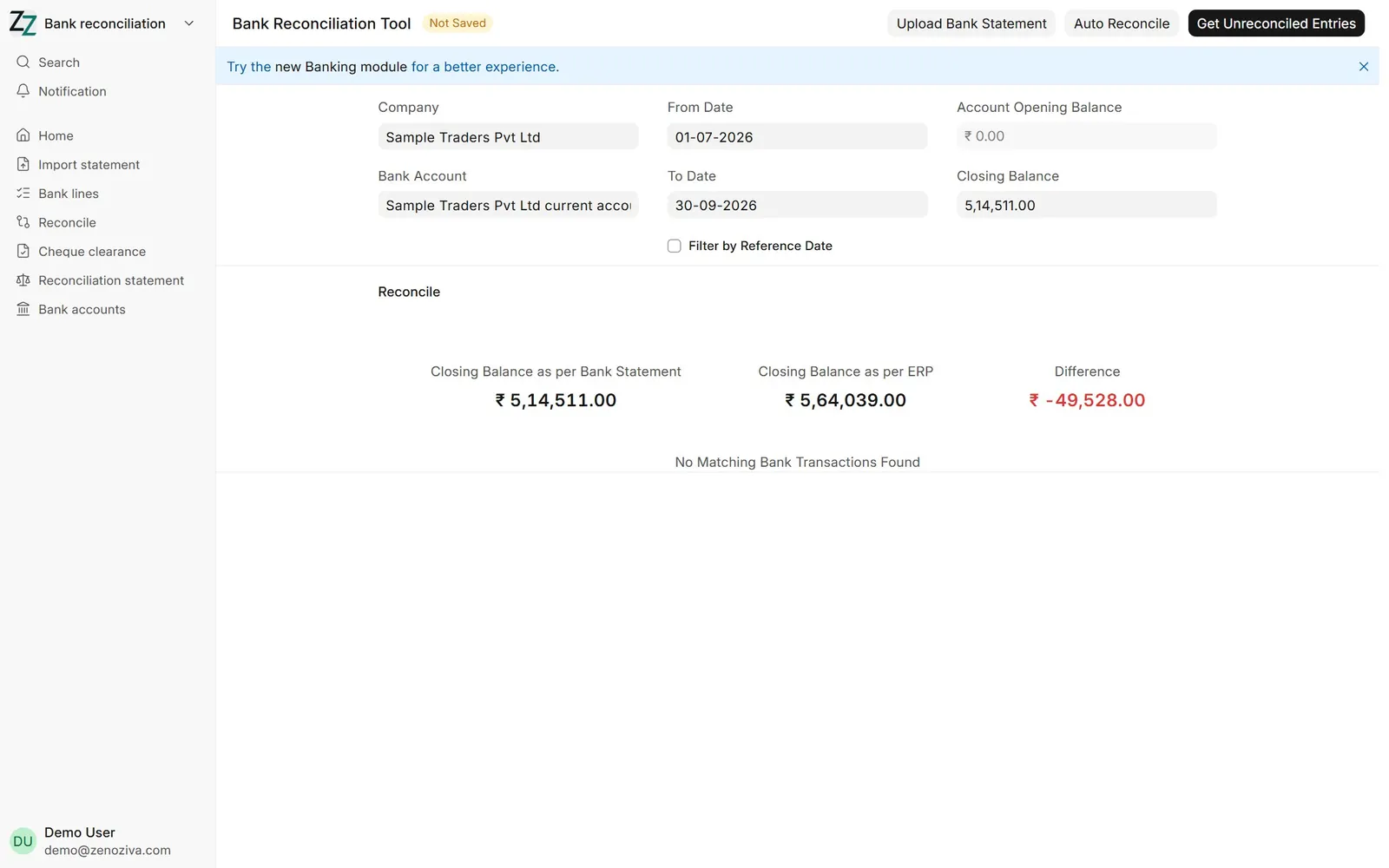
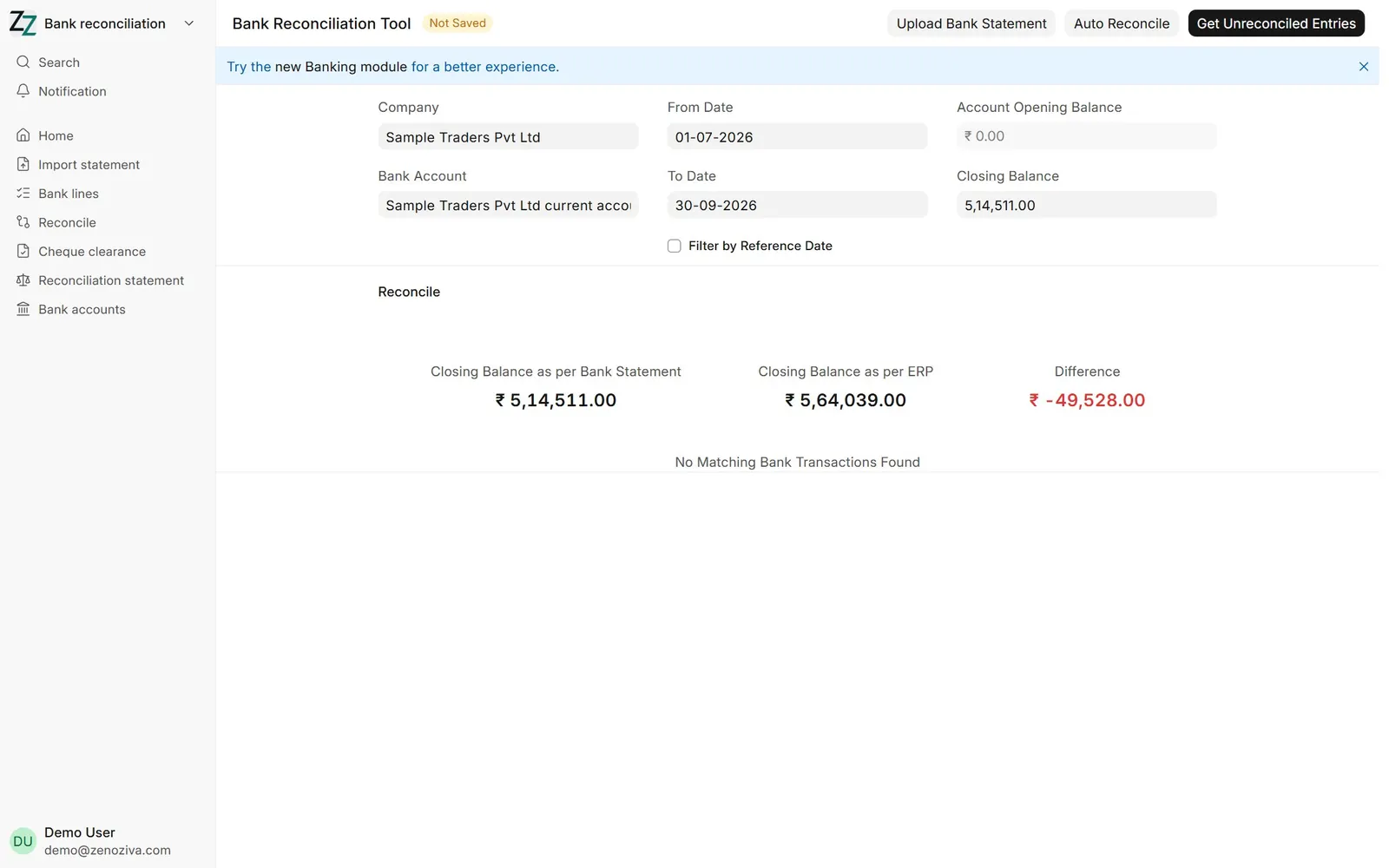
Bank Reconciliation Tool: company, bank account, dates and the closing balance as per the statement, then Get Unreconciled Entries. The difference shows what is still open.
5Open lines#
Here an unknown receipt and the month's bank charges are still to be dealt with. Auto Reconcile matches the straightforward ones in one go.
6Match or create#
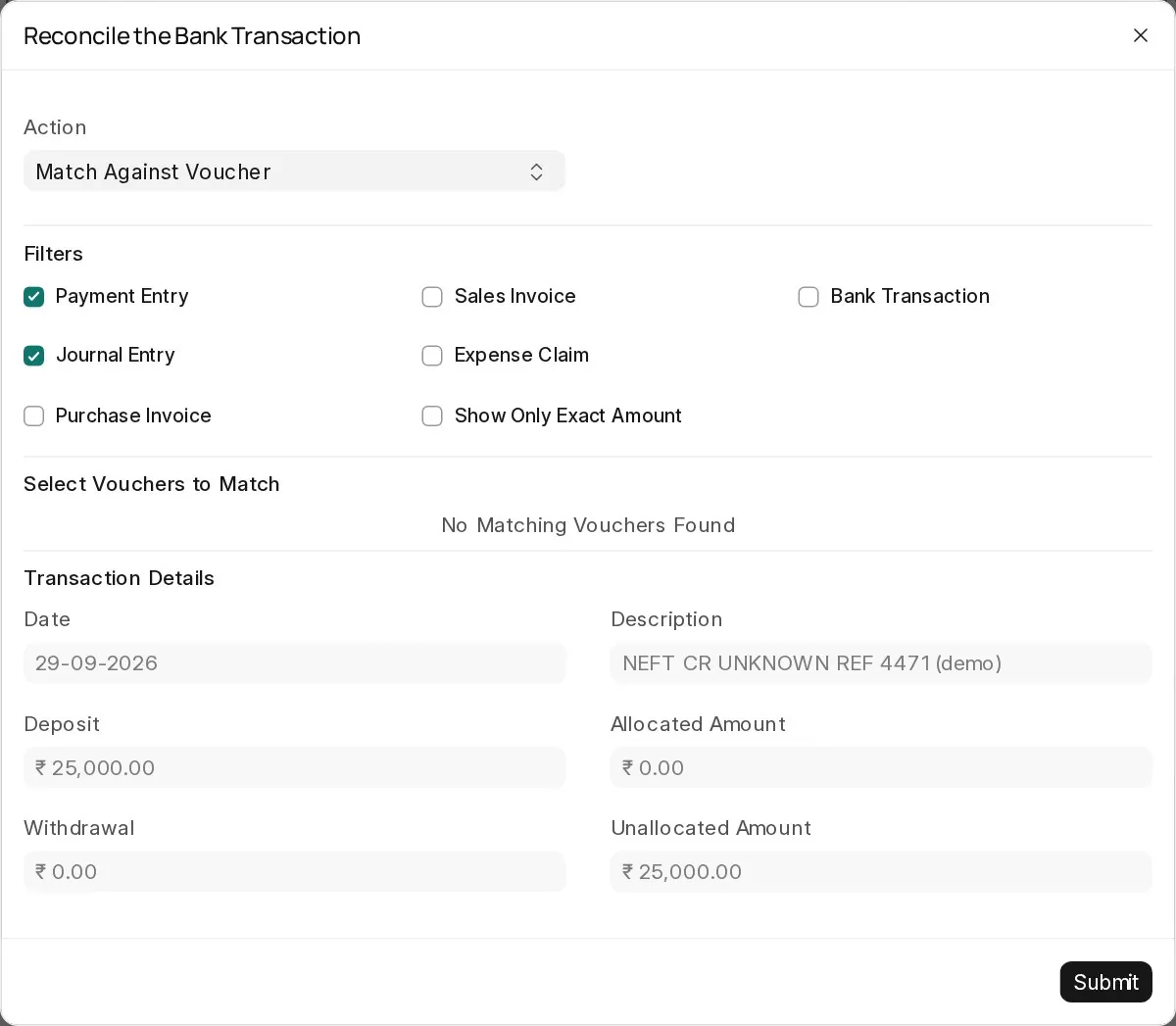
Actions on a line: Match Against Voucher picks the receipt or payment it belongs to; for charges and interest, create a voucher against the right account.
7Bank Reconciliation Statement#
Books balance against bank balance as on a date, with cheques and deposits not yet cleared.