All CA practice menus
- Getting started
- Clients and onboarding
- Bookkeeping
- Bank reconciliation
- GST returns
- TDS
- Month-end and statements
- Your practice: calendar, fees and time
- The client app
Getting started
For: Everyone in the firm
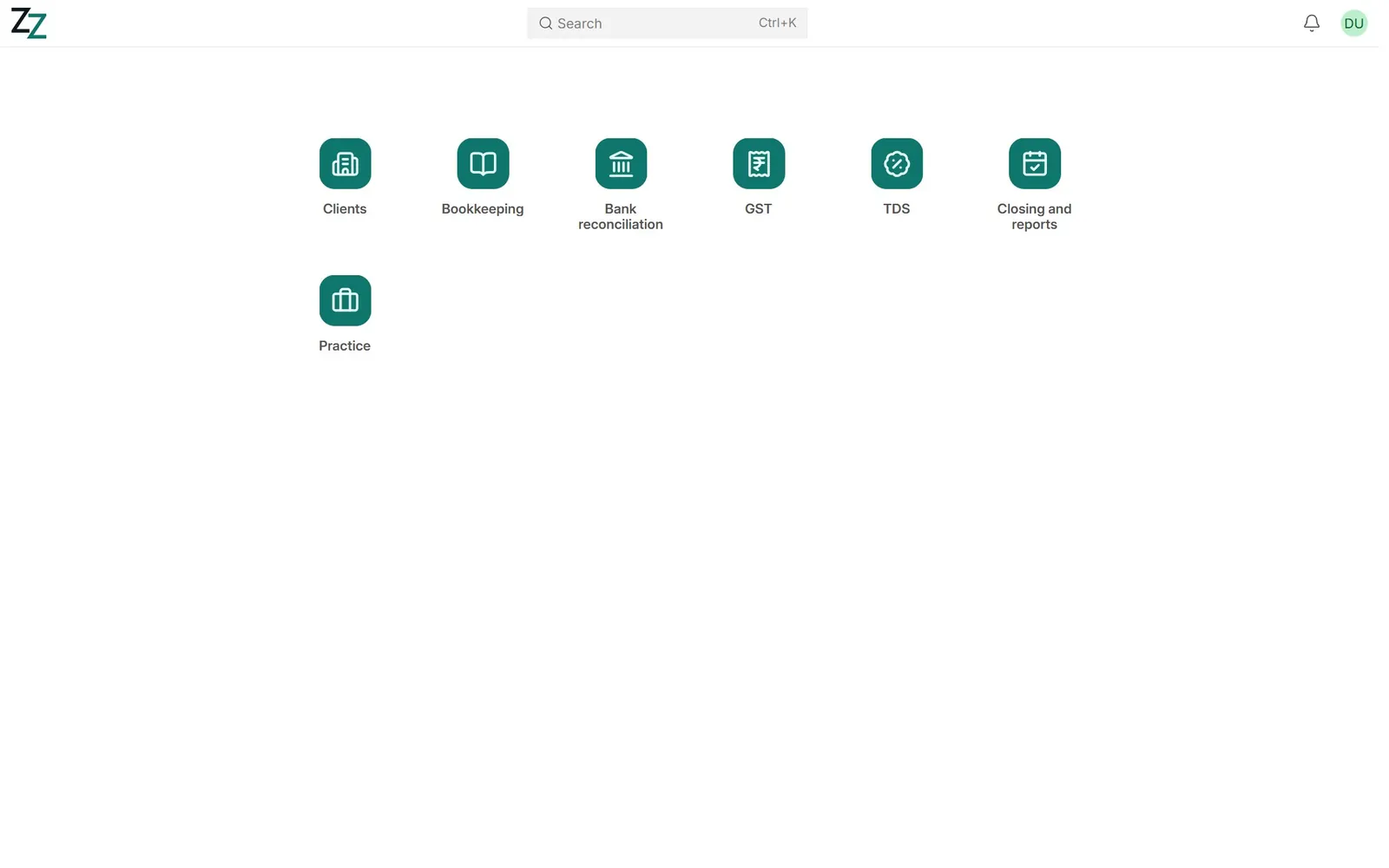
Each person signs in with their own login and sees the menus for their work. Accountants work from seven menus: Clients, Bookkeeping, Bank reconciliation, GST, TDS, Closing and reports, and Practice.
Videos
Find your way around the practice 0:48
Seven menus for the firm's work, and every client on one page.
Transcript
Hi, I'm Zuzu, your Zenoziva guide. Let's take a quick tour of the practice set-up.
Your desktop has seven menus: Clients, Bookkeeping, Bank reconciliation, GST, TDS, Closing and reports, and Practice. Each person sees only the menus for their work.
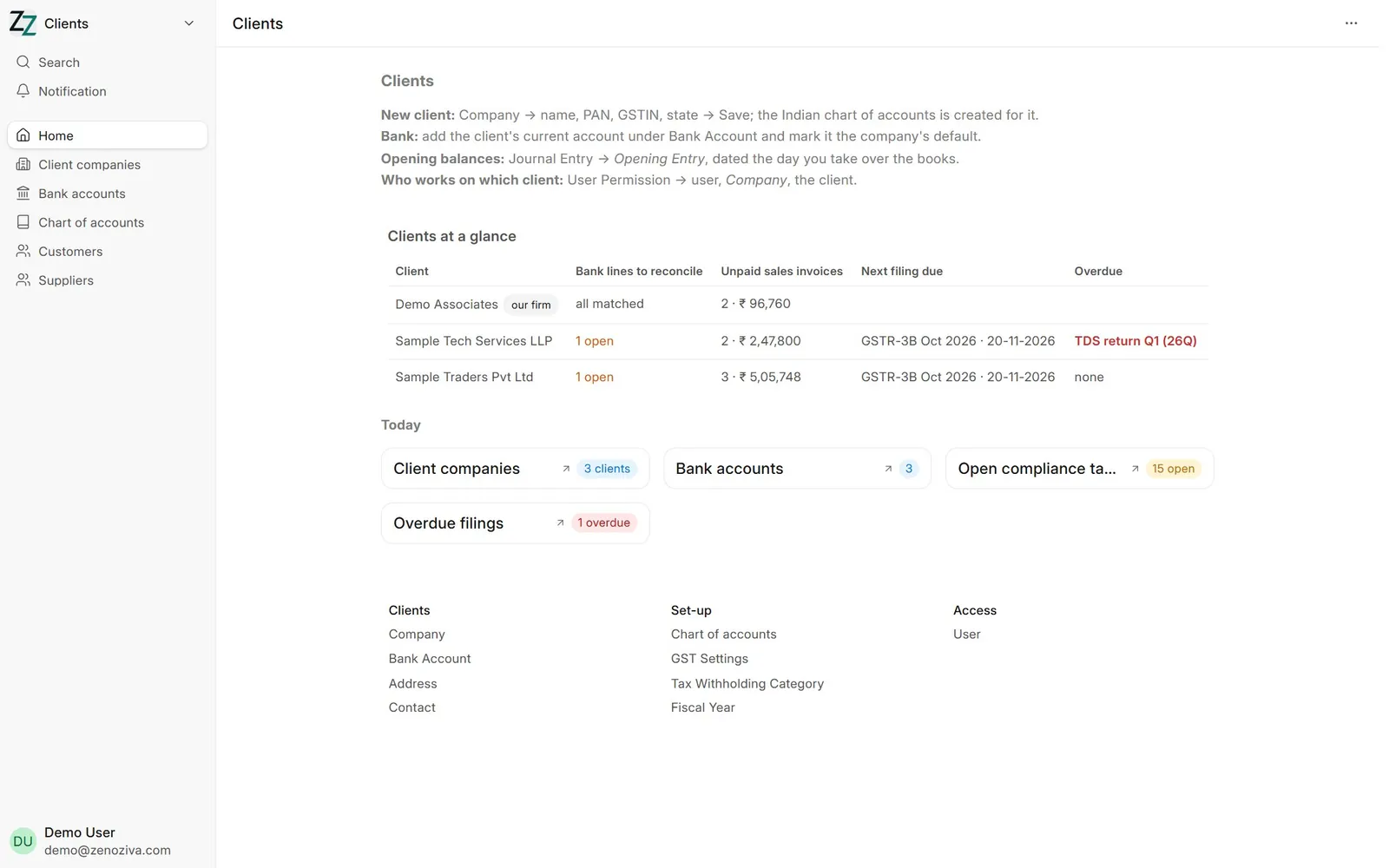
Clients opens with every client in one table: bank lines still to reconcile, unpaid invoices, the next filing due, and anything overdue.
Click any figure to open the records behind it. Here, the overdue filings.
Every list can be filtered, for example by client company, and sorted. Click a row to open it.
That's the tour. Need a hand? Visit zenoziva.com
Step by step
1Sign in#
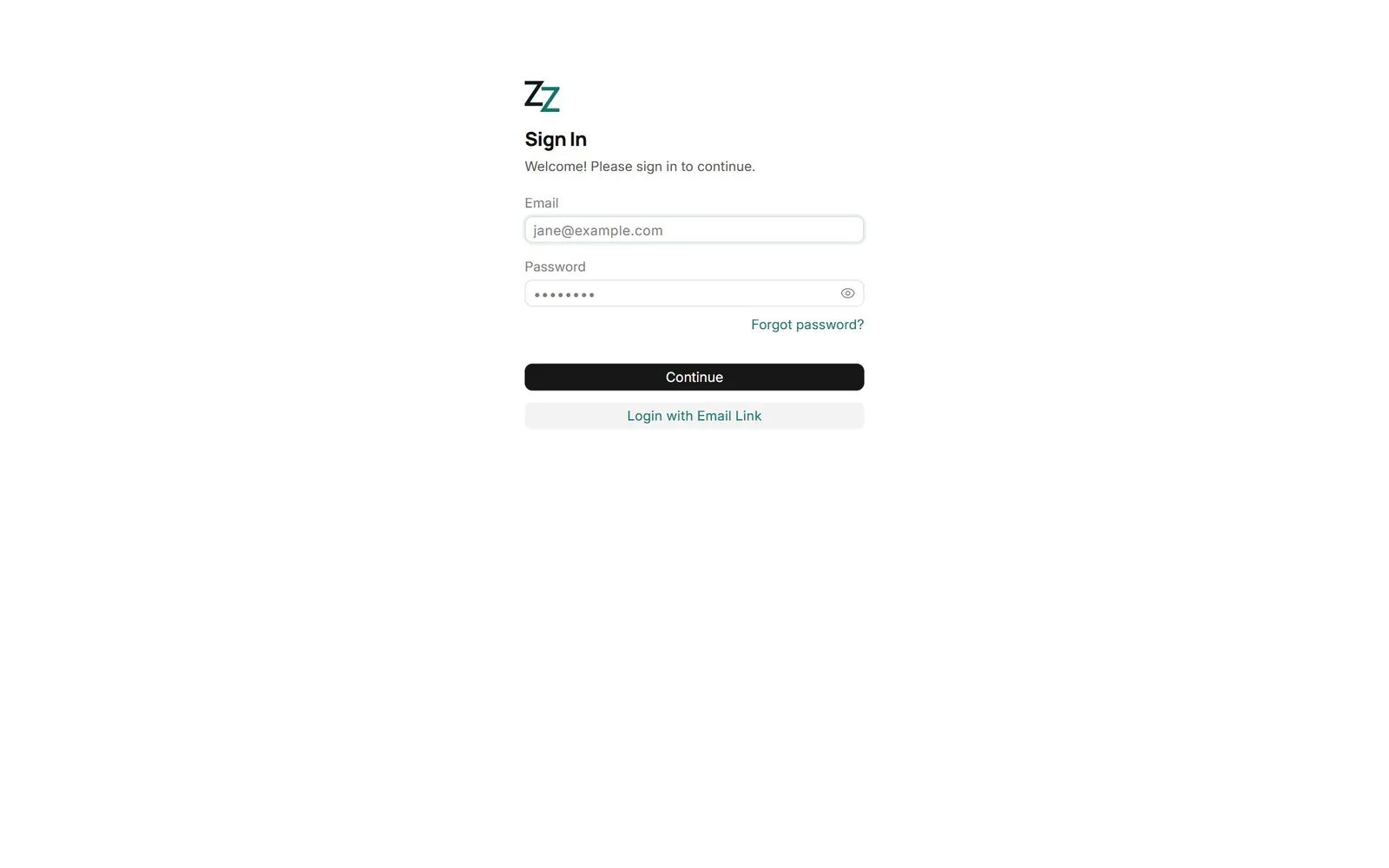
Open your firm's ERP address and sign in with your email and password. Ask your administrator for a login; never share one.
2Your desktop#
One tile per menu you may use. Partners and administrators also see the standard ERP modules; accountants see only the practice menus.
3Clients at a glance#
The Clients menu opens with every client in one table: bank lines still to reconcile, unpaid sales invoices, the next filing due and anything overdue. Click any figure to open the records behind it.
4Lists#
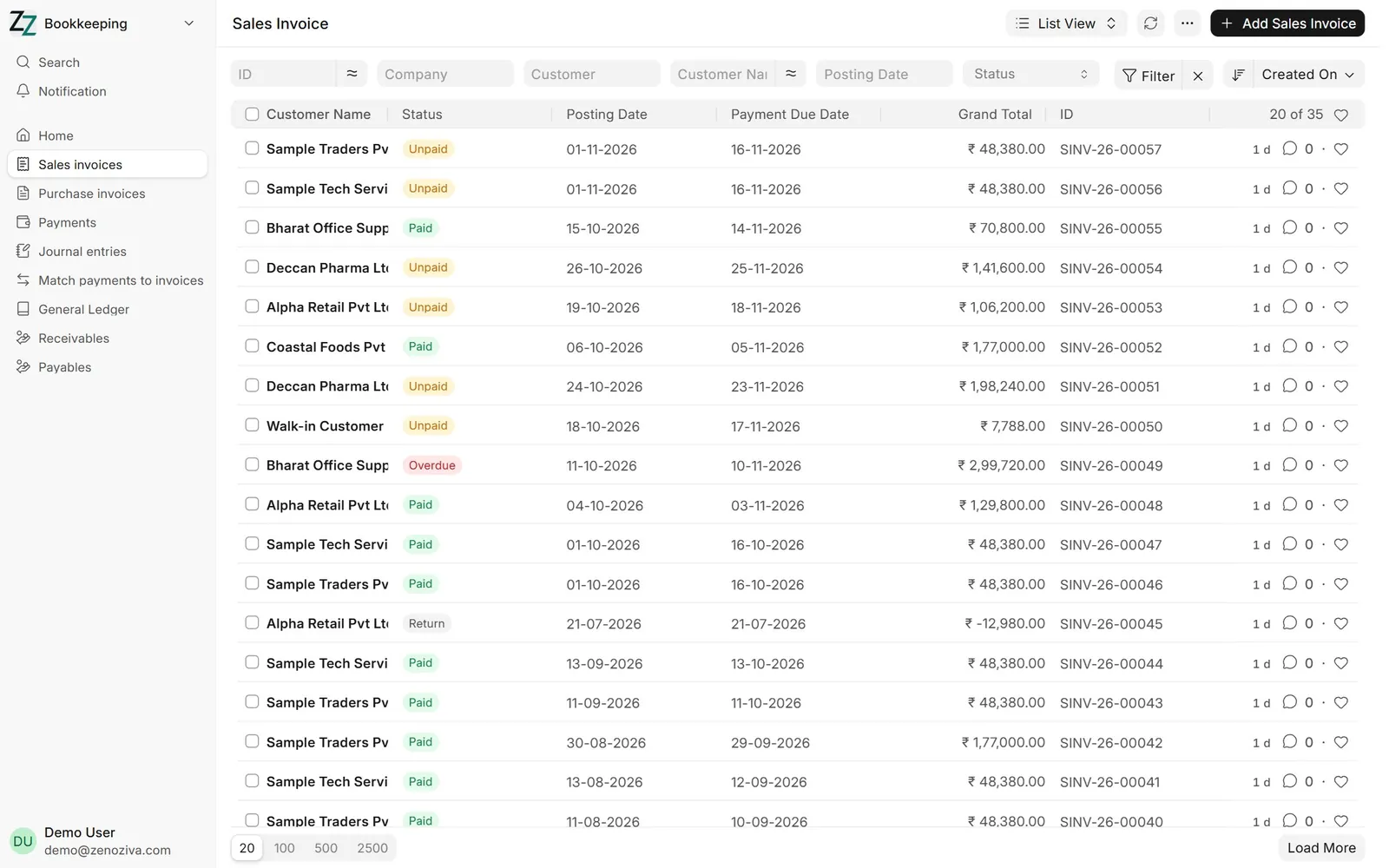
Every list can be filtered (for example by company), sorted and searched. Click a row to open it; + Add creates a new one.