All Pharmacy chain menus
- Getting started
- Medicines, batches and prices
- Central buying
- The distribution centre
- The store counter
- Schedule H and H1
- Expiry and returns
- The numbers
- The store app
Central buying
For: Buyers, DC receiving
The DC buys for the whole chain. Its reorder levels raise purchase requests; buyers turn them into orders per distributor; the DC receives the goods with their batch details.
New here? Start with Getting started.
Step by step
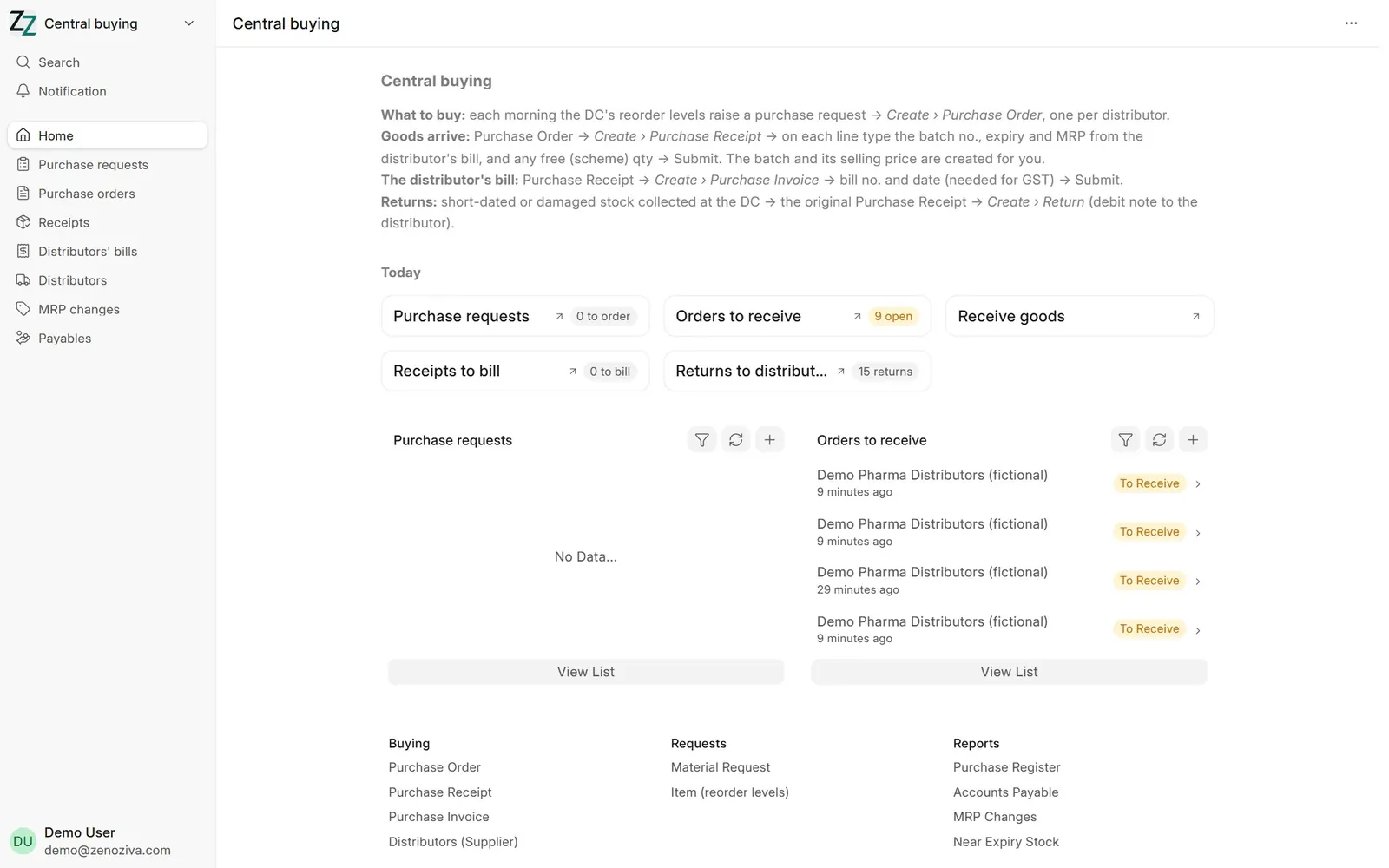
1Central buying#
Purchase requests waiting, orders to receive, receipts to bill and returns to distributors, with live counts.
2Purchase request#
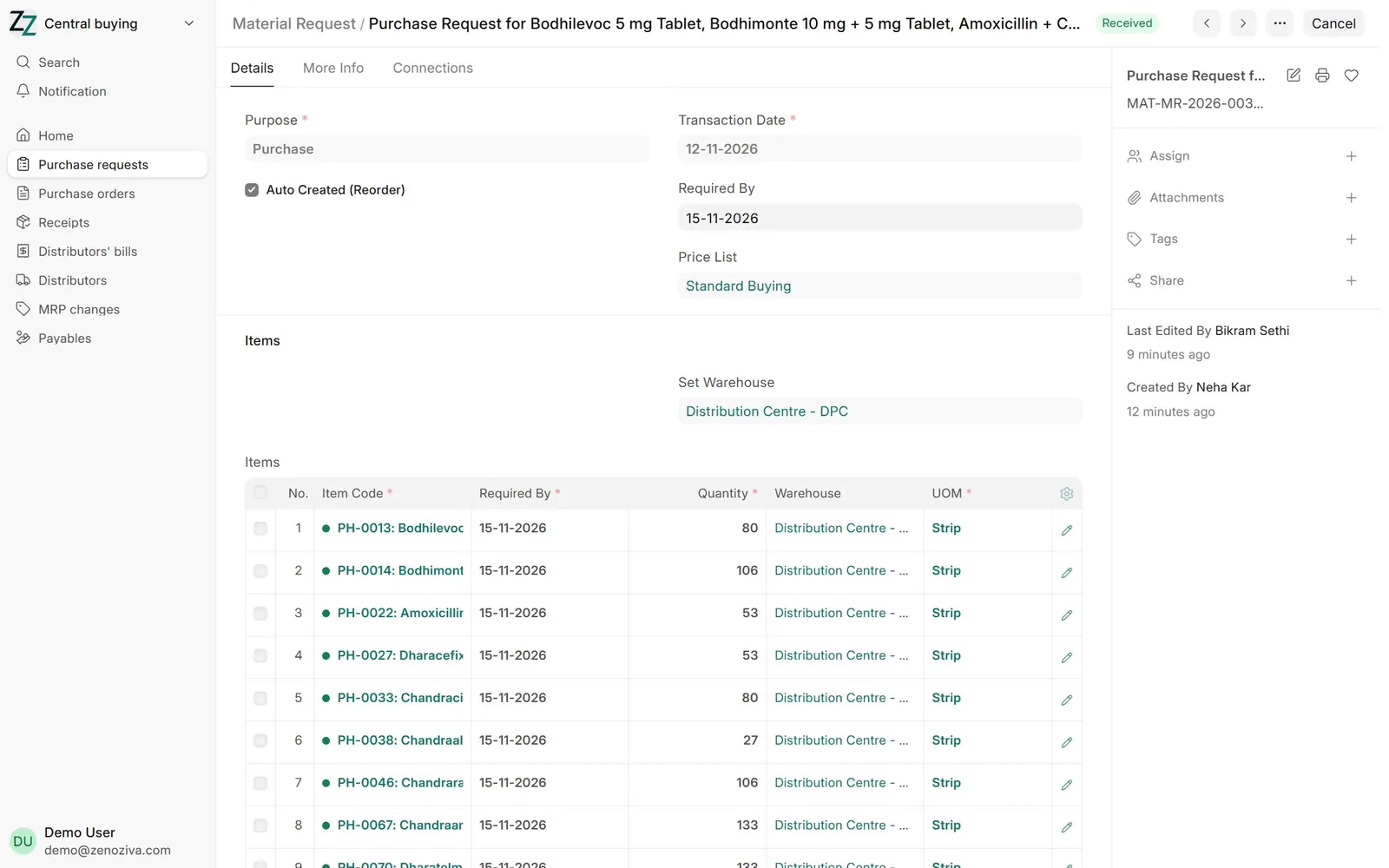
Each morning the DC's reorder levels (Item › Reorder Levels) raise a purchase request for what is running low.
3Purchase order#
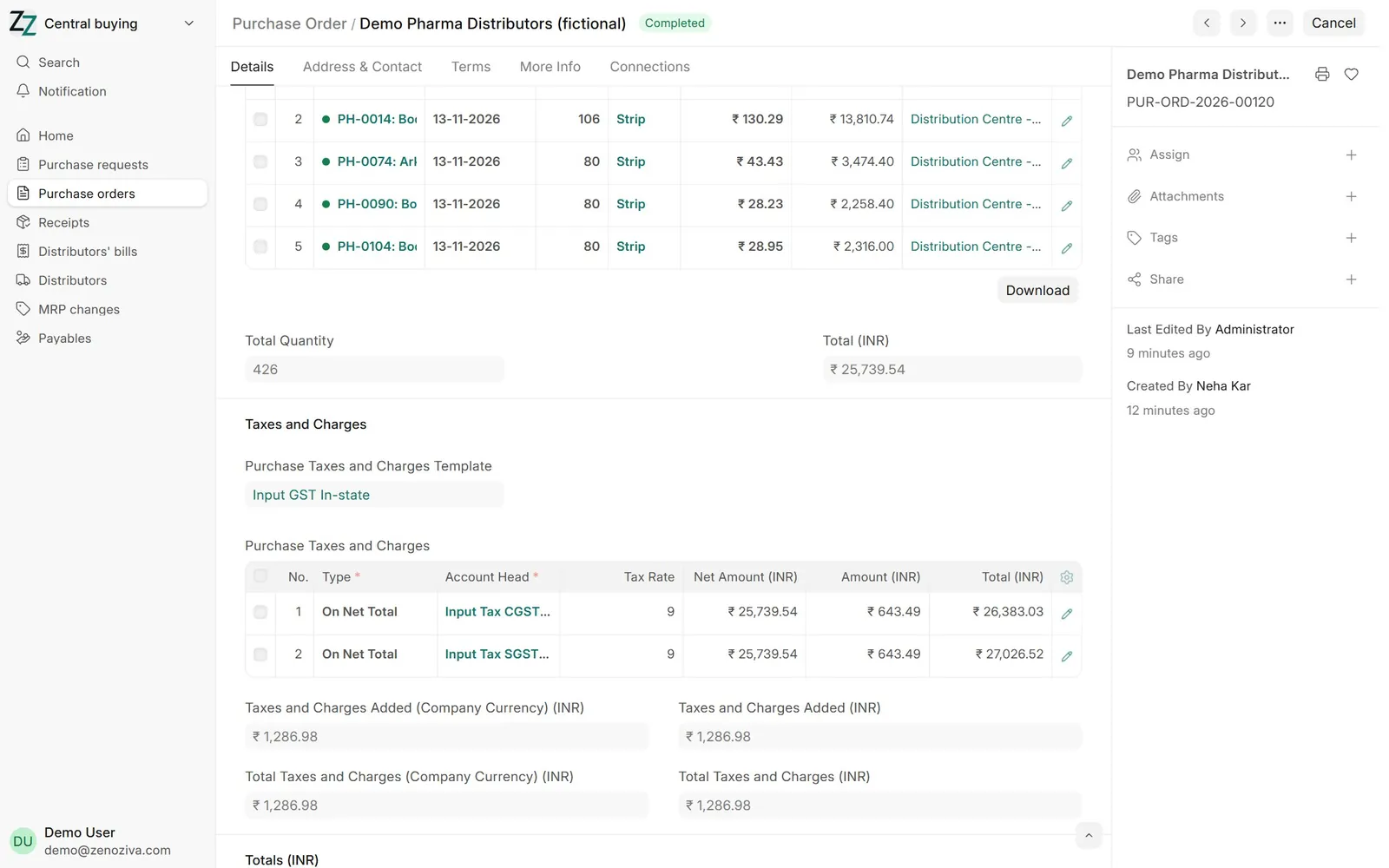
From the request, Create › Purchase Order, one per distributor, at the distributor's rate (price to retailer).
4Receiving goods#
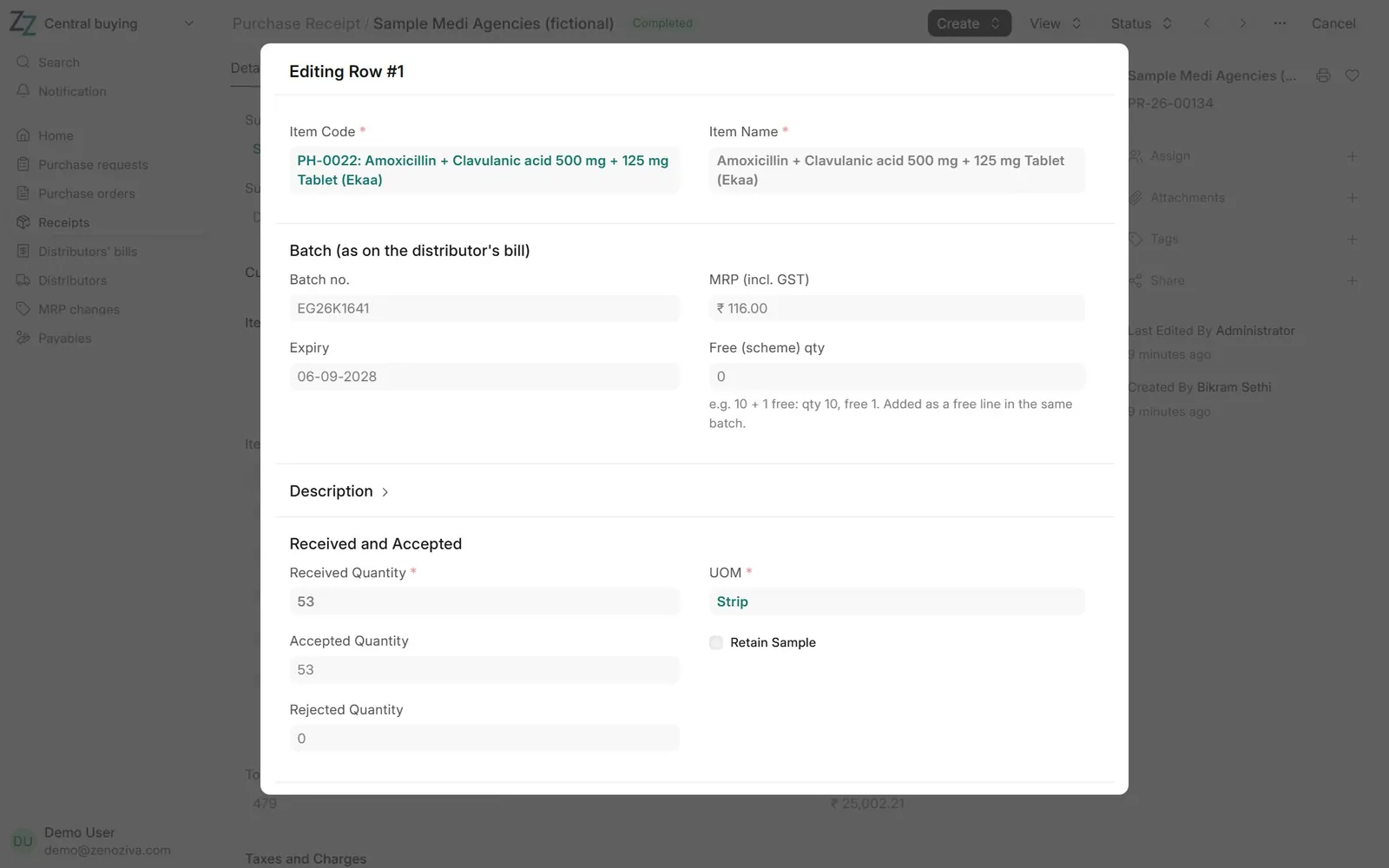
From the order, Create › Purchase Receipt. On each line type what the distributor's bill says: Batch no., Expiry, MRP (incl. GST) and any Free (scheme) qty ("10 + 1"). On save the batch is created and the free quantity becomes a free line in the same batch, so the cost per strip comes down by itself. An expired batch is refused.
5The distributor's bill#
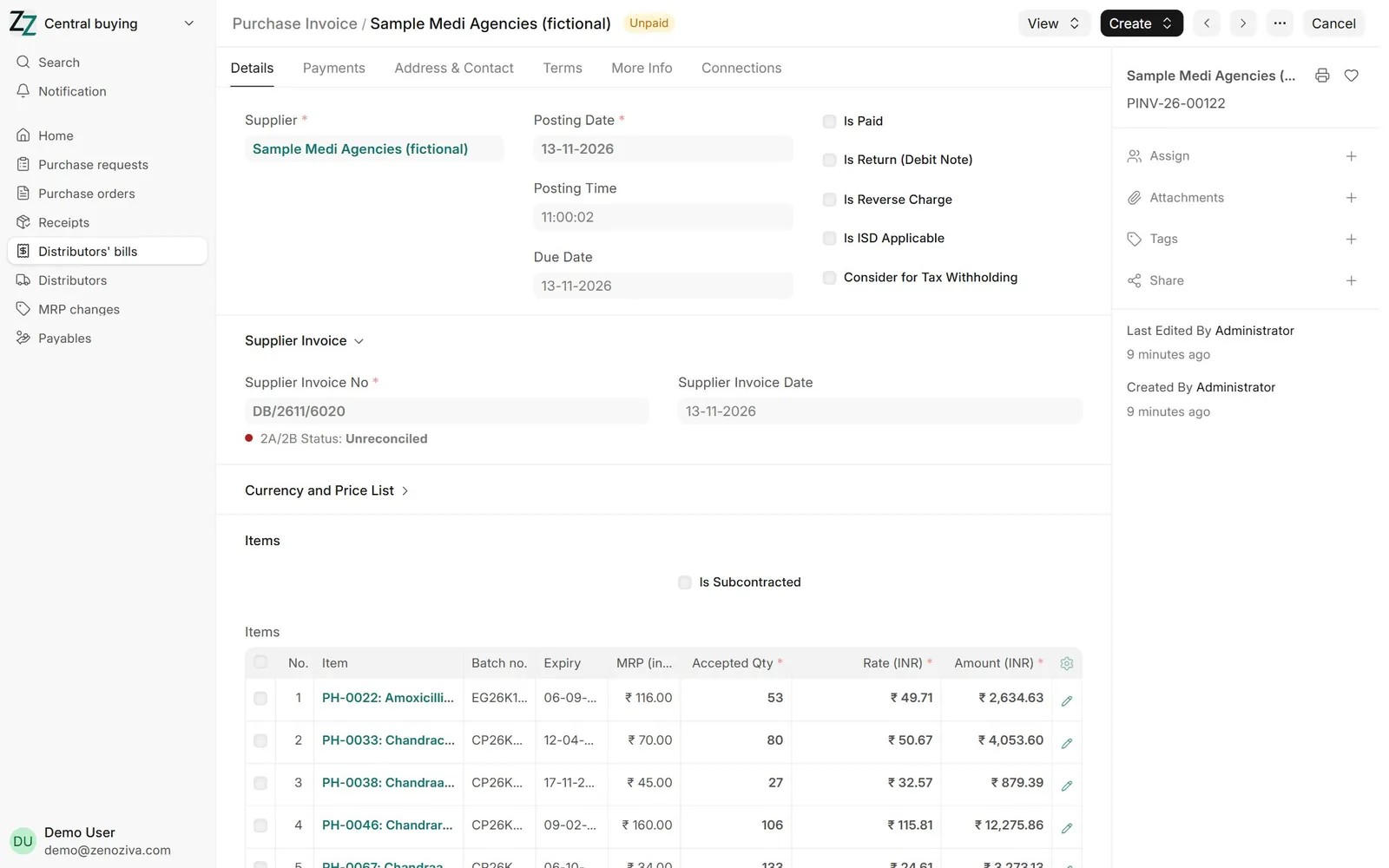
From the receipt, Create › Purchase Invoice: the distributor's bill no. and date (needed for GST input credit). It is paid from the bank when due.
6Returns to the distributor#
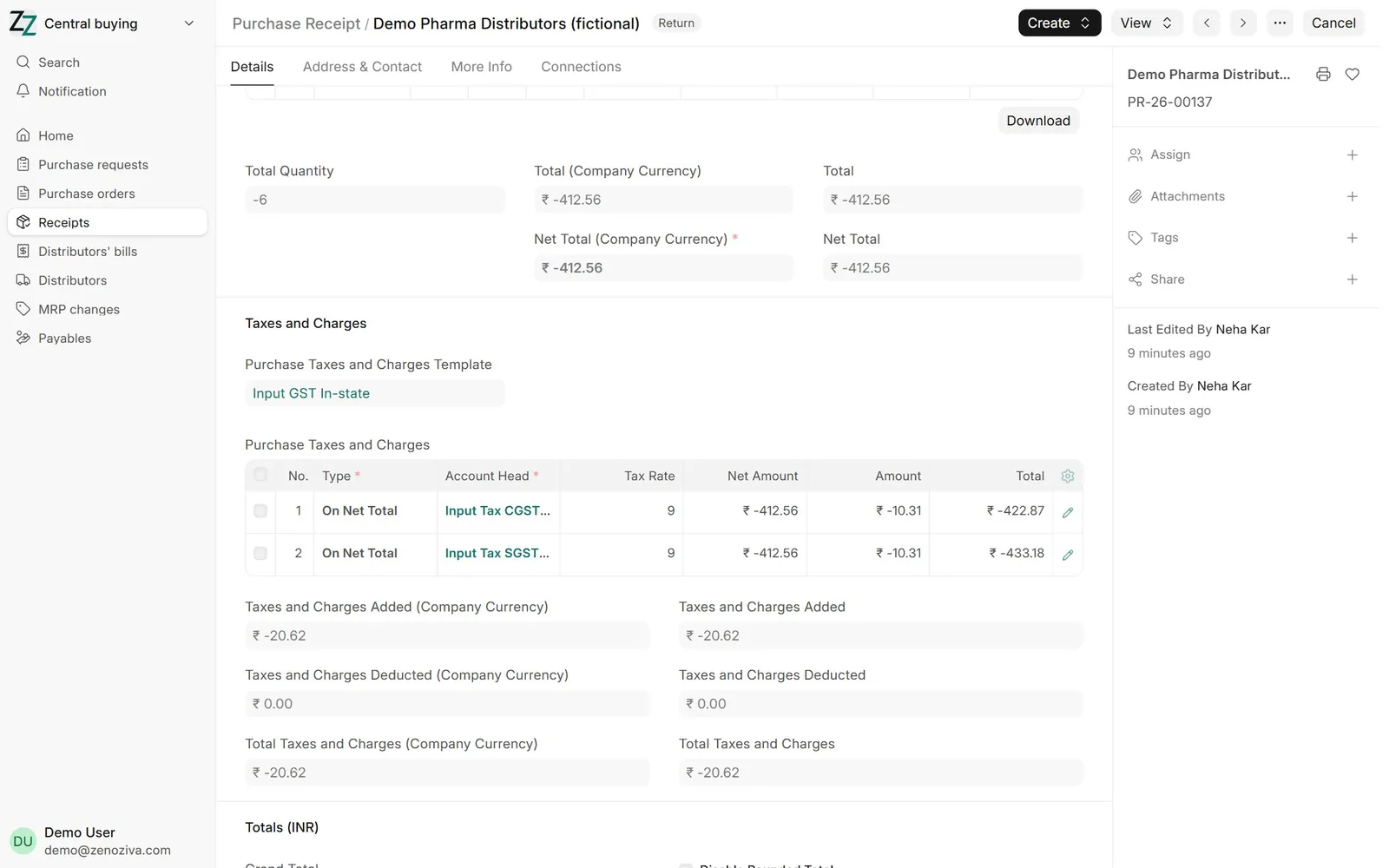
Short-dated stock collected at the DC goes back before it expires: the original receipt › Create › Return, the batches and quantities going back. This is the debit note to the distributor.