All Pharmacy chain menus
- Getting started
- Medicines, batches and prices
- Central buying
- The distribution centre
- The store counter
- Schedule H and H1
- Expiry and returns
- The numbers
- The store app
Schedule H and H1
For: Pharmacists, store managers, head office
The prescription details are recorded on the bill itself, and the H1 register is built from the bills.
New here? Start with Getting started.
Step by step
1No prescription, no bill#
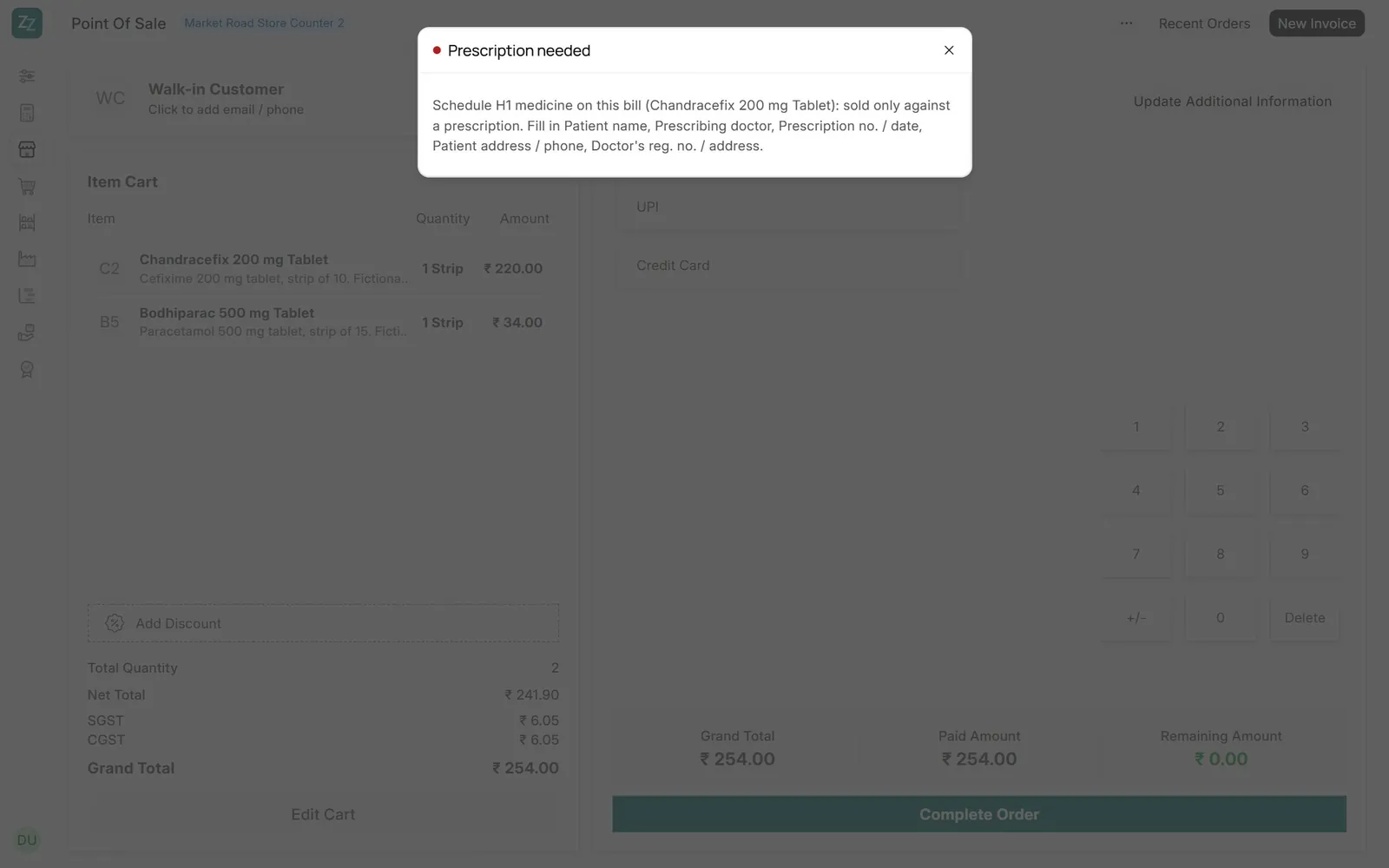
A bill with a scheduled medicine and no prescription details cannot be completed: the message names the medicine and the fields still to fill.
2Schedule H1 Register#
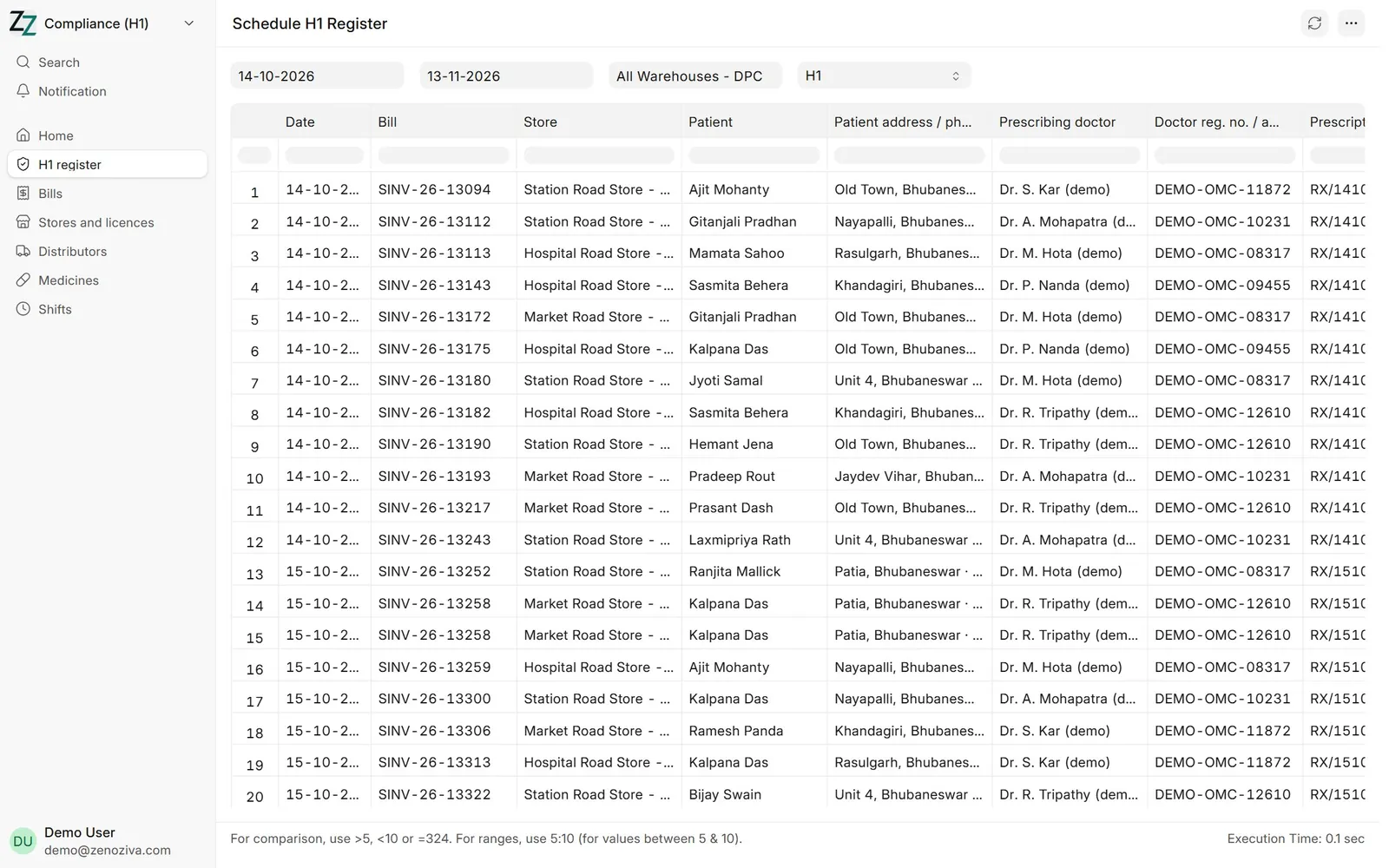
Date, bill, store, patient and address, prescribing doctor and reg. no., prescription, medicine, batch, quantity and pharmacist, for any period and store. Print or export it for an inspection. Choose H, X or all three for the other registers.
3Licences#
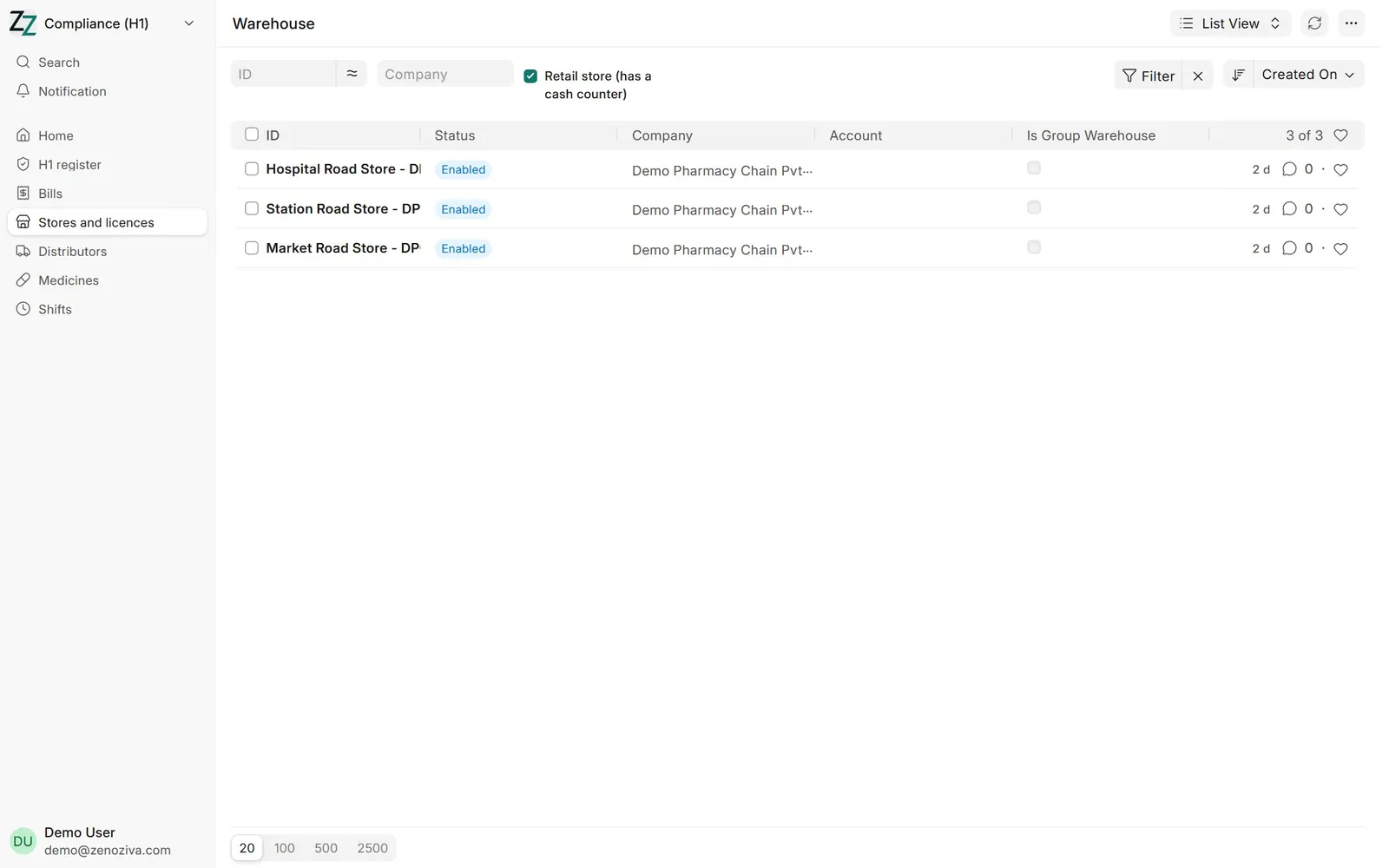
Compliance › Stores and licences lists every store; open one for its drug licence, validity and registered pharmacist (see 1.4). Distributors' licences are on the Supplier.