All Pharmacy chain menus
- Getting started
- Medicines, batches and prices
- Central buying
- The distribution centre
- The store counter
- Schedule H and H1
- Expiry and returns
- The numbers
- The store app
Getting started
For: Everyone
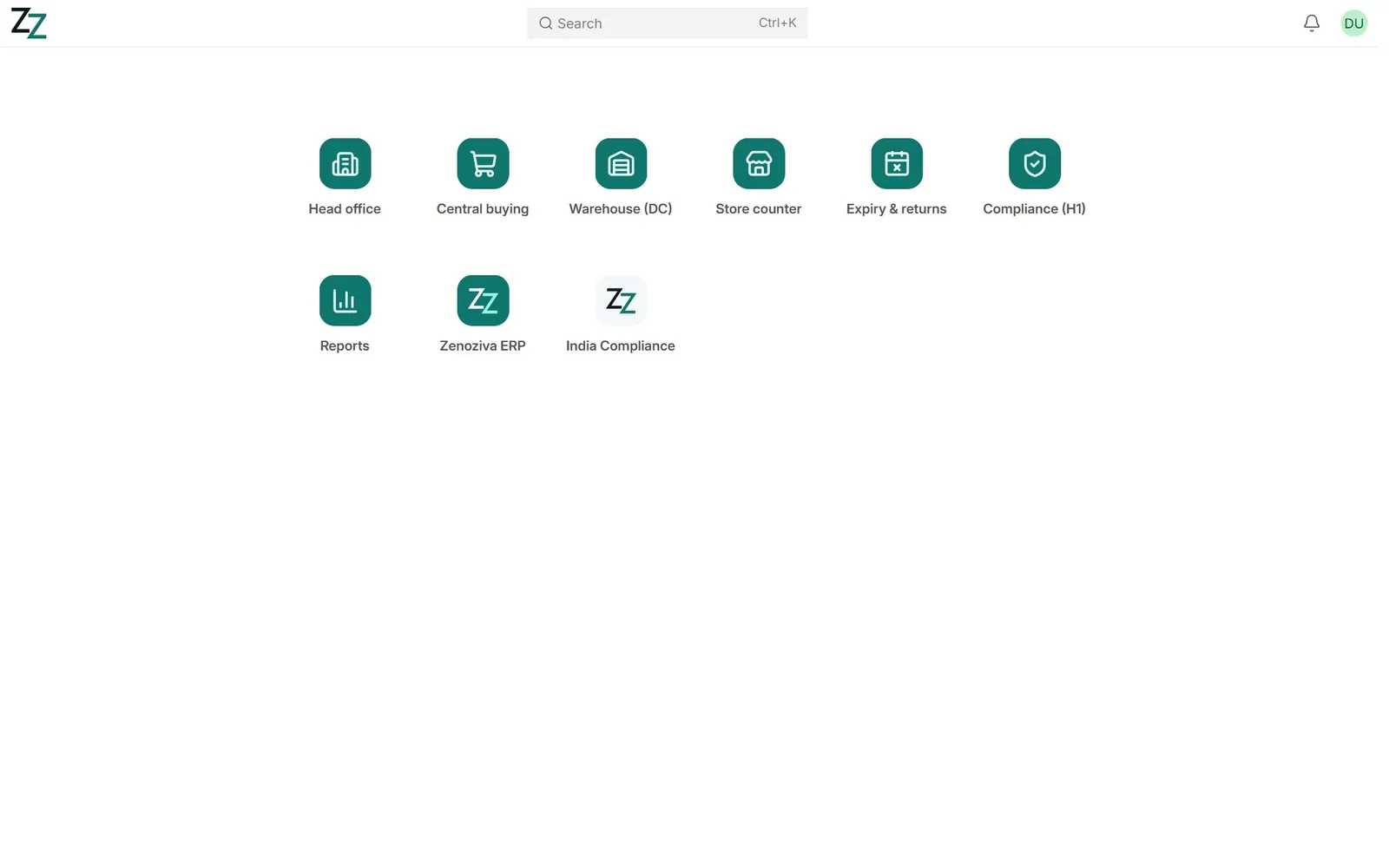
Each person signs in with their own login and sees the menus for their work: Head office, Central buying, Warehouse (DC), Store counter, Expiry & returns, Compliance (H1) and Reports.
Step by step
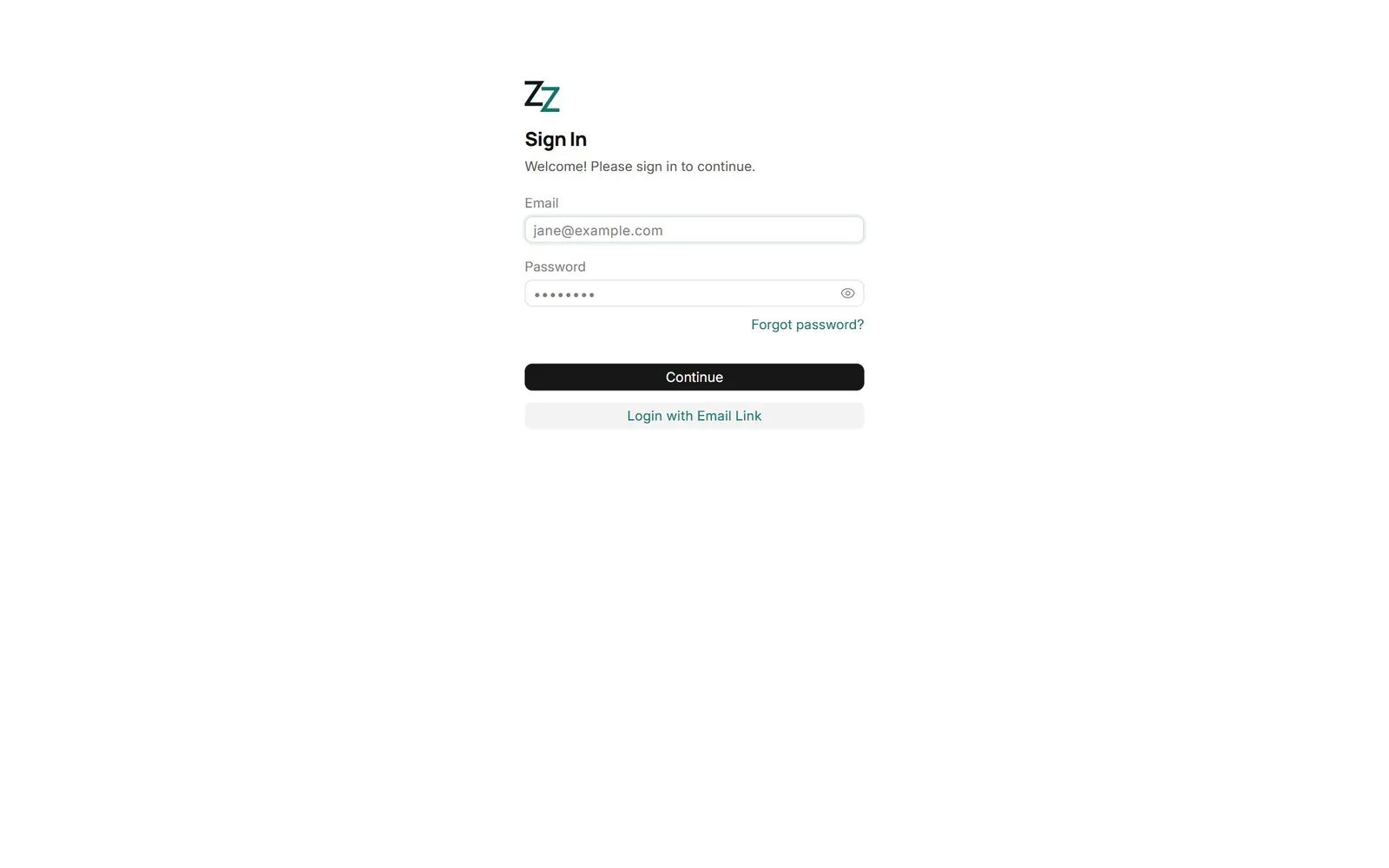
1Sign in#
Open your chain's ERP address and sign in with your email and password. Never share a login: bills, receipts and the H1 register record who did what.
2Your desktop#
One tile per menu you may use. A pharmacist sees the counter and compliance menus; head office also sees the standard ERP modules.
3Stores at a glance#
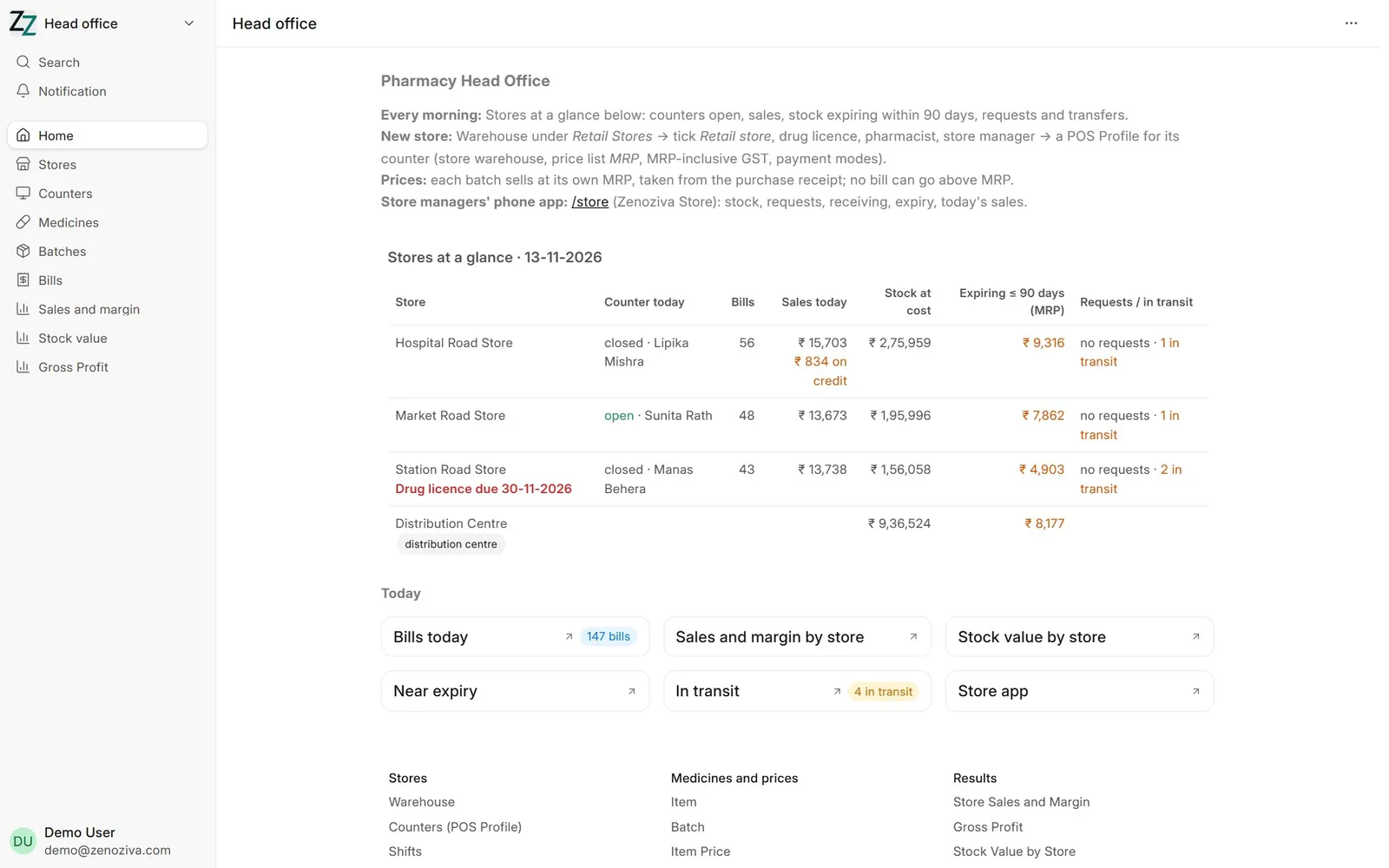
Head office opens with every store and the DC in one table: is the counter open and who is the pharmacist on duty, bills and sales today, stock at cost, stock expiring within 90 days, open stock requests and transfers on the way. A drug licence due within 60 days is flagged in red. Click any figure for the records behind it.
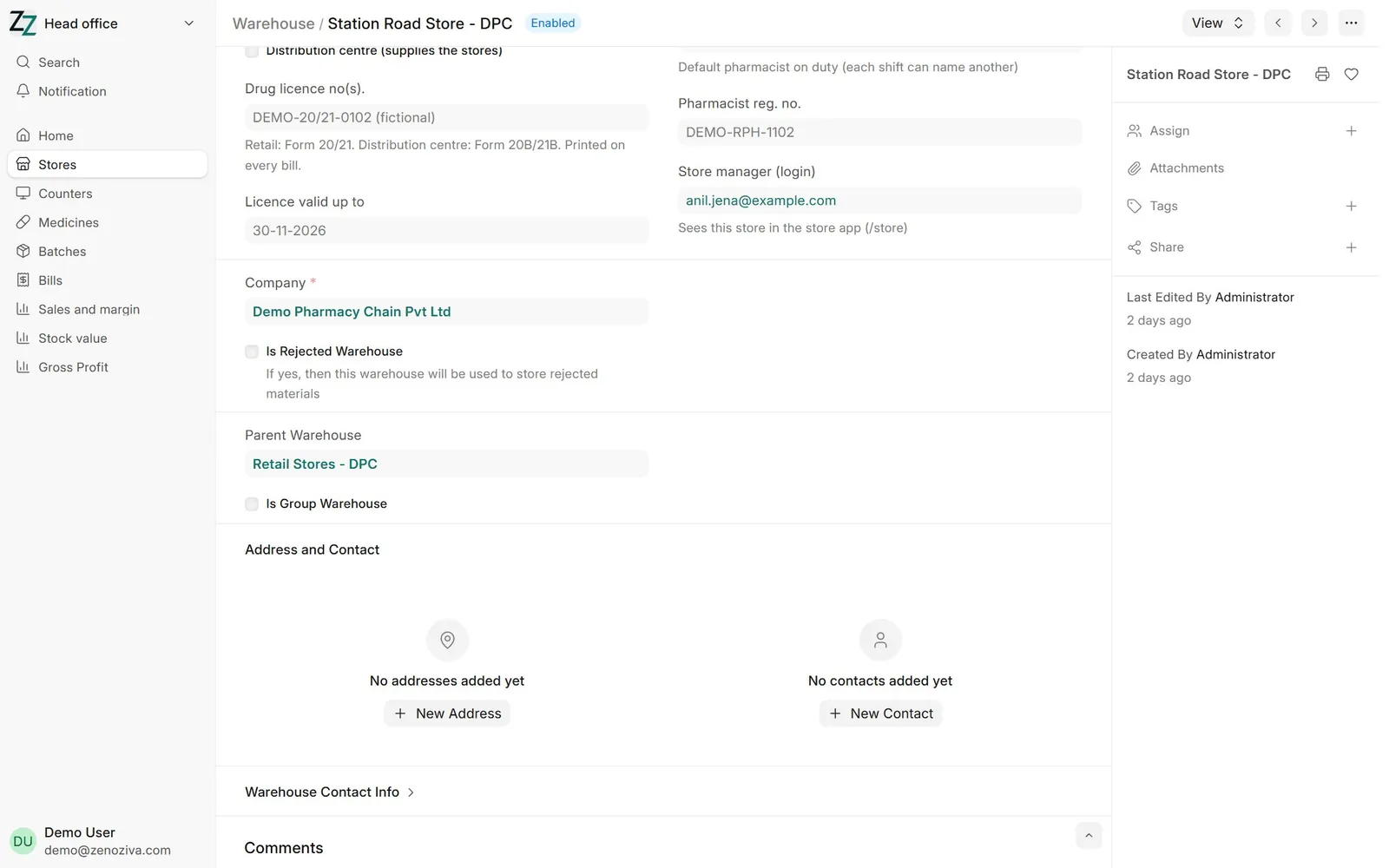
4A store#
Each store is a warehouse ticked as a retail store, with its drug licence and validity, registered pharmacist and the store manager's login. The bill prints the licence and the pharmacist from here.