All Pharmacy chain menus
- Getting started
- Medicines, batches and prices
- Central buying
- The distribution centre
- The store counter
- Schedule H and H1
- Expiry and returns
- The numbers
- The store app
Expiry and returns
For: Store managers, DC, buying
Expiry is managed every week: sell the earliest first, send short-dated stock back while the distributor still takes it, and write off what has expired.
New here? Start with Getting started.
Step by step
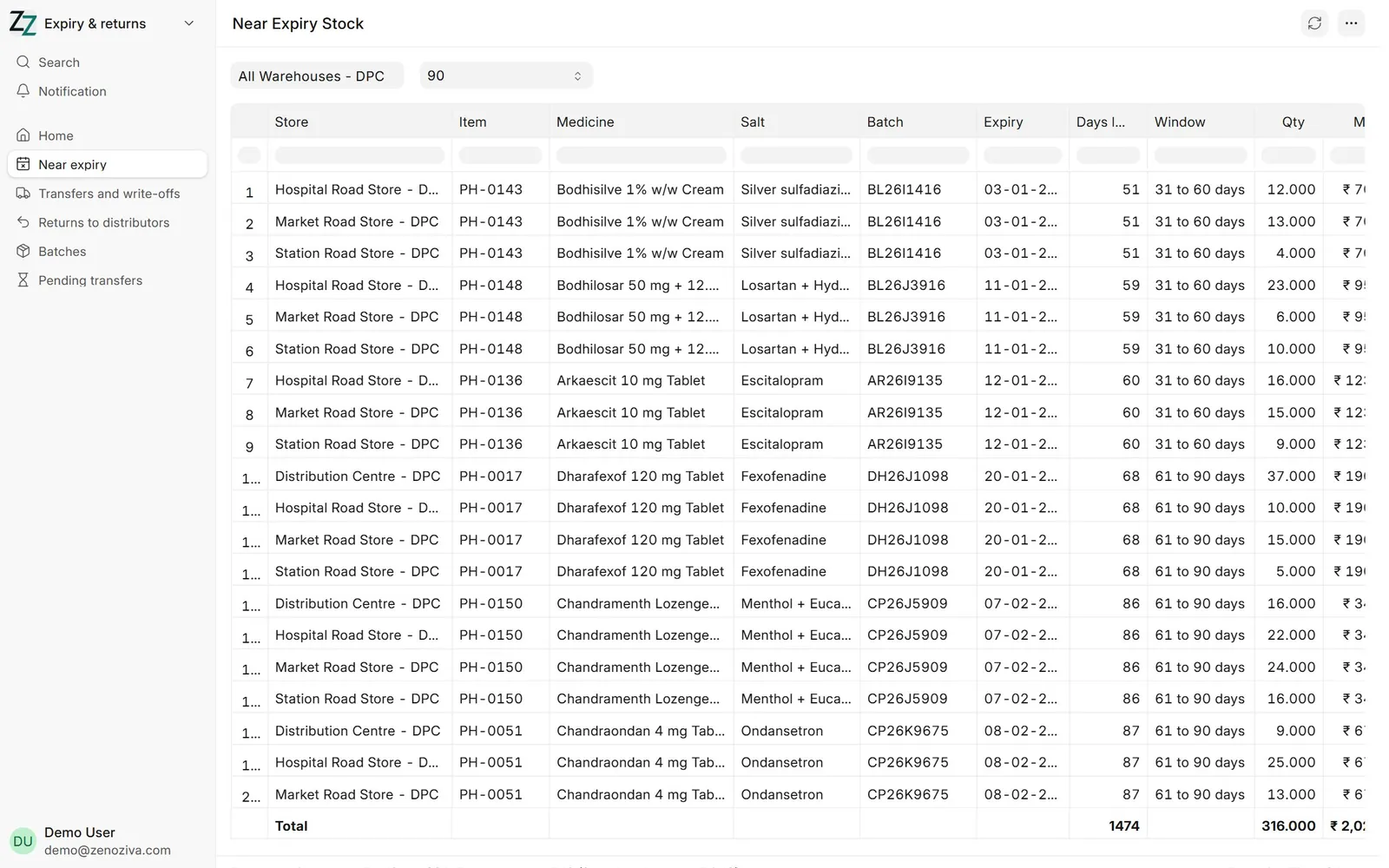
1Near Expiry Stock#
Every batch expiring within 90, 60 or 30 days, by store, with its value at MRP and at cost and the distributor who supplied it.
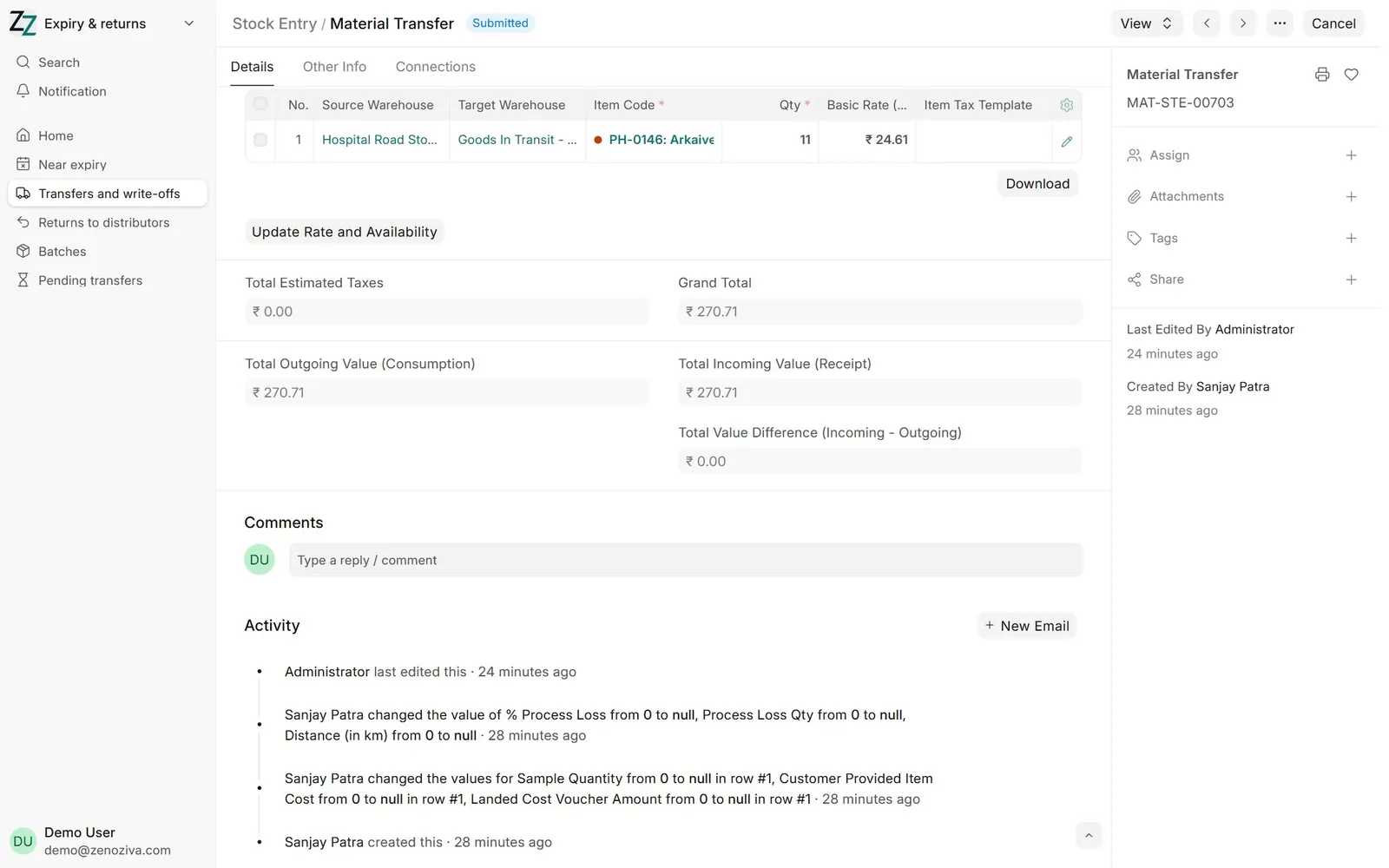
2Back to the DC#
Stock Entry › Material Transfer from the store to DC Returns & Expiry, the batch, Add to Transit (or from the store app's Expiry screen). The DC receives it.
3Expired stock#
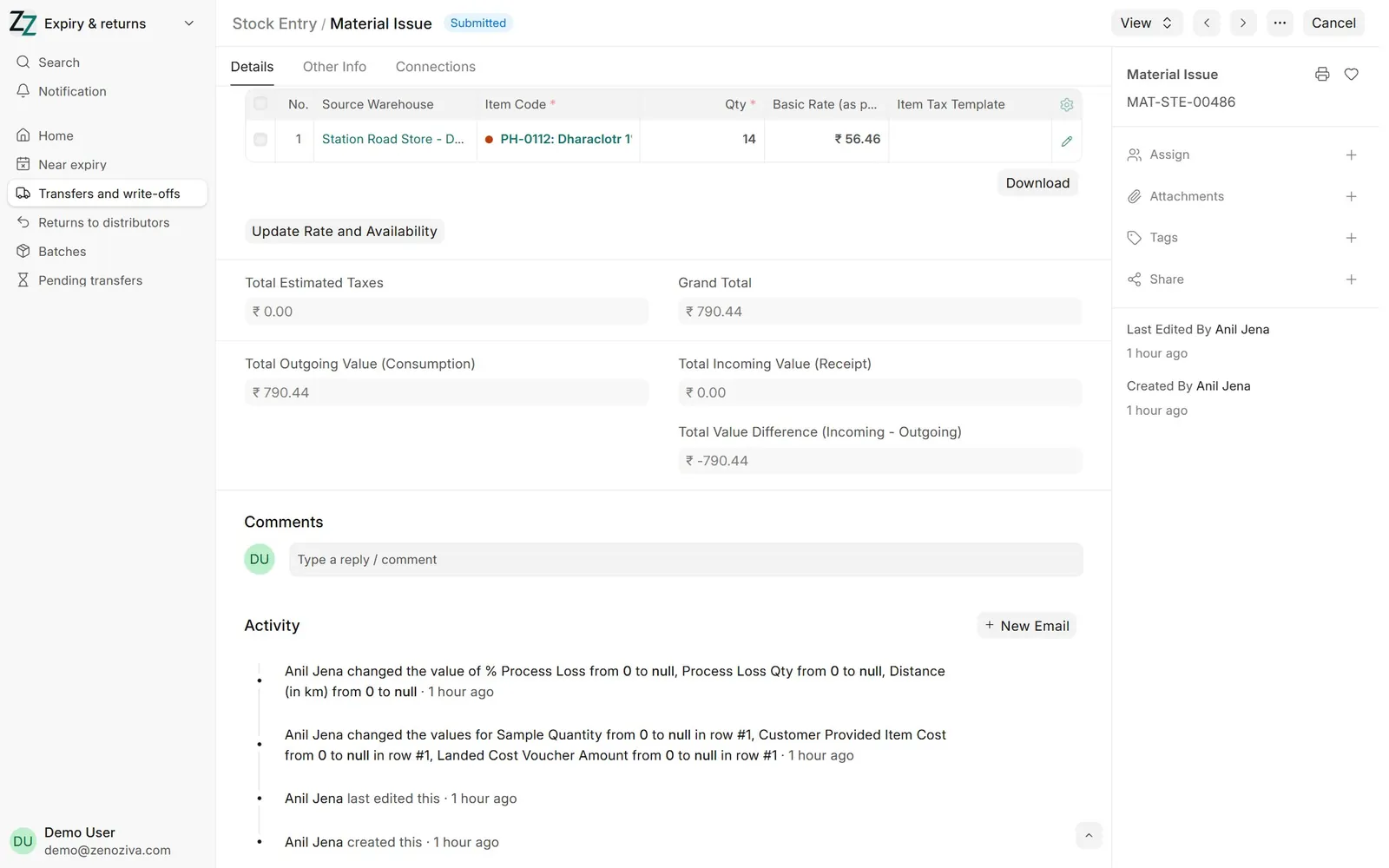
An expired batch cannot be sold or moved. Write it off with Stock Entry › Material Issue, with the reason; it is booked to expired and damaged stock written off.