All Pharmacy chain menus
- Getting started
- Medicines, batches and prices
- Central buying
- The distribution centre
- The store counter
- Schedule H and H1
- Expiry and returns
- The numbers
- The store app
The store app
For: Store managers
Zenoziva Store is a phone app for the store manager, installed from the browser in one tap, with the same login. It shows only the manager's own store.
New here? Start with Getting started.
Step by step
1Today#
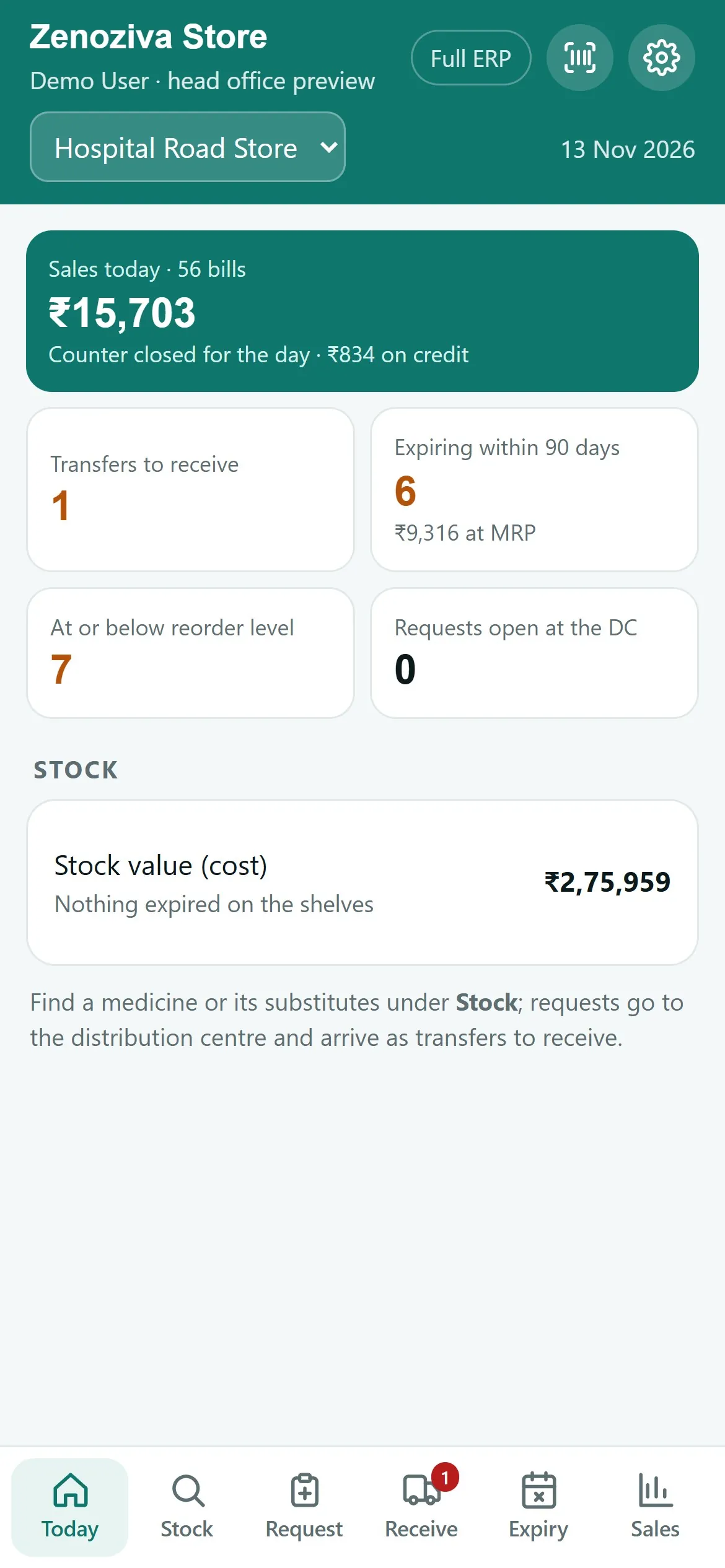
Sales so far, the counter and pharmacist on duty, transfers to receive, stock expiring within 90 days, what is below its reorder level and open requests. Install it from the browser's menu (Add to Home Screen / Install app) at your ERP address /store.
2Stock and substitutes#
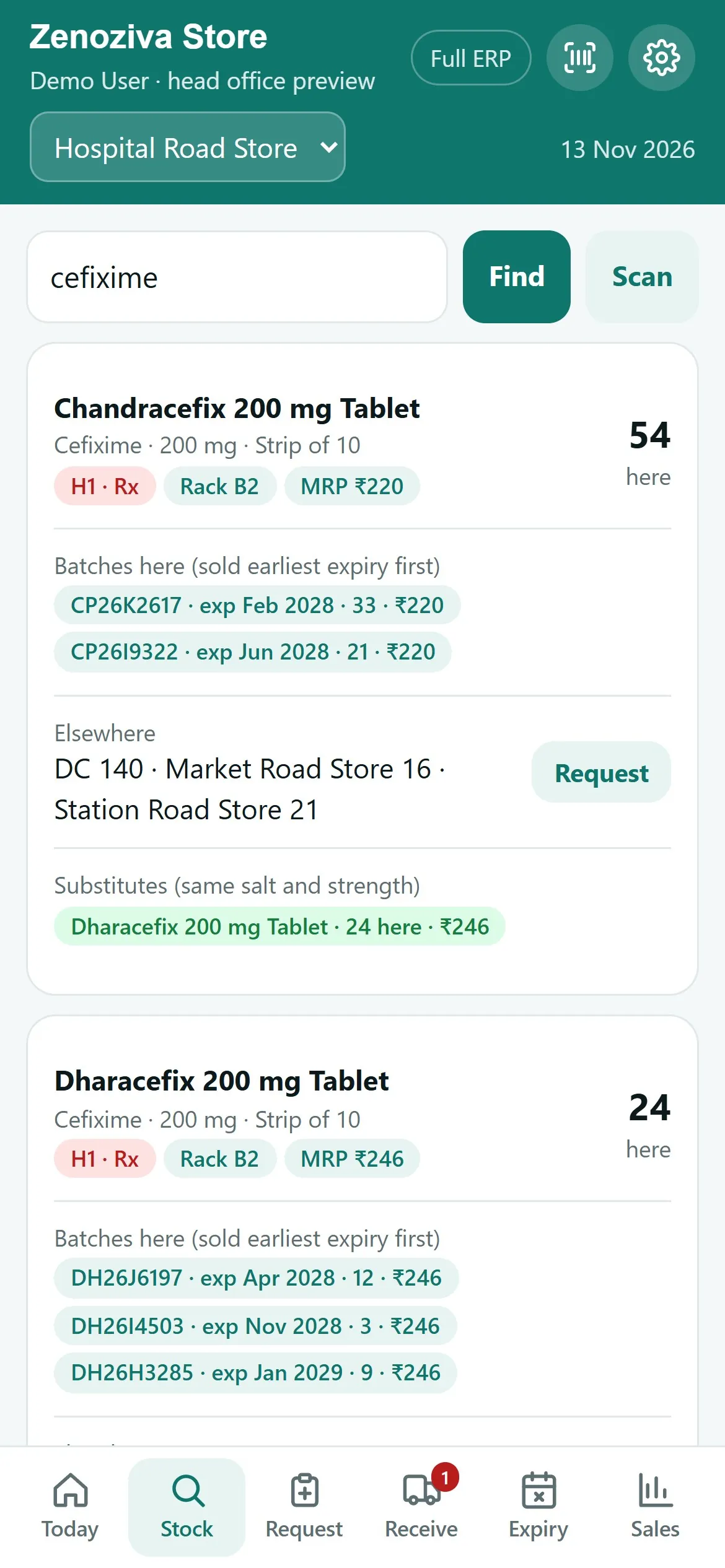
Search by brand or salt: stock in the store with batches, expiry and MRP, stock at the DC and the other stores, and substitutes with the same salt and strength.
3Asking the DC#
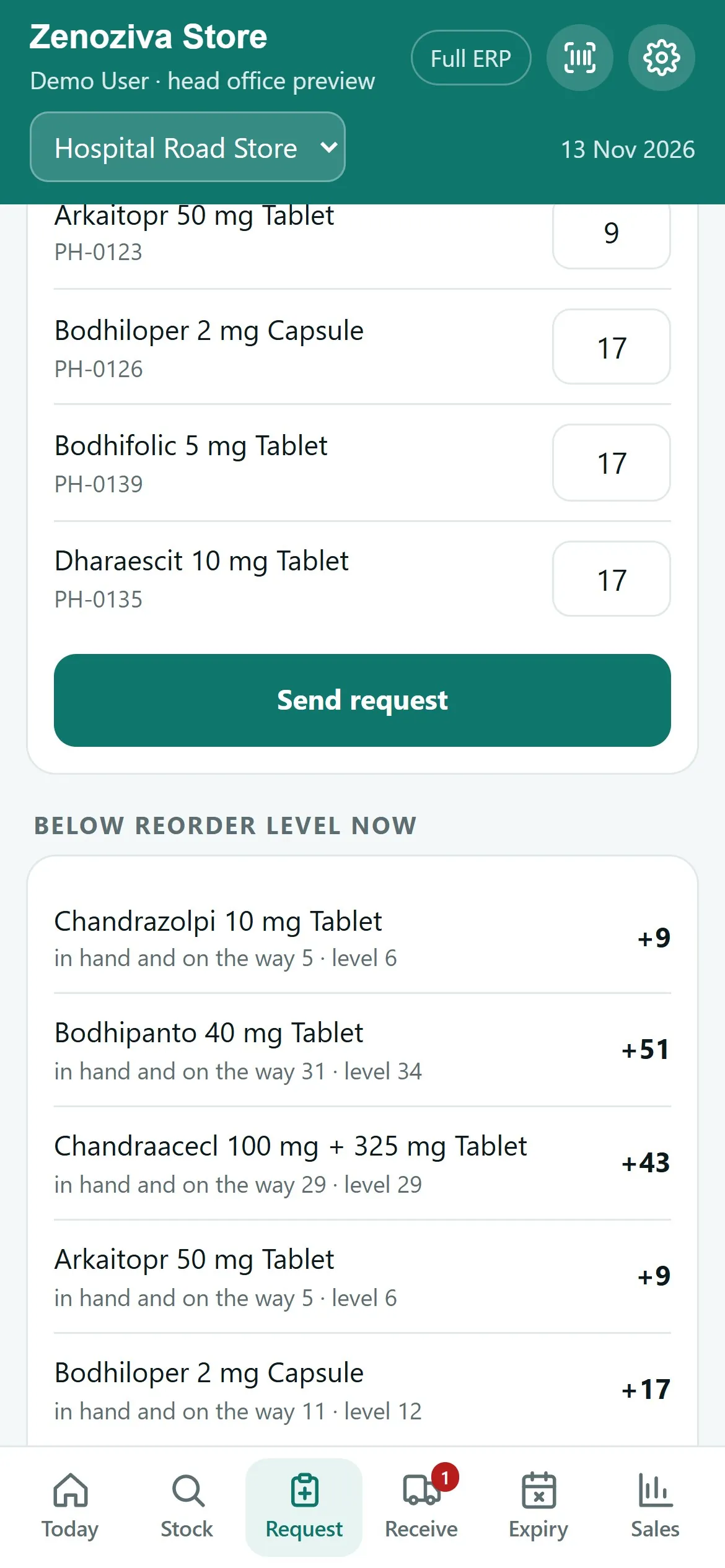
Add medicines from Stock or take the suggestion (everything below its level) and send the request. It leaves with the DC's next dispatch.
4Receiving#
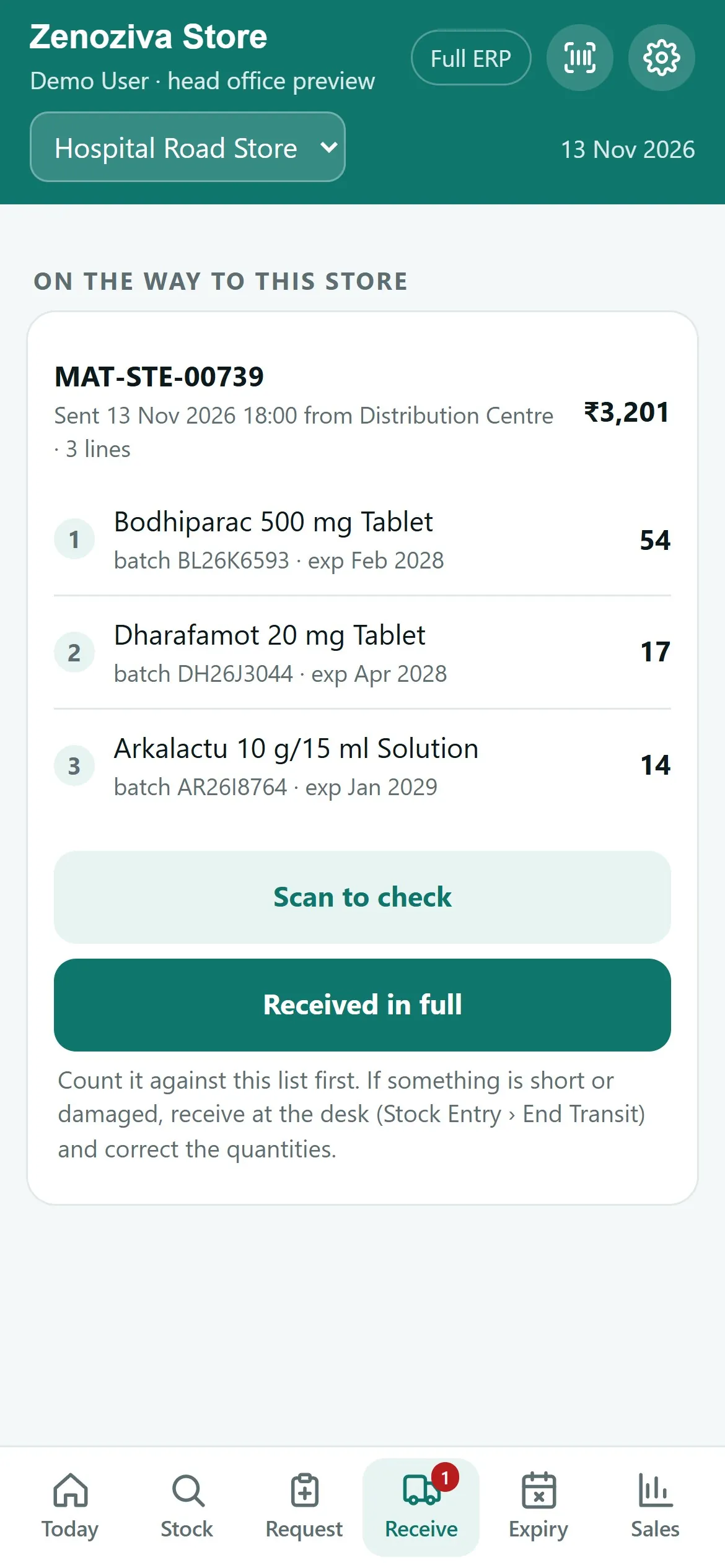
Transfers on their way with every batch and quantity. Count them, then Received in full. If something is short, receive it at the desk and correct the quantities.
5Expiry#
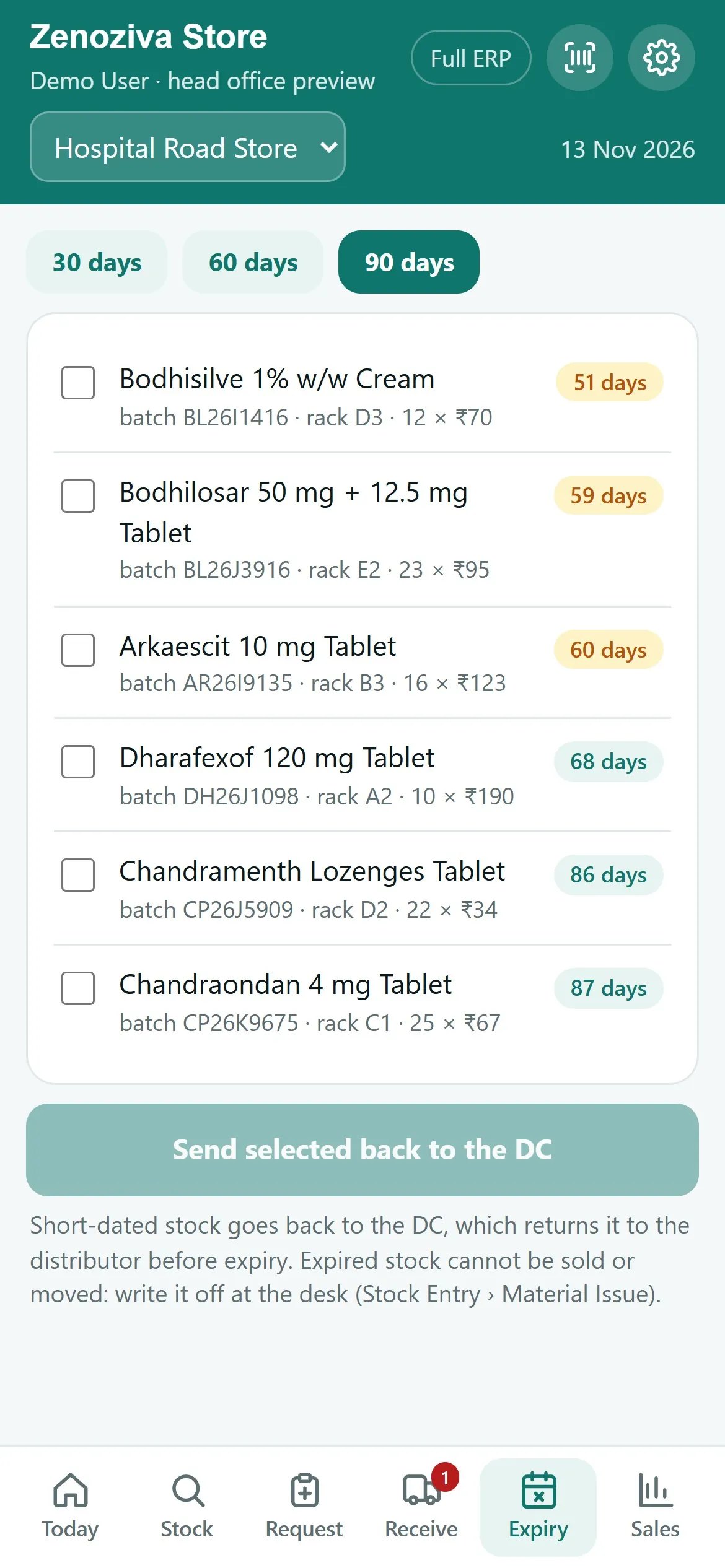
Batches expiring within 30, 60 or 90 days, by rack. Tick the short-dated ones and send them back to the DC.
6Sales#
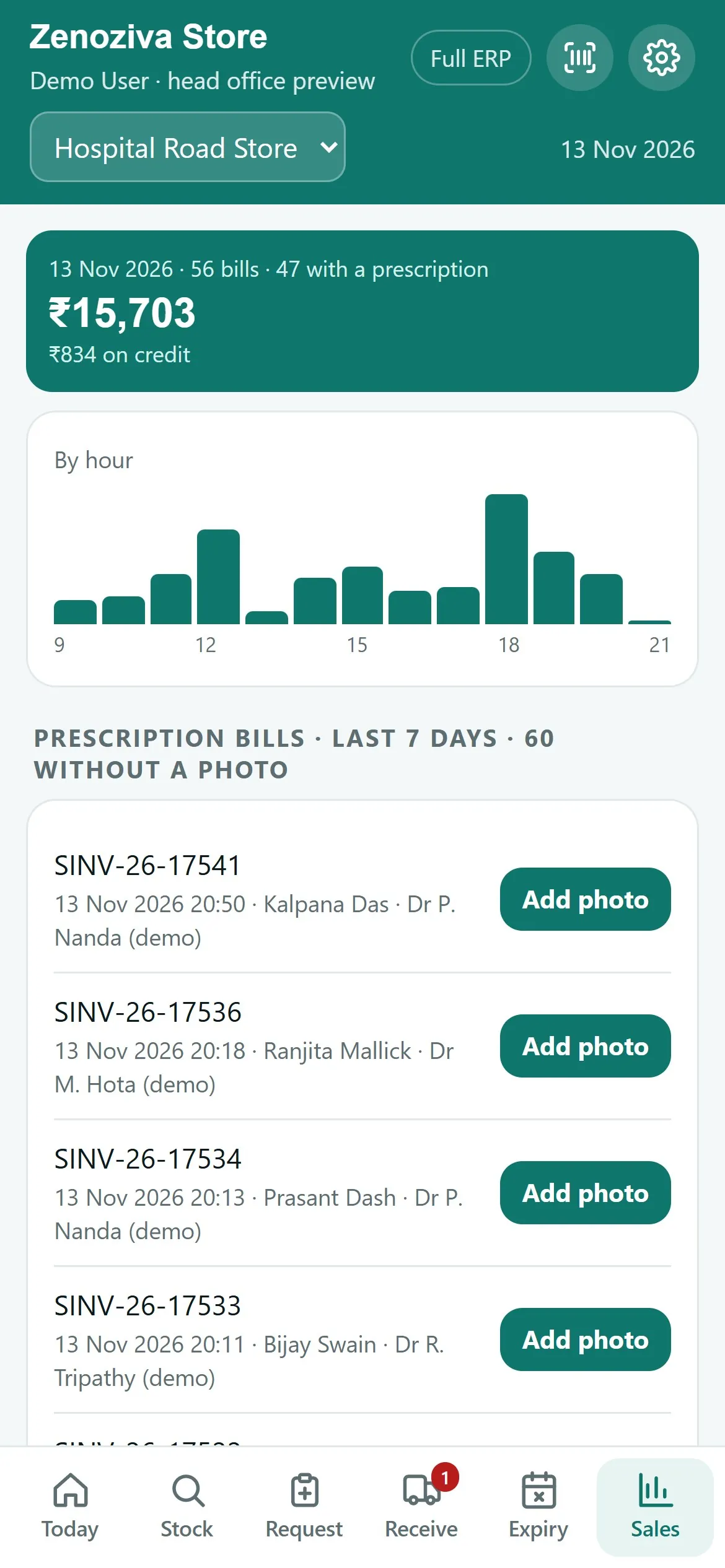
Today's bills by hour, payments by mode, the best-selling medicines and the latest bills.