All Pharmacy chain menus
- Getting started
- Medicines, batches and prices
- Central buying
- The distribution centre
- The store counter
- Schedule H and H1
- Expiry and returns
- The numbers
- The store app
The distribution centre
For: DC staff
Stores do not buy on their own: each store asks the DC, and the DC sends stock into transit until the store receives it.
New here? Start with Getting started.
Step by step
1Warehouse (DC)#
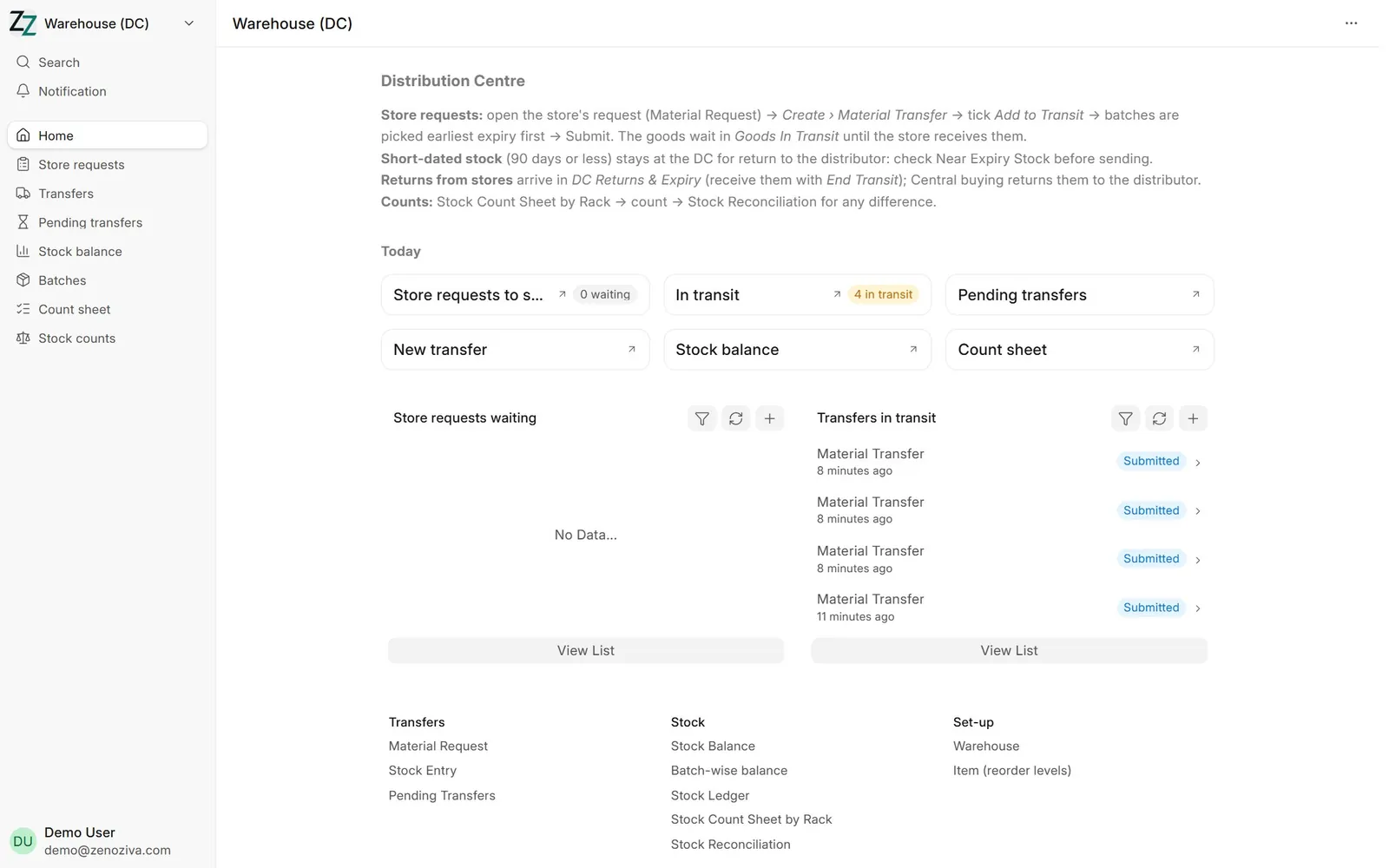
Store requests waiting to be sent and transfers still on the way.
2A store's request#
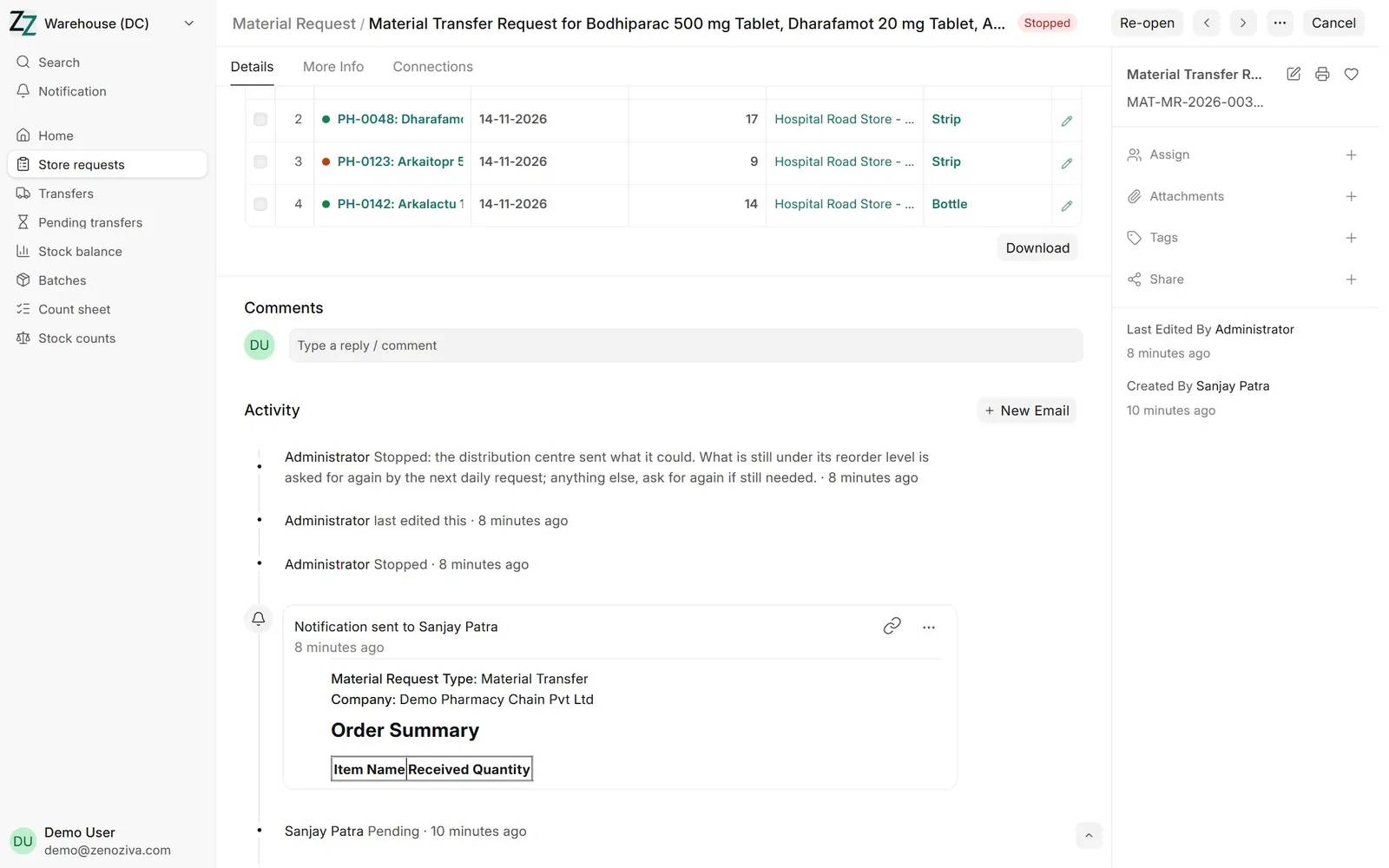
Every morning each store's reorder levels make one request to the DC; a store manager can also ask from the store app. Stock already on its way to the store counts, so a request is never doubled. A request the DC sent only in part, or an automatic one still not sent, is closed after 2 days and what is still below its level is asked for again by the next request; a manager's own request that nothing was sent for stays open until the DC or the manager acts on it.
3Sending it#
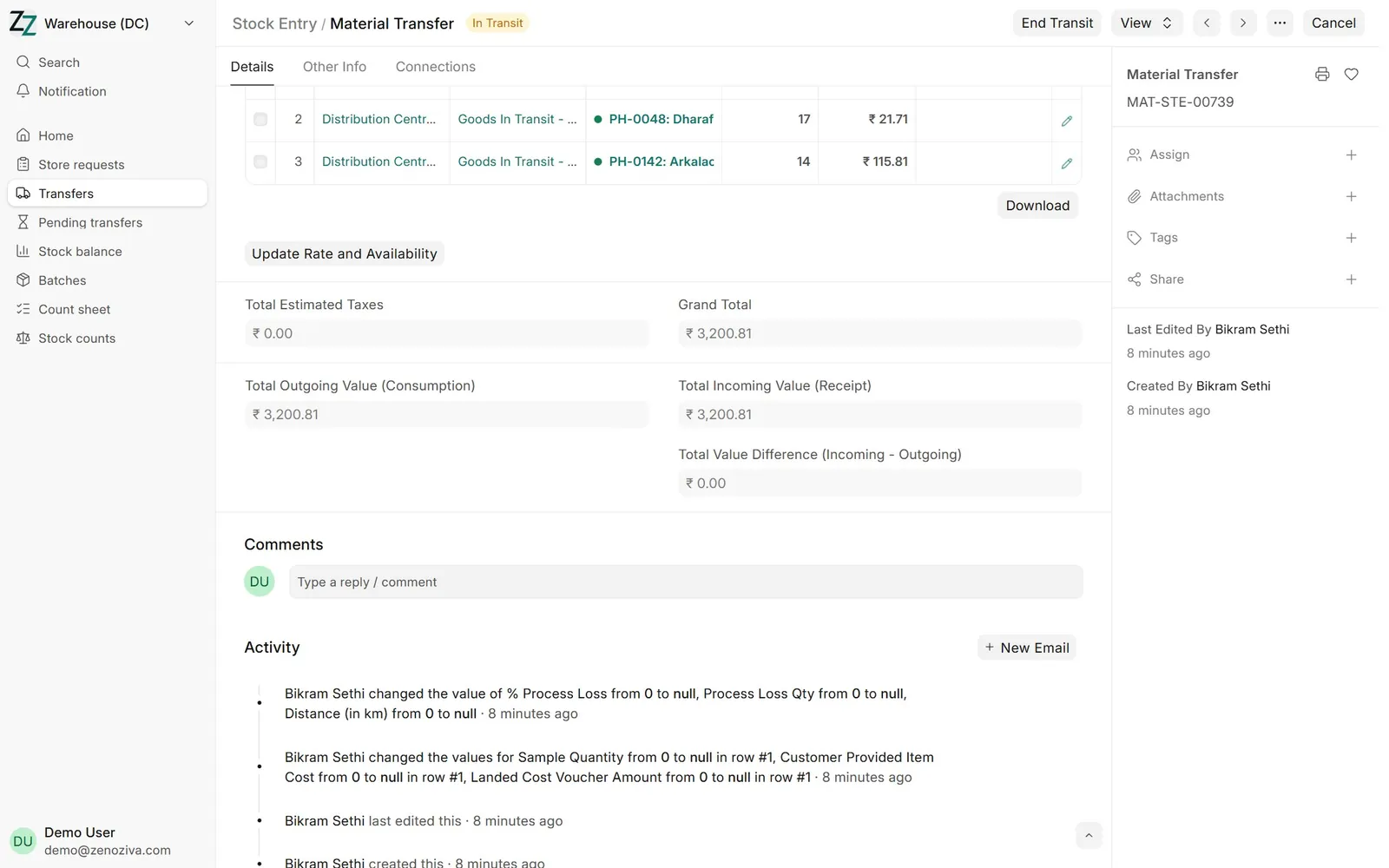
From the request, Create › Material Transfer, tick Add to Transit. Leave the batch empty: each line gets the earliest-expiry batch with more than the DC's Minimum shelf life sent to stores left (90 days unless set otherwise on the DC warehouse), split over batches if needed. A batch closer to expiry is refused and stays at the DC for return to the distributor; only a Stock Manager can send one on purpose, by ticking Short-dated stock sent on purpose and filling in Why short-dated, which is printed on the transfer and shown on Pending transfers. The goods sit in Goods In Transit until the store receives them.
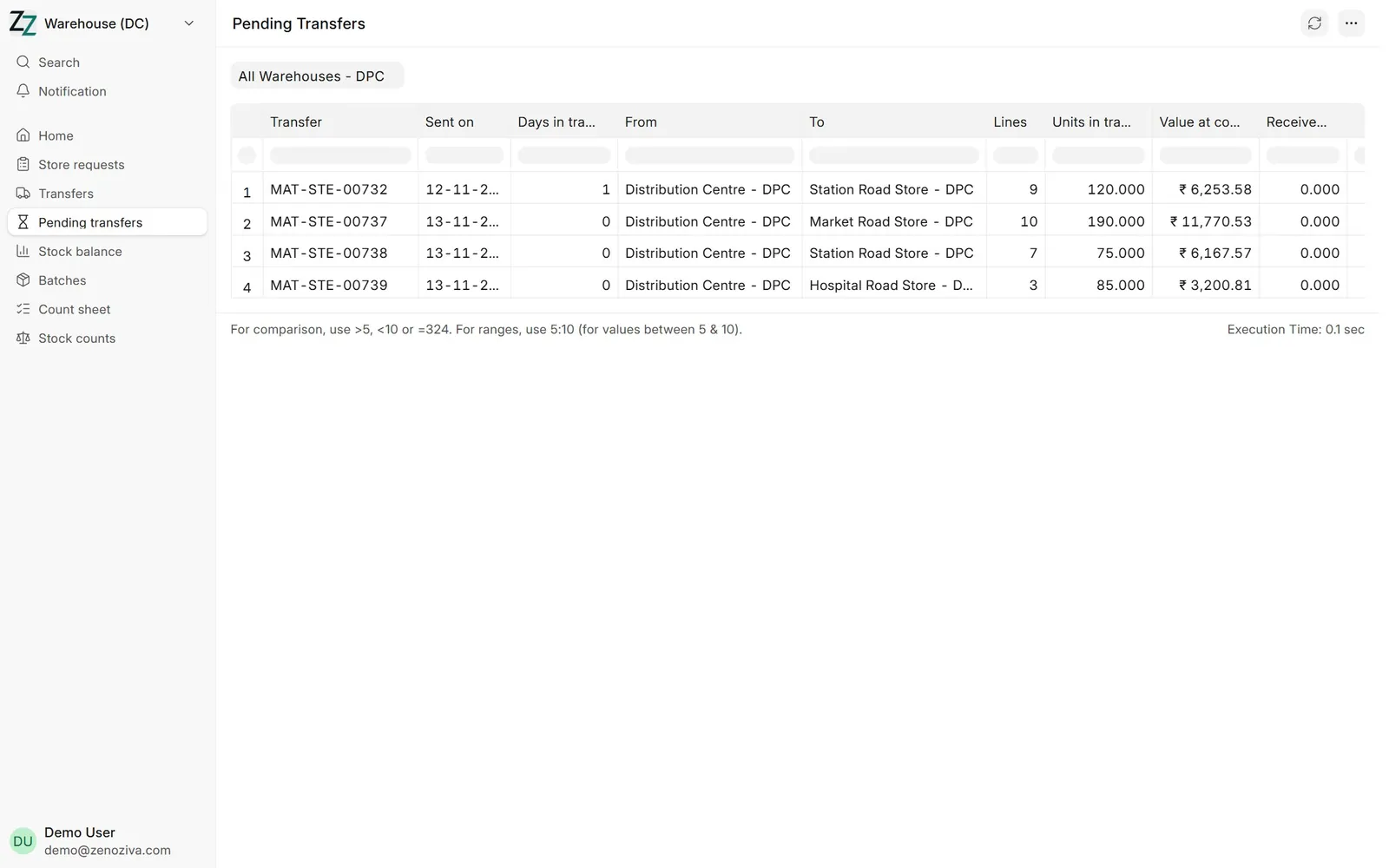
4Pending transfers#
What is still on the way, to which store, since when and its value, and why, if it was sent short-dated on purpose.
5Counting by rack#
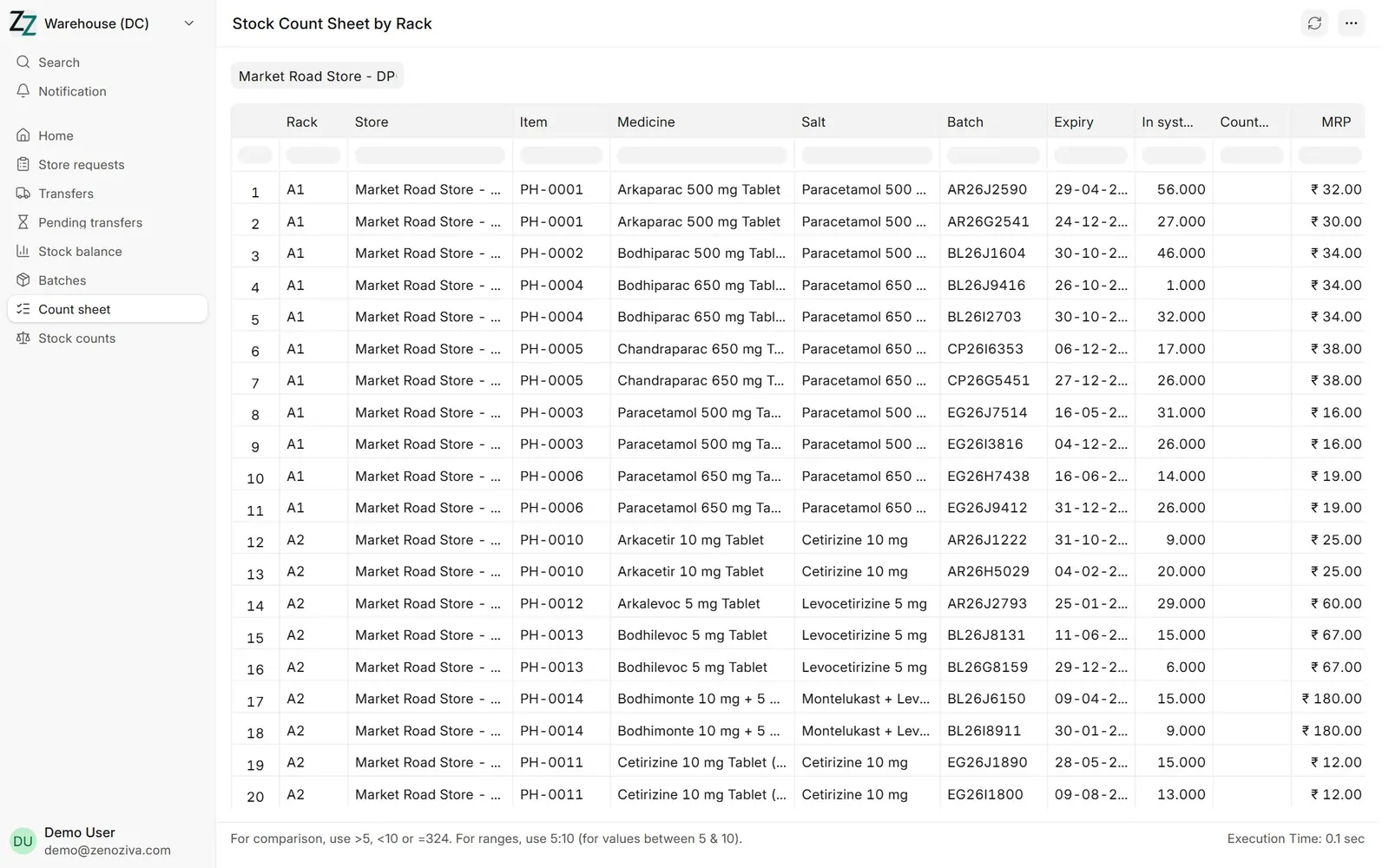
Stock Count Sheet by Rack lists each rack's medicines and batches with the quantity in the system and an empty column to count into. Differences are corrected with a Stock Reconciliation.