All Hospital menus
- Getting started
- Front desk: registration and appointments
- Doctor: consultation and orders
- Admission and ward care
- Casualty and emergency
- Laboratory and imaging
- Operation theatre
- Discharge
- Billing, insurance and TPA
- Management reports
- On the phone: Zenoziva Care and Zenoziva HR
- Setting up your hospital
Casualty and emergency
For: Emergency doctors and nurses
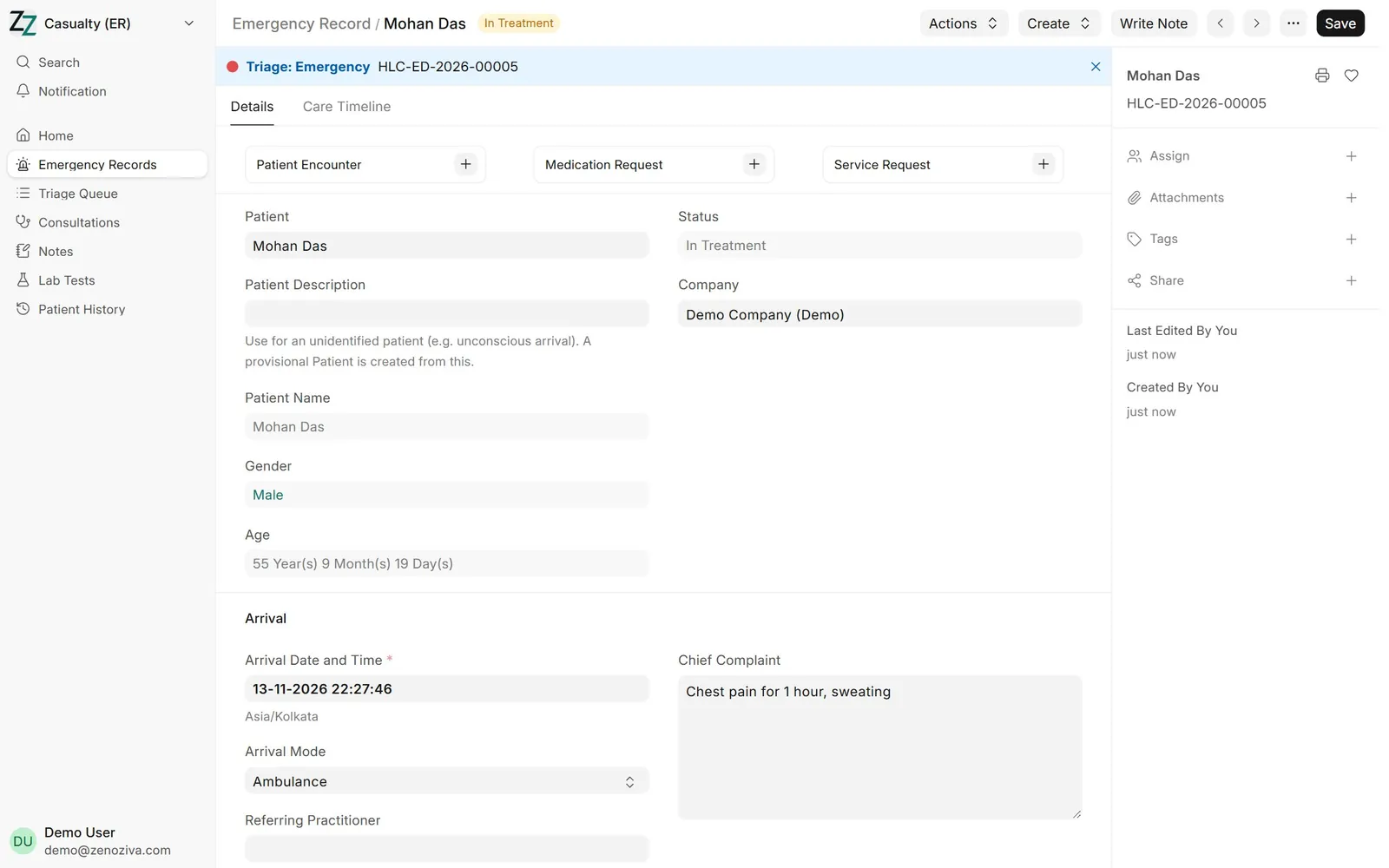
Mohan Das arrives by ambulance with chest pain. Casualty registers him, triages him, records vitals, treats him and transfers him to a cardiac centre. Every step is logged.
New here? Start with Getting started.
Step by step
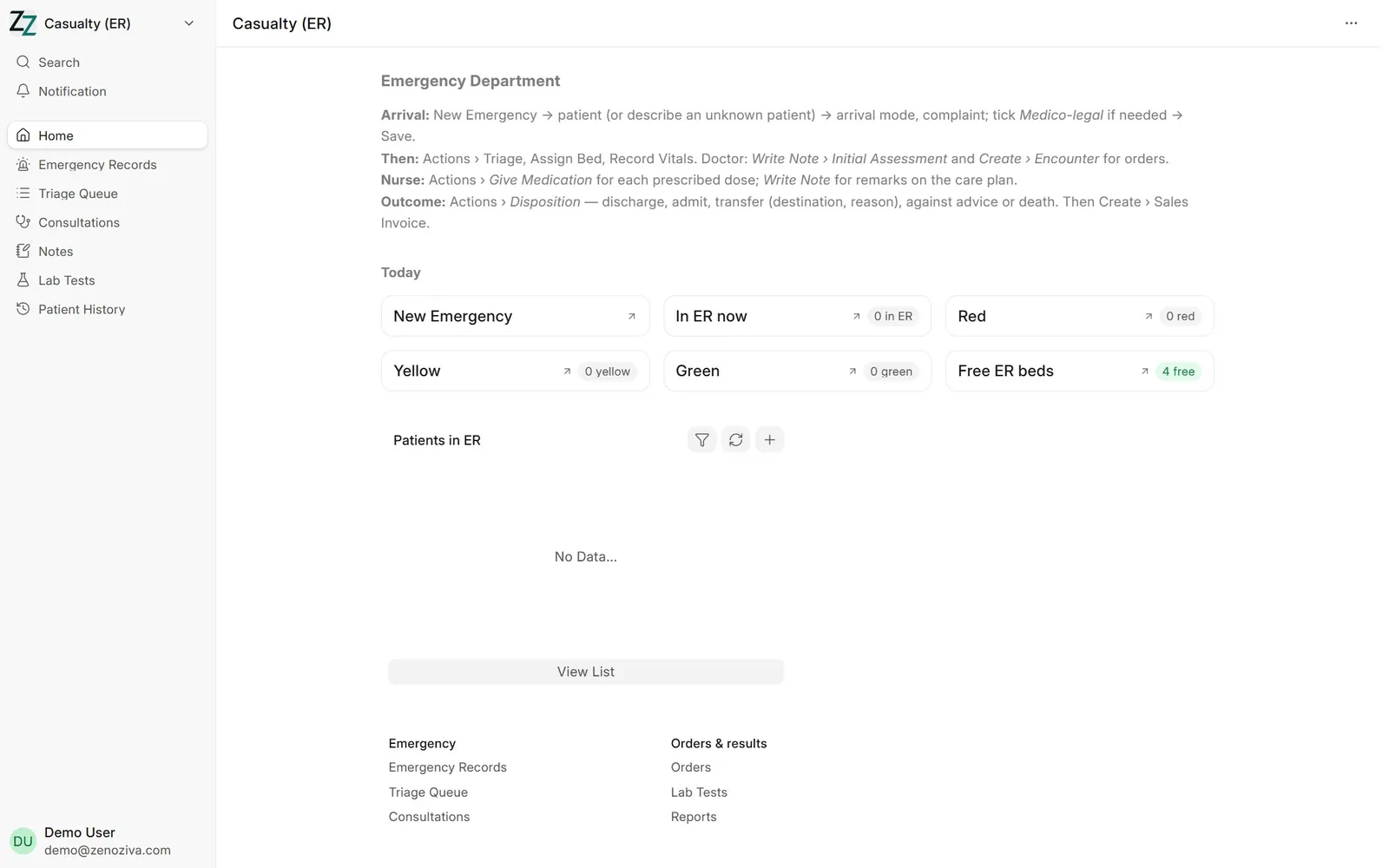
1The Casualty menu#
Casualty (ER) lists patients in emergency now, with triage level and time since arrival.
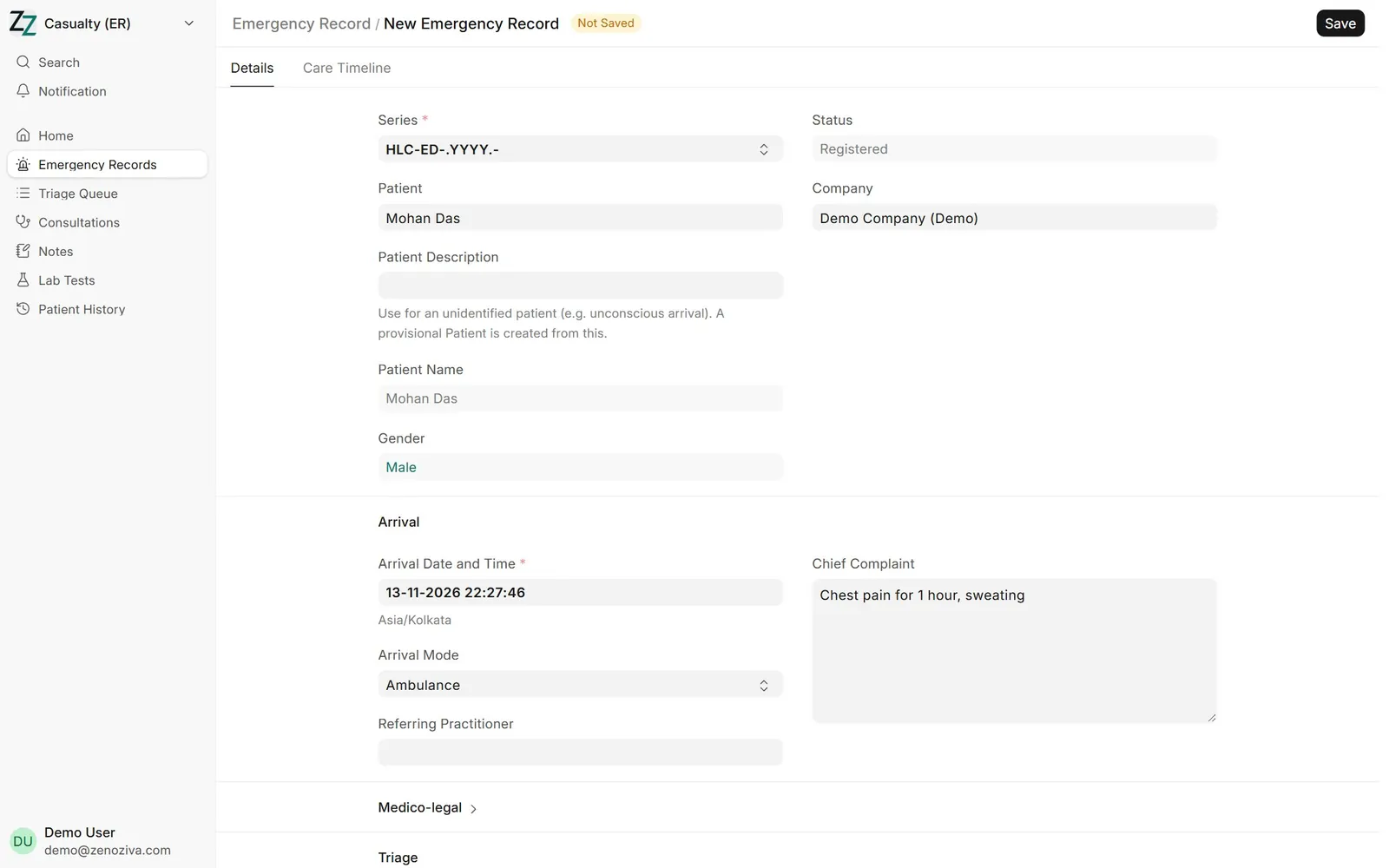
2Register the arrival#
Casualty (ER) › Emergency Records, then add a new one: the patient (register a new one if needed), how they arrived, who brought them and the chief complaint. Tick medico-legal case if it applies and fill the police details.
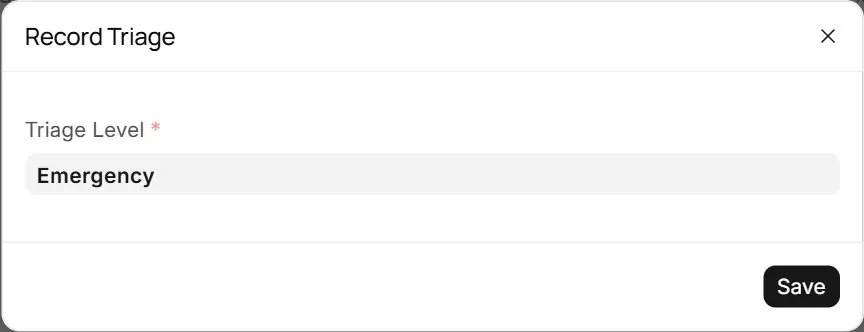
3Triage#
Triage sets the triage level. The level shows on the Casualty list so the most urgent patients are seen first.
4Vitals#
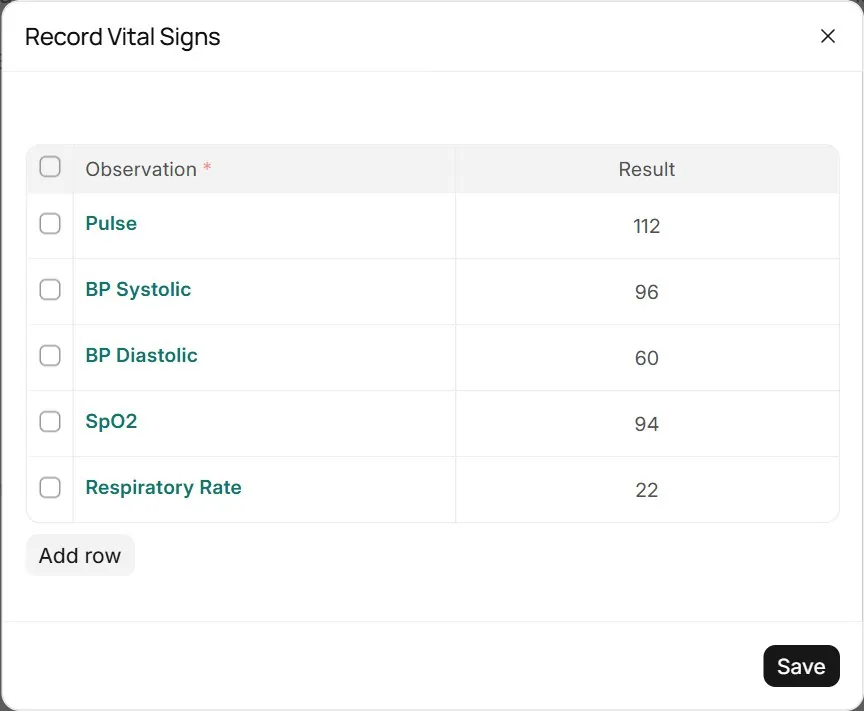
Record Vitals adds a set of readings with the time; repeat as often as needed. Assign Bed places the patient on a casualty bed.
5In treatment#
The record now shows triage, bed and vitals. The doctor examines the patient and writes the initial assessment with Write Note.
6Give ordered medicines#
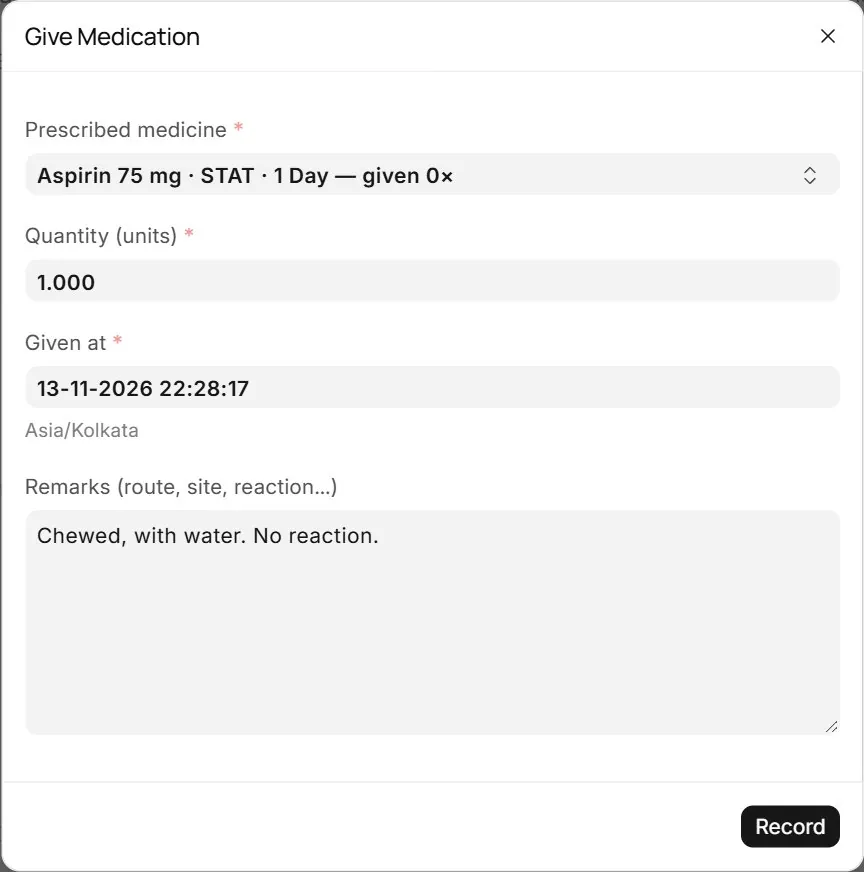
Medicines the emergency doctor orders appear under Give Medication. The nurse picks the dose given and adds remarks; it is recorded as a completed nursing task, stock is issued and the dose is billed.
7Outcome#
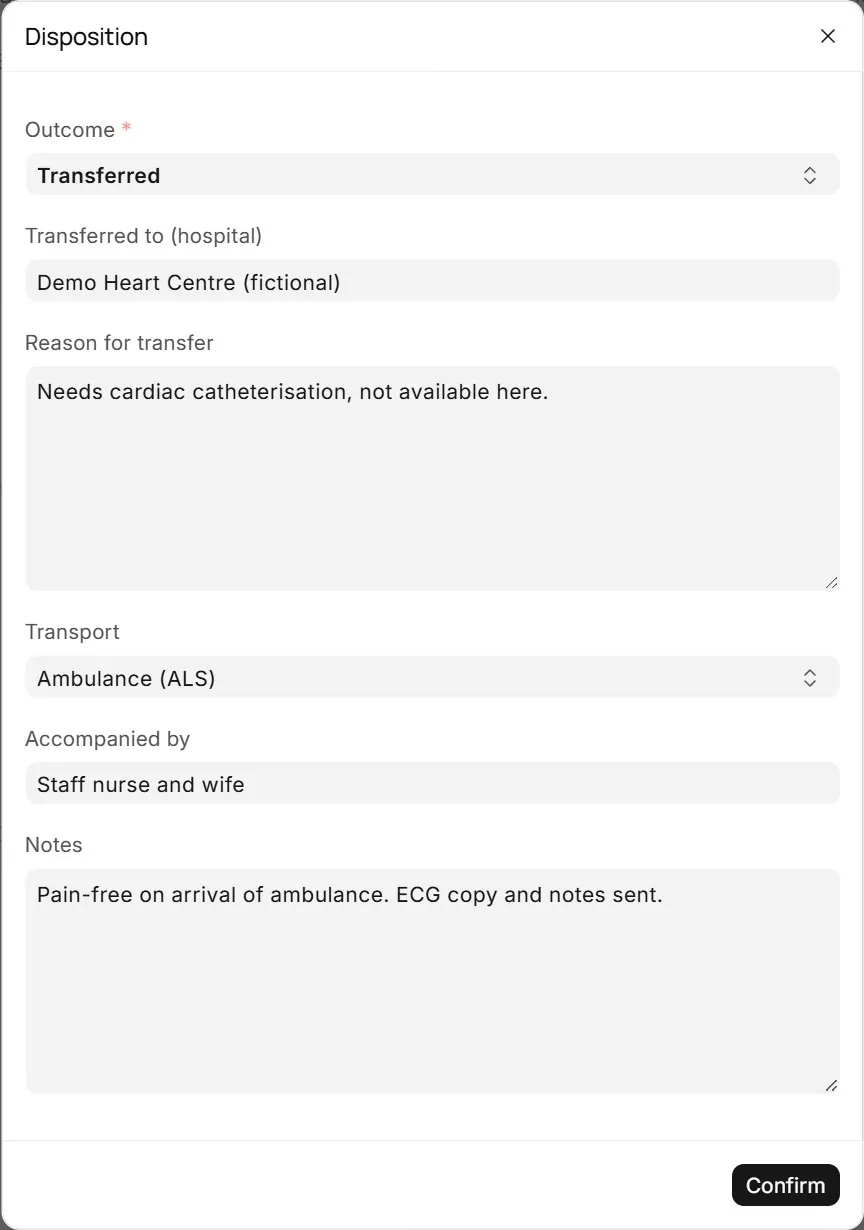
Disposition closes the emergency visit: Admitted, Discharged, Transferred, Left Against Medical Advice or Death. A transfer asks where to, why, how and who accompanied the patient; admission opens an inpatient record.
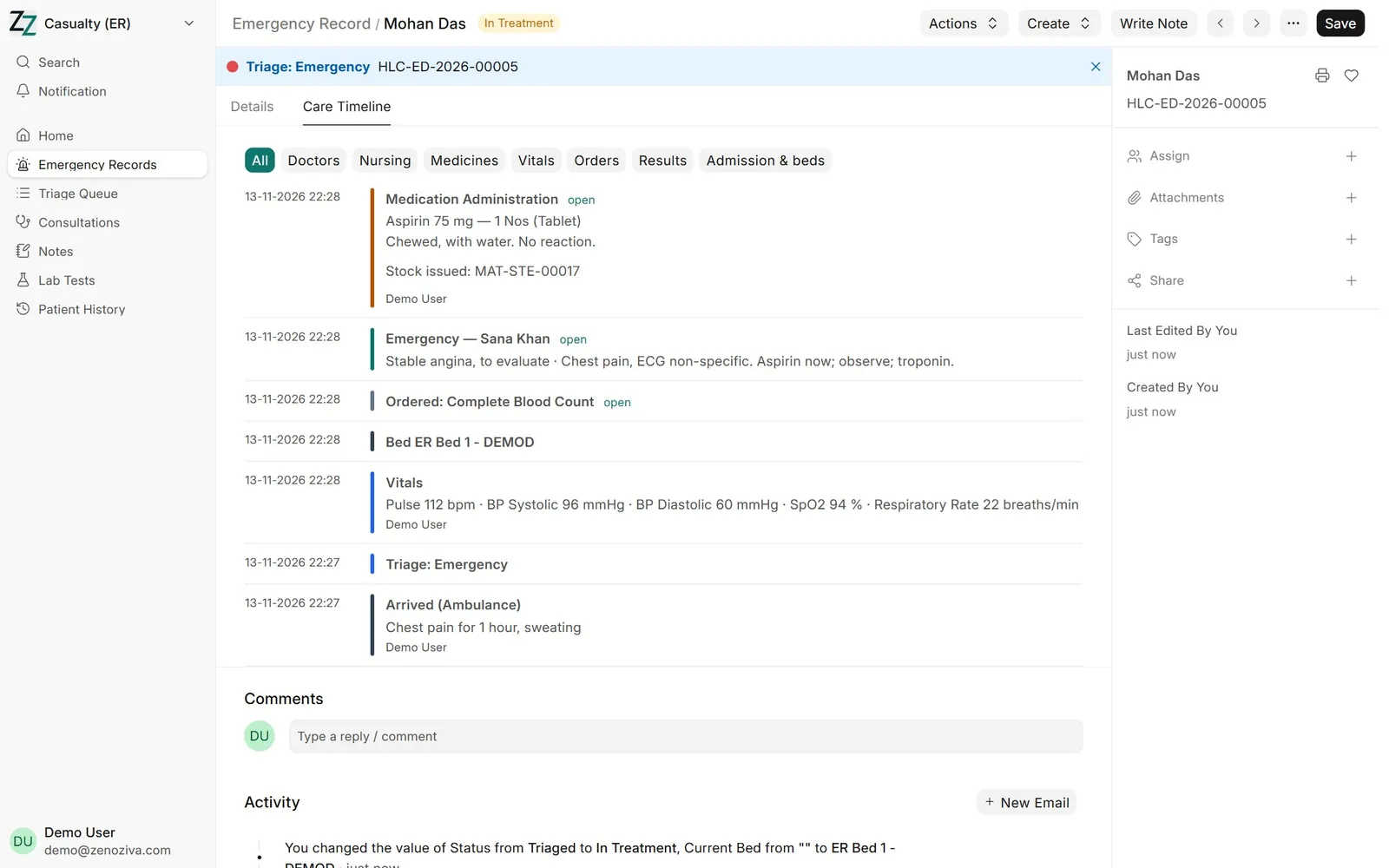
8Emergency timeline#
The Care Timeline of the emergency record shows arrival, triage, vitals, notes, orders, medicines and the outcome, with who did each and when.