All Hospital menus
- Getting started
- Front desk: registration and appointments
- Doctor: consultation and orders
- Admission and ward care
- Casualty and emergency
- Laboratory and imaging
- Operation theatre
- Discharge
- Billing, insurance and TPA
- Management reports
- On the phone: Zenoziva Care and Zenoziva HR
- Setting up your hospital
Doctor: consultation and orders
For: Doctors
The doctor sees Kiran in OPD, records the findings, orders tests and medicines, writes the initial assessment and decides to admit him.
New here? Start with Getting started.
Step by step
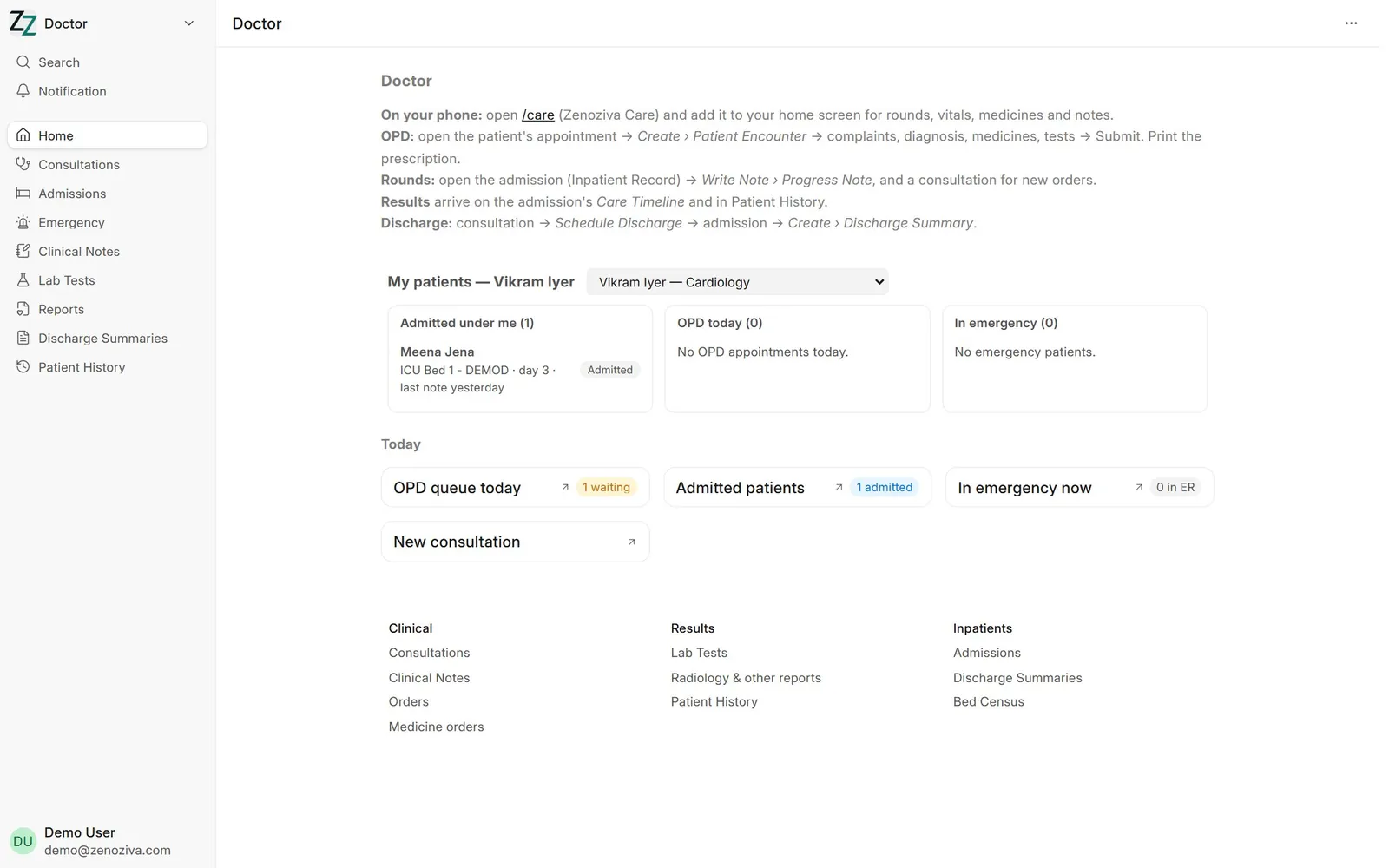
1My patients#
The Doctor menu opens on My patients: patients admitted under you (with bed, day of stay and when you last wrote a progress note), today's OPD list and emergency cases you are attending. Click a name to open it. Your login must be linked to your doctor record (chapter 12).
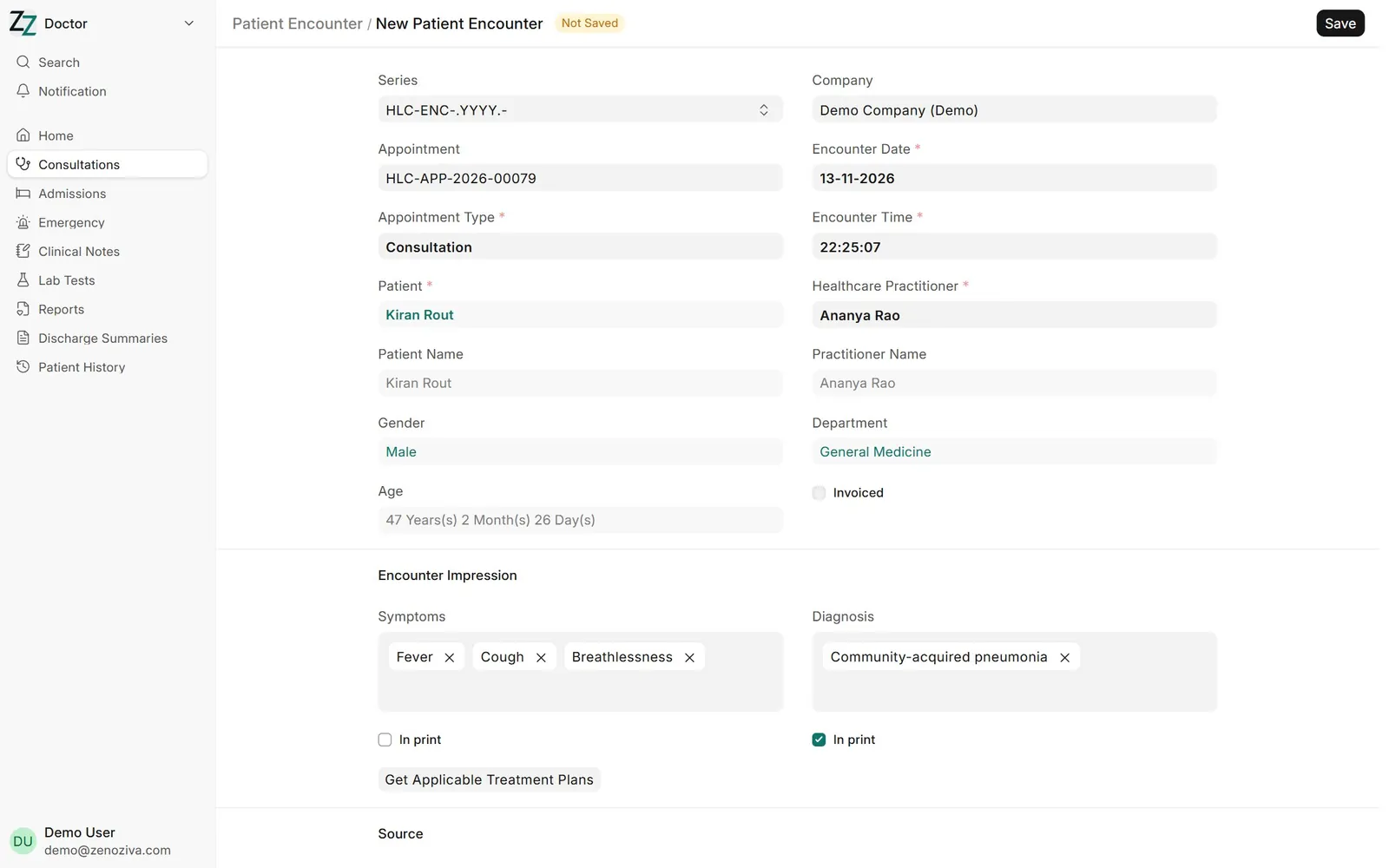
2Start the consultation#
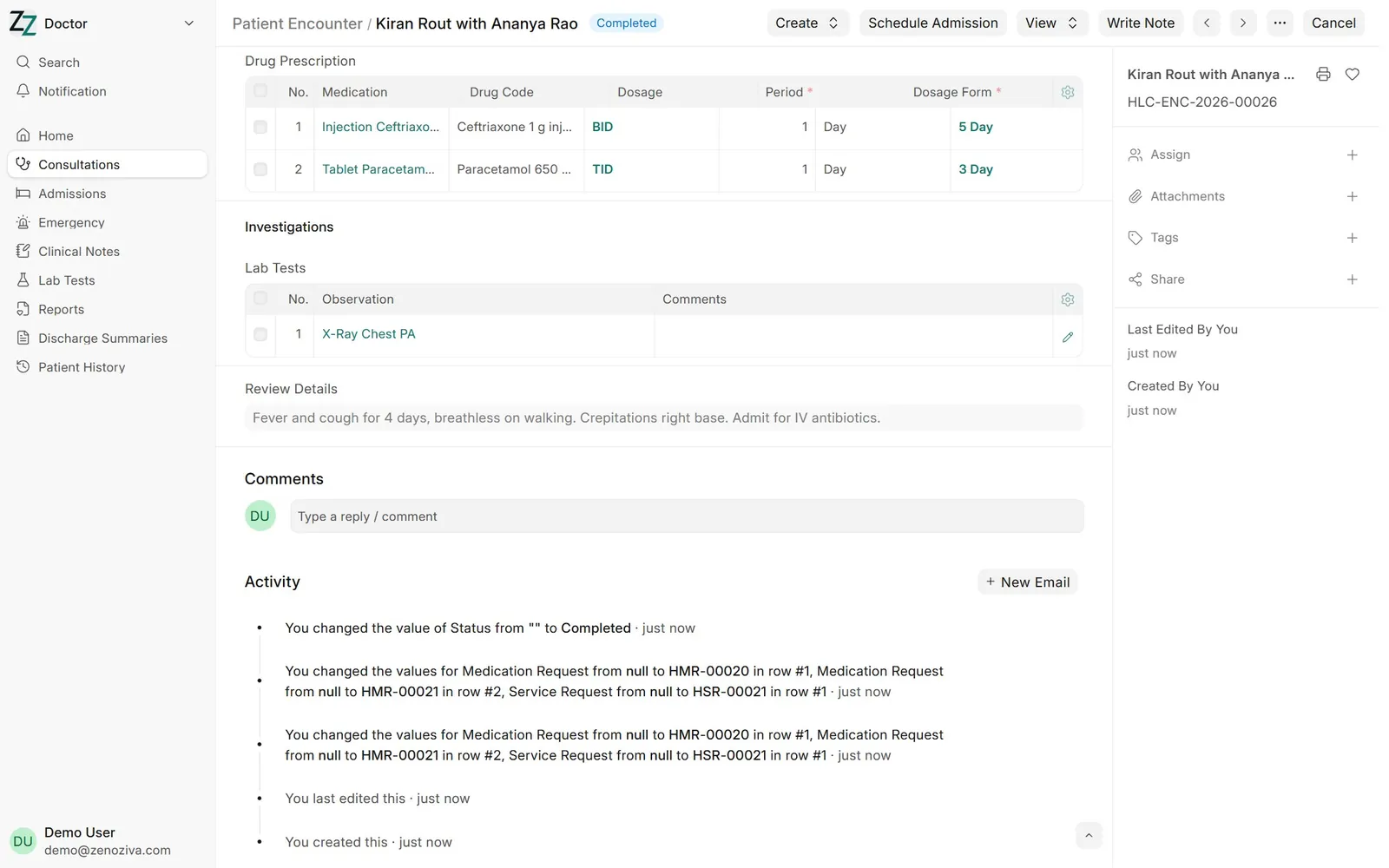
Open the appointment and choose Create › Patient Encounter, or start one from Doctor › Consultations. Record complaints and diagnosis.
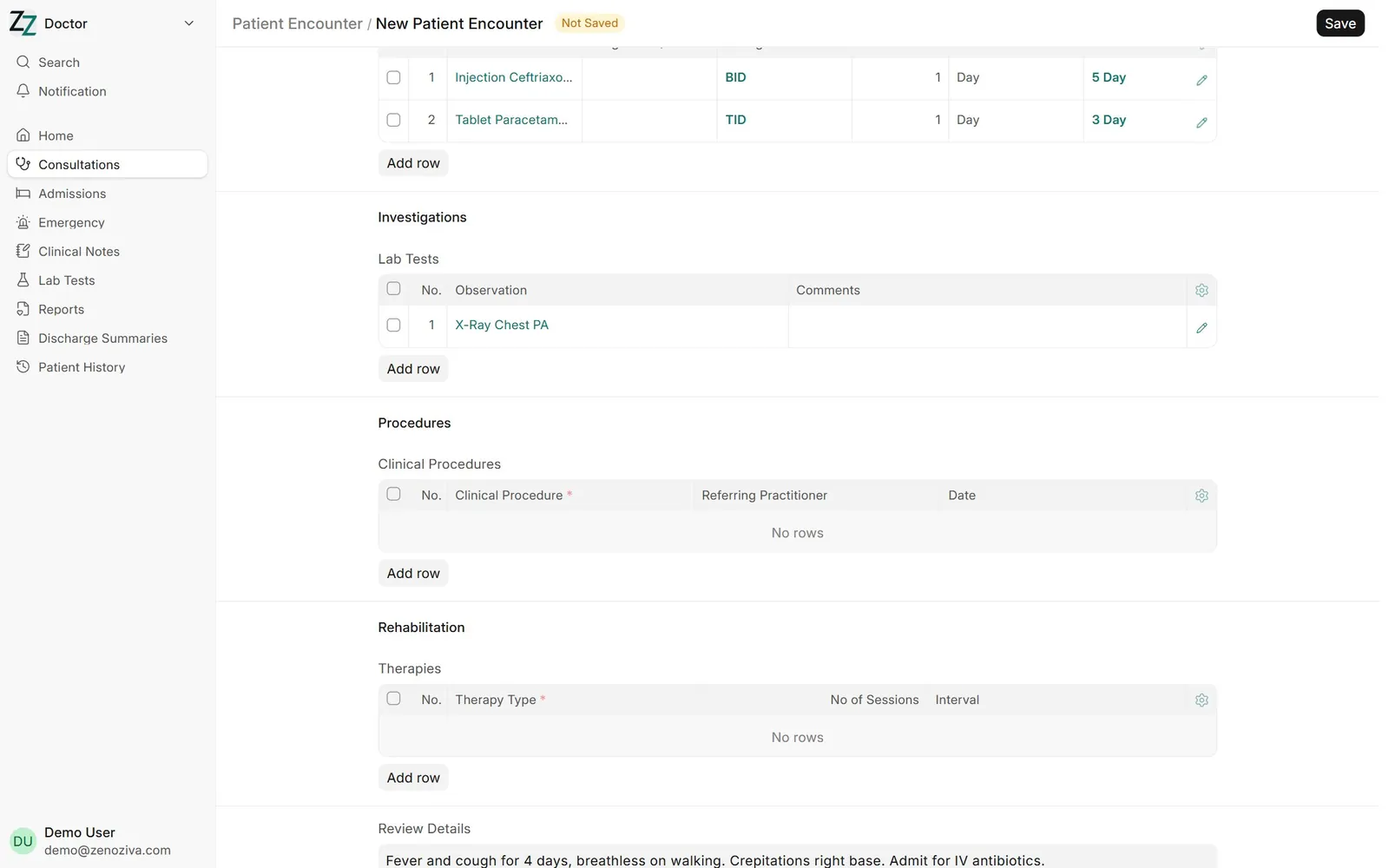
3Order medicines and tests#
Add medicines with dose and duration, and lab or imaging tests. The notes field holds the doctor's comment for this visit.
4Submit#
Submit the encounter when done. Orders go to the lab, imaging and pharmacy, and the visit is added to the patient's history.
5Print the prescription#
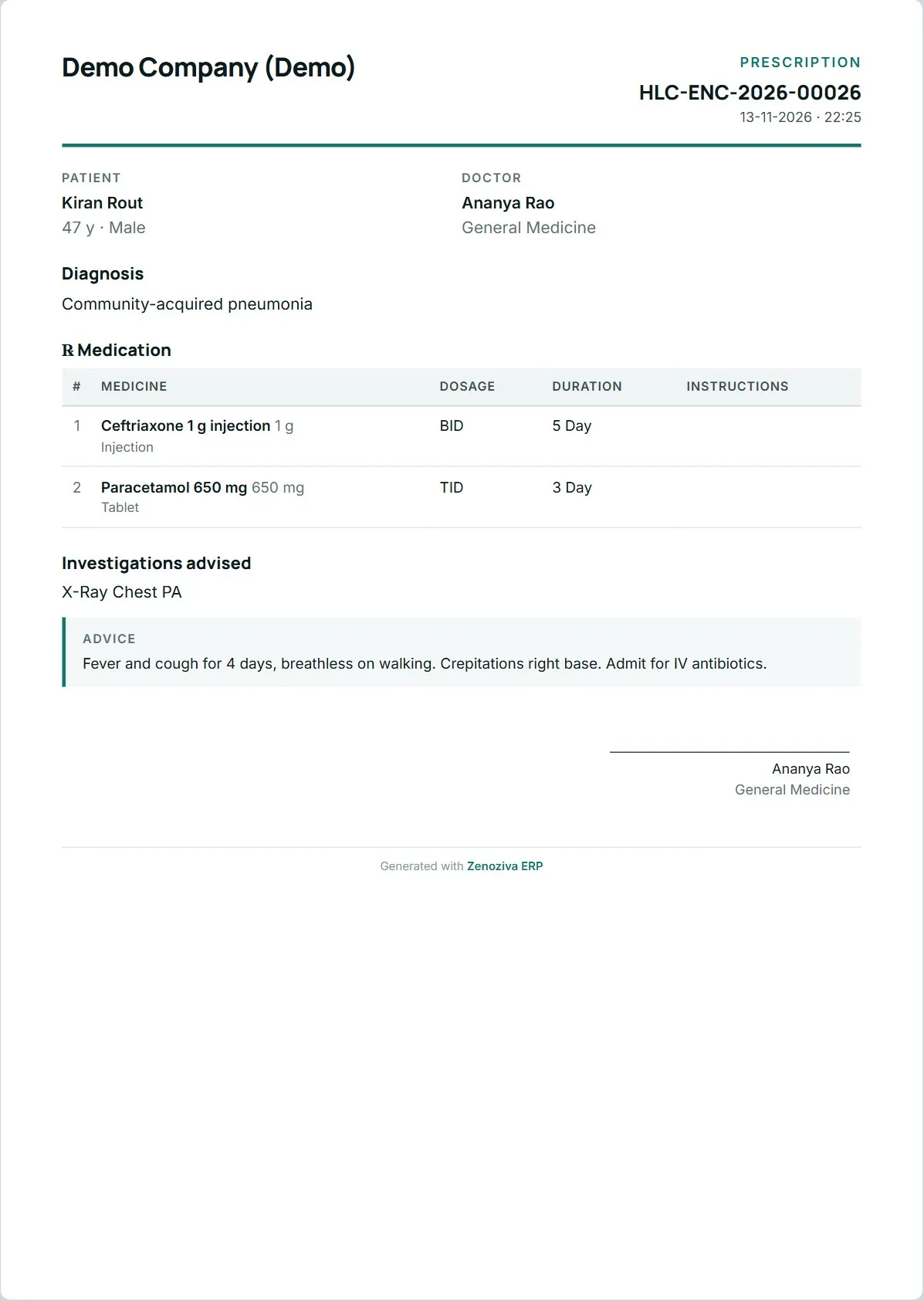
Print gives the prescription in your hospital's format, ready to hand to the patient.
6Write a clinical note#
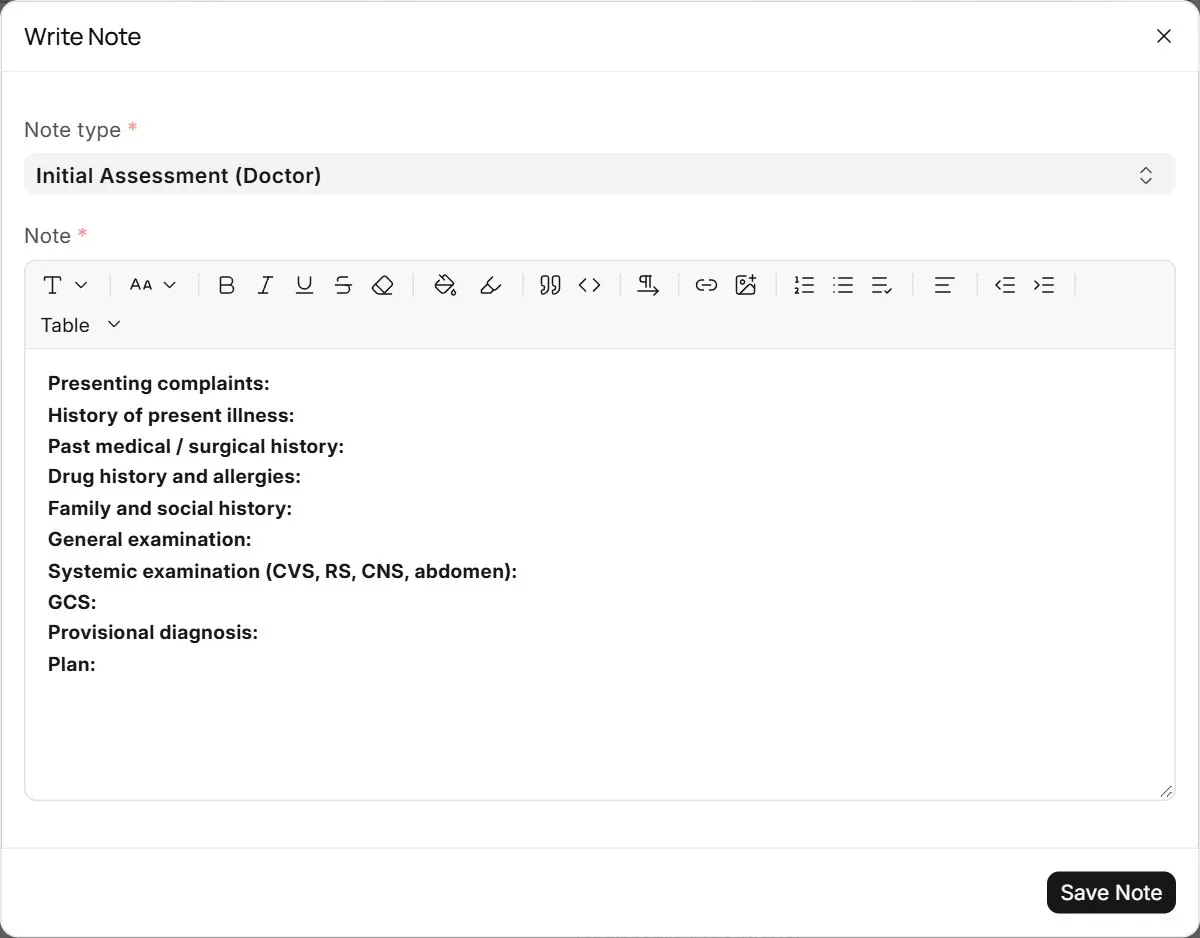
Write Note opens a note dialog. Choose the type of note and the template fills in the headings your hospital uses, here the doctor's initial assessment.
7Fill in the headings#
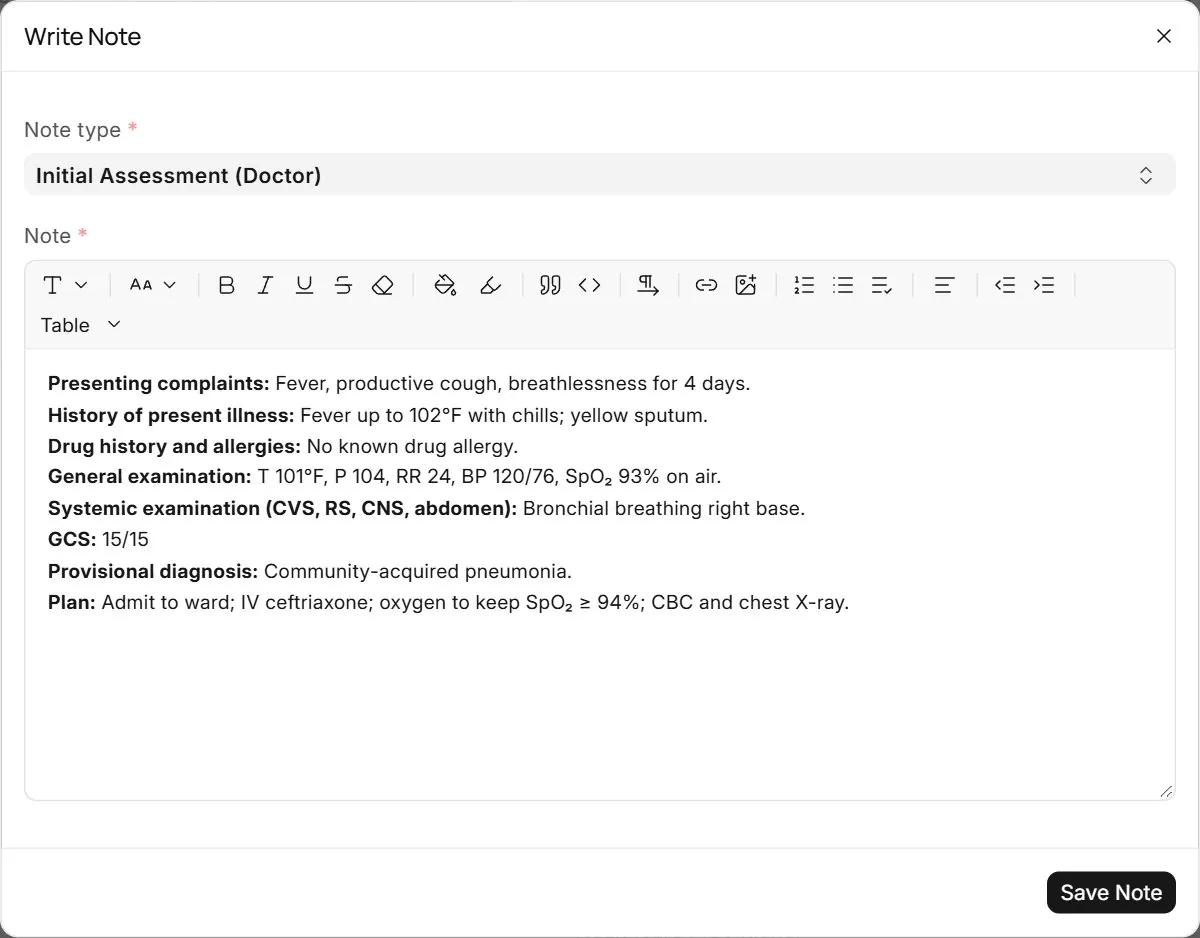
Type under each heading. A note cannot be saved empty or with the template untouched. The note is signed with your name, role and time, and appears in the care timeline.
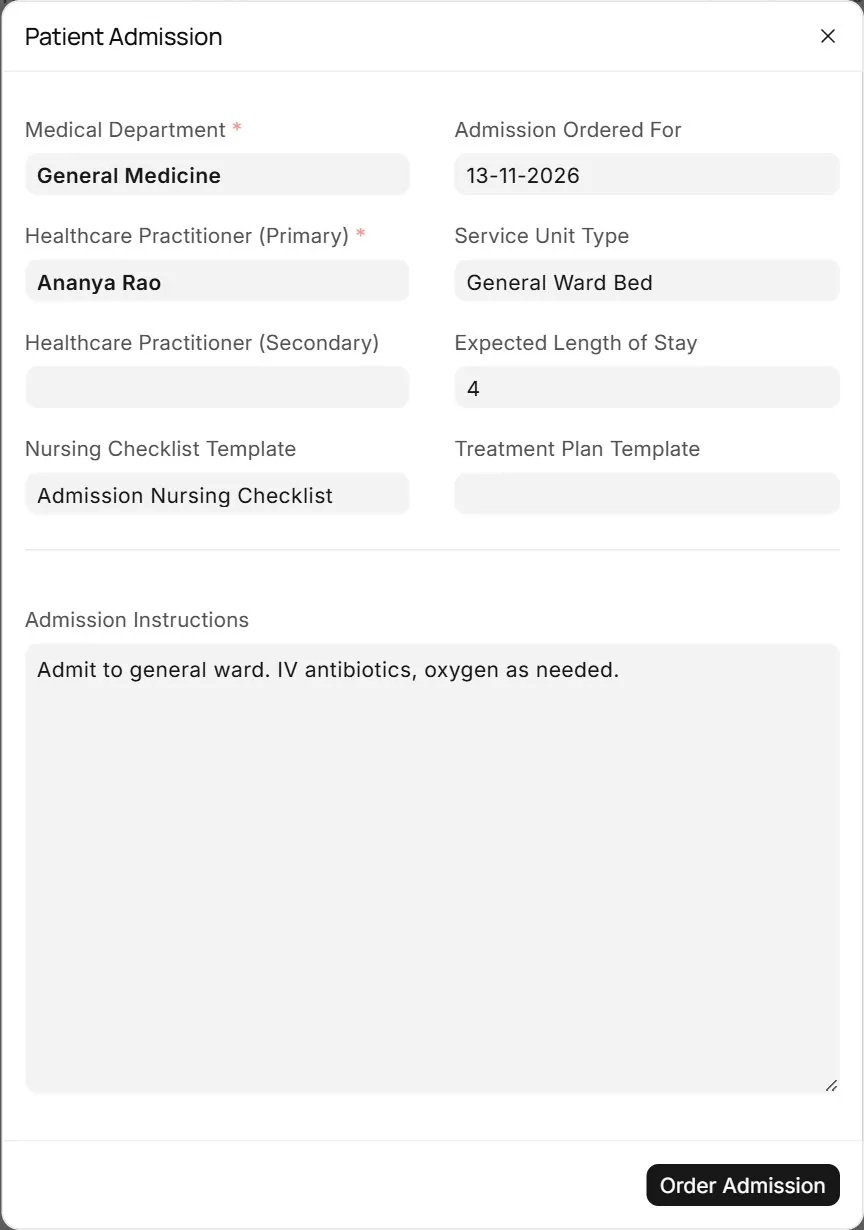
8Decide to admit#
Schedule Admission sends the patient to admissions: choose the ward or bed type, expected length of stay, the admission nursing checklist and instructions for the ward.