All Hospital menus
- Getting started
- Front desk: registration and appointments
- Doctor: consultation and orders
- Admission and ward care
- Casualty and emergency
- Laboratory and imaging
- Operation theatre
- Discharge
- Billing, insurance and TPA
- Management reports
- On the phone: Zenoziva Care and Zenoziva HR
- Setting up your hospital
Setting up your hospital
For: Hospital administrator
Zenoziva sets up the module with your hospital's departments, doctors, wards, tariffs and forms. The administrator can change most of it later, from Management › Hospital set-up.
New here? Start with Getting started.
Step by step
1Doctors#
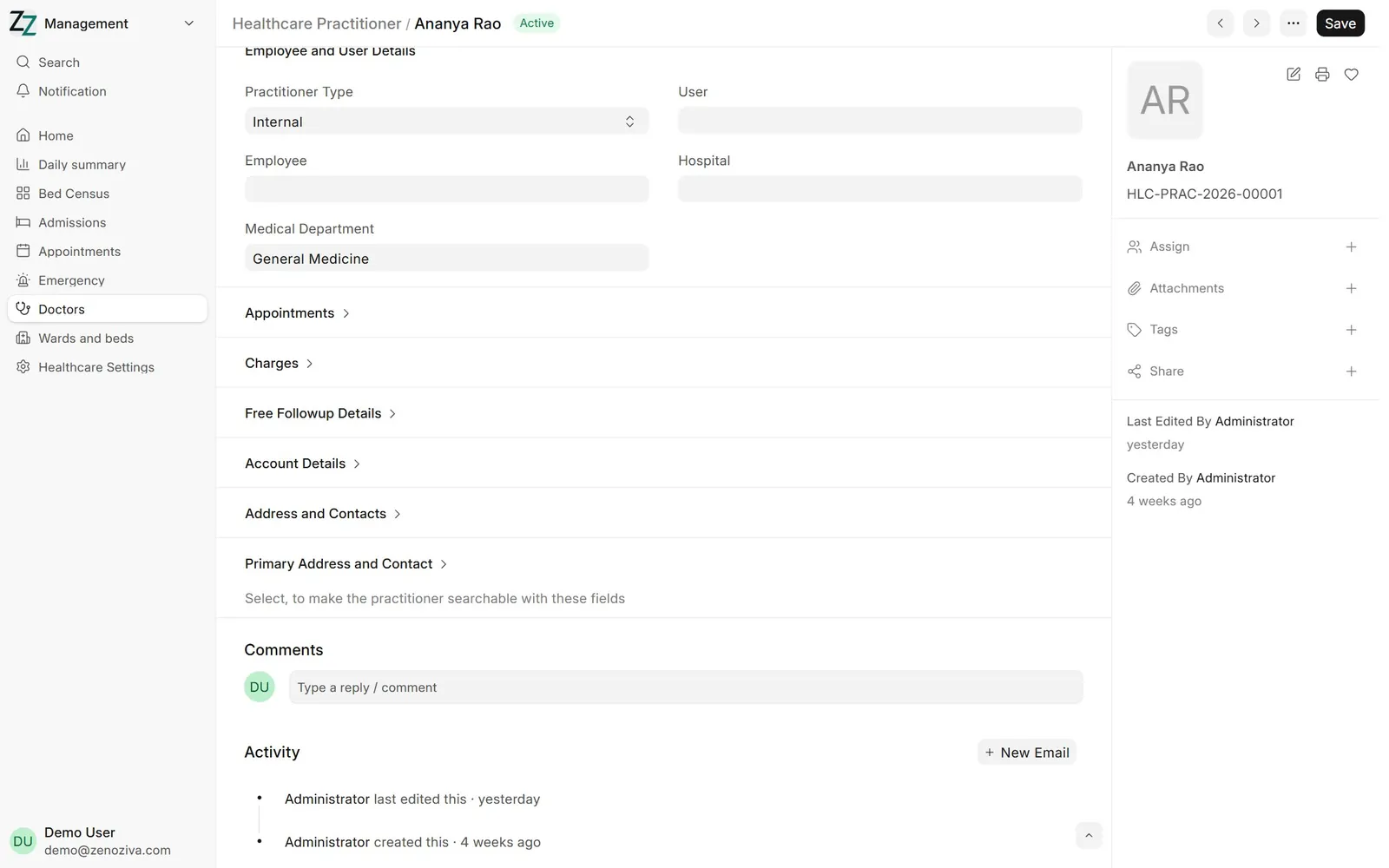
Each doctor has a Healthcare Practitioner record: department, consultation fees and timetable. Set User to the doctor's login so My patients shows their own patients.
2Doctor timetables#
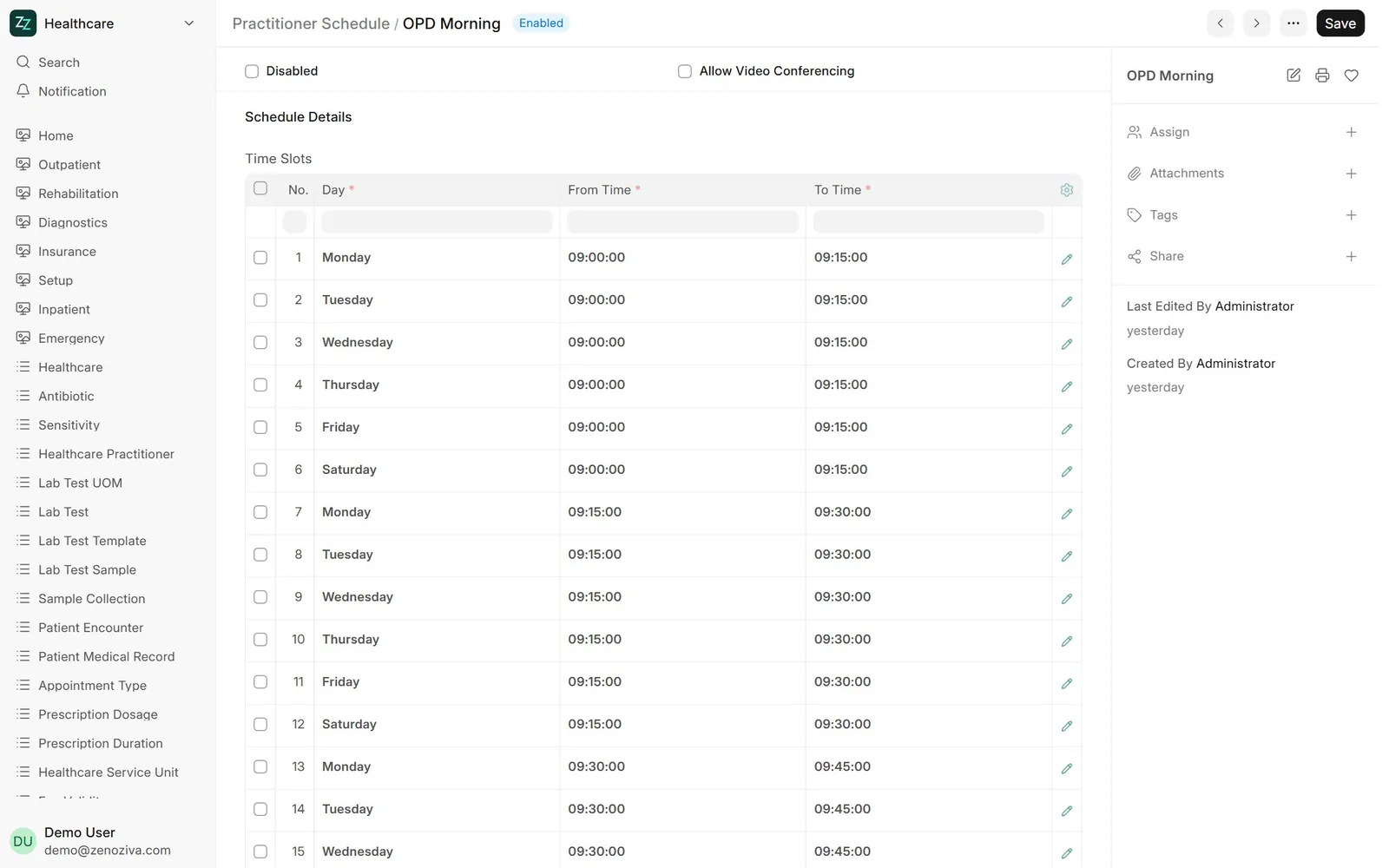
A Practitioner Schedule sets OPD days, times and slot length. Appointments are offered only in these slots.
3Wards and beds#
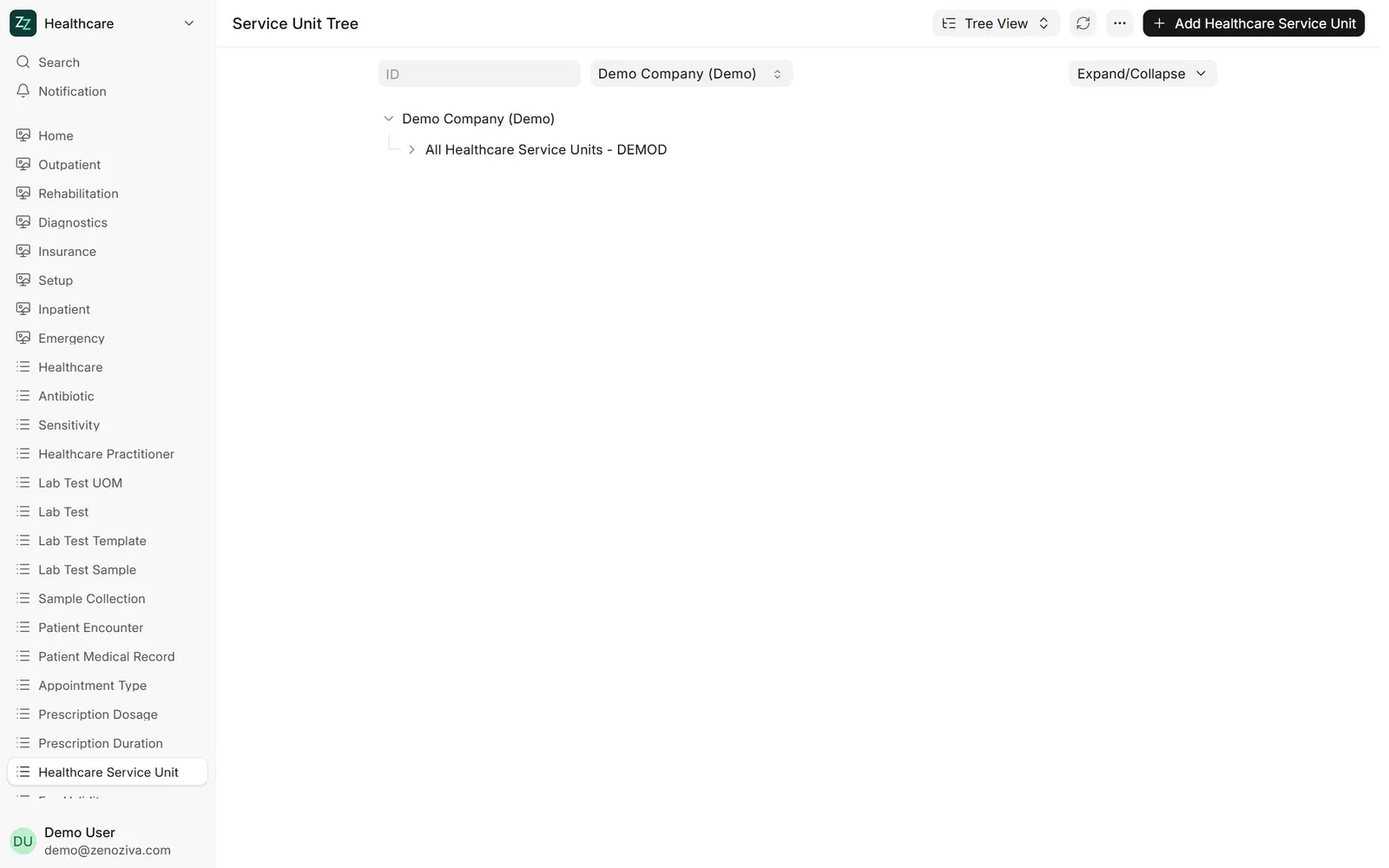
Healthcare Service Unit is a tree: hospital › floor › ward › bed. Add, rename or close beds here.
4Bed types and tariffs#
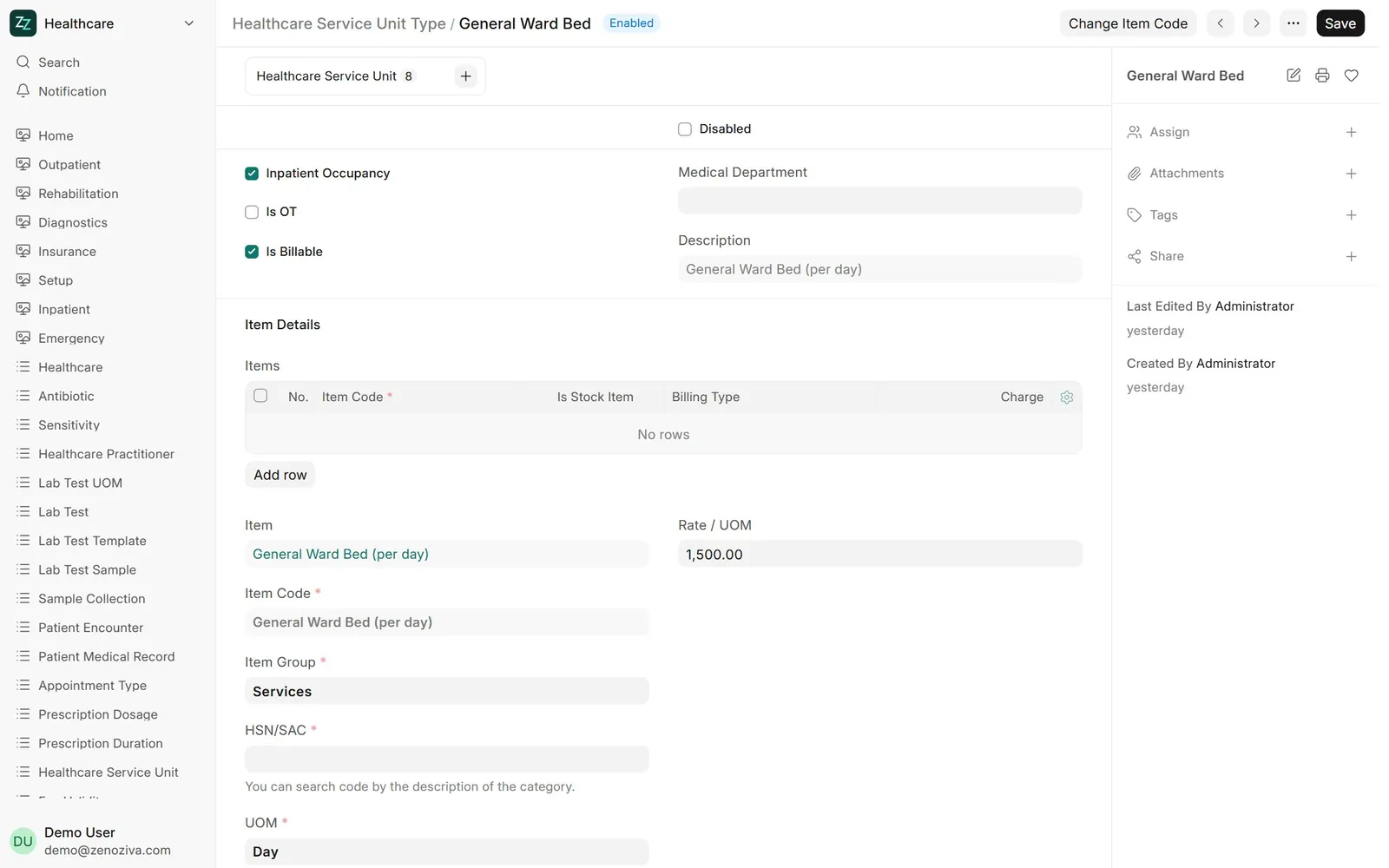
Each bed type (general ward, private room, ICU) has its daily charge and billing item.
5Note templates#
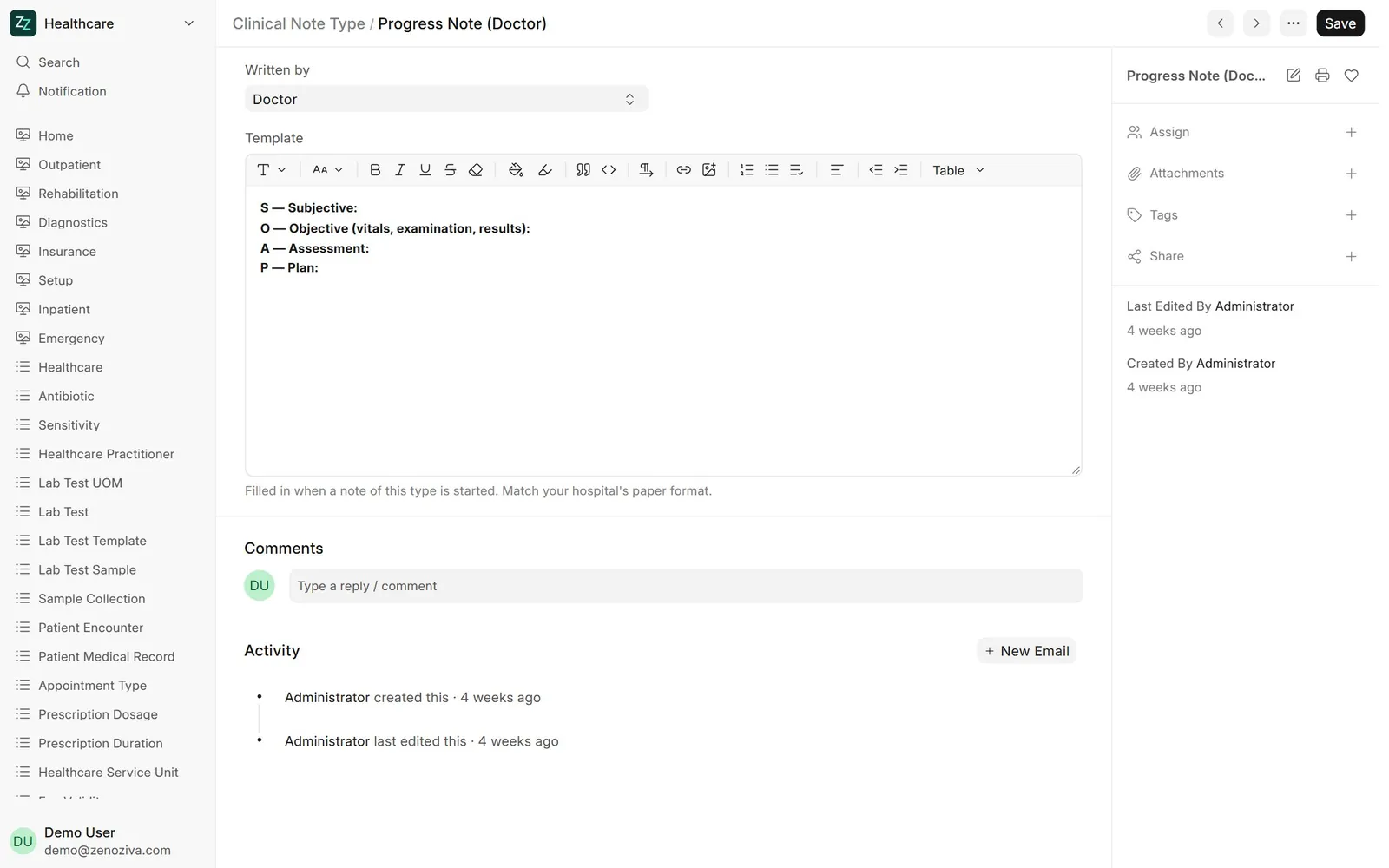
Clinical Note Type holds each kind of note, who writes it (doctor or nurse) and its template. Change the headings to match your hospital's forms.
6Nursing checklists#
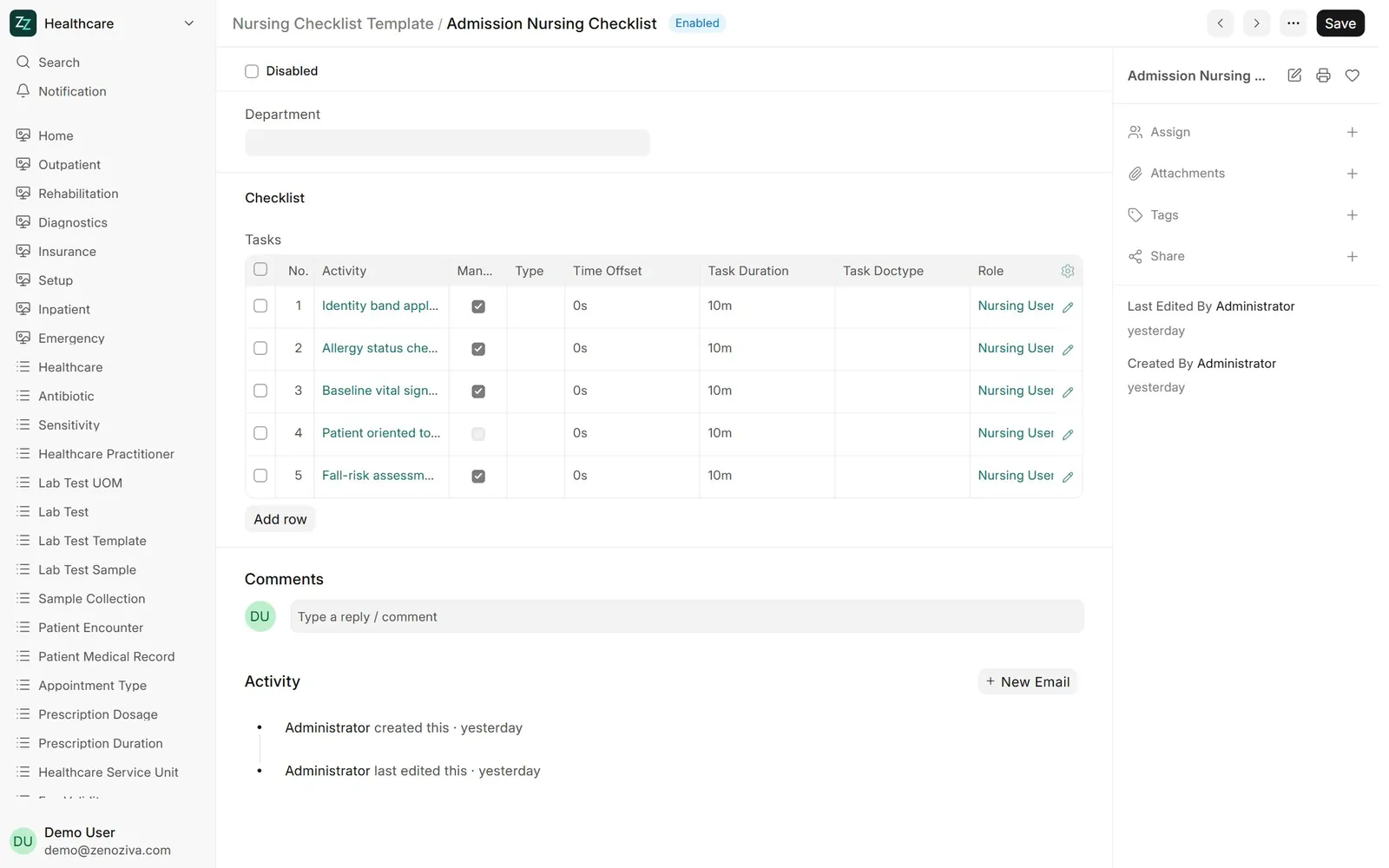
Nursing Checklist Template lists the tasks created on admission, before surgery and at discharge.
7Logins and roles#
Each staff login gets roles (Physician, Nursing User, Front Desk, Pharmacist, Laboratory User, Accounts User and so on). Roles decide the menus and records they can open. Logins are managed by your system administrator under Users.